BT-1 user manual
Page 45 of 70
λ
This command ends with a NUL code.
When the bar code system used is UPC-A or UPC-E, the printer
prints the bar code data after receiving 12 bytes of bar code data and
processes the following data as normal data.
λ
λ
When the bar code system used is JAN13 (EAN13), the printer prints
the bar code after receiving 13 bytes of bar code data and processes
the following data as normal data.
When the bar code system used is JAN8 (EAN8), the printer prints
the bar code after receiving 8 bytes of bar code data and processes
the following data as normal data.
The number of data for the ITF bar code must be even numbers.
When an odd number of bytes of data is input, the printer ignores the
last received data.
λ
n indicates the number of bar code data bytes, and the printer
processes n bytes from the next character data as bar code data.
If n is outside the specified range, the printer stops command
processing and processes the following data as normal data.
λ
λ
λ
If d is outside the specified range
, the printer only feeds paper and
processes the following data as normal data.
If the horizontal size exceeds printing area, the printer only feeds the
paper.
This command feeds as much paper as is required to print the bar
code, regardless of the line spacing specified by ESC 2 or ESC 3.
This command is enabled only when no data exists in the print
buffer.When data exists in the print buffer, the printer processes the
datafollowing m as normal data.
λ
After printing the bar code, this command sets the print position to
thebeginning of the line.
This command is not affected by print modes (emphasized,
double-strike, underline, character size, white/black reverse printing,
or 90° rotated character, etc.), except for upside-down printing mode.
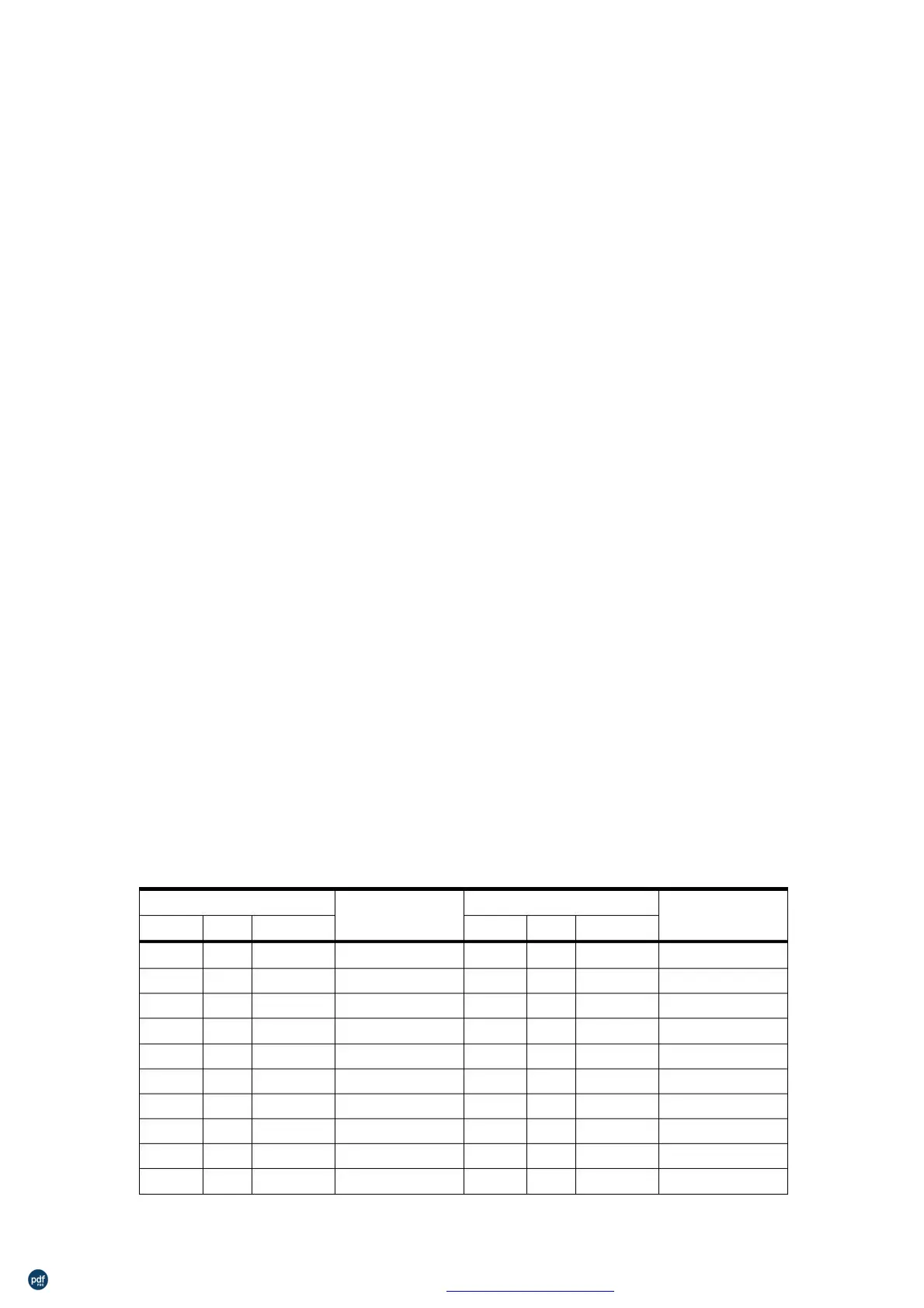
NUL
SOH
STX
ETX
EOT
ENQ
ACK
BEL
BS
00
01
02
03
04
05
06
07
08
09
0
1
2
3
4
5
6
7
8
9
■U
■A
■B
■C
■D
■E
■F
■G
■H
■I
DEL
DC1
DC2
DC3
DC4
NAK
SYN
ETB
CAN
EM
10
11
12
13
14
15
16
17
18
19
16
17
18
19
20
21
22
23
24
25
■P
■Q
■R
■S
■T
■U
■V
■W
■X
■Y
利用 pdfFactory Pro 测试版本创建的PDF文档 www.pdffactory.com



 To Next Page