EasyManua.ls Logo

Better BT5000 - User Manual

Better BT5000
63 pages
Print Icon
To Next Page IconTo Next Page
Loading...
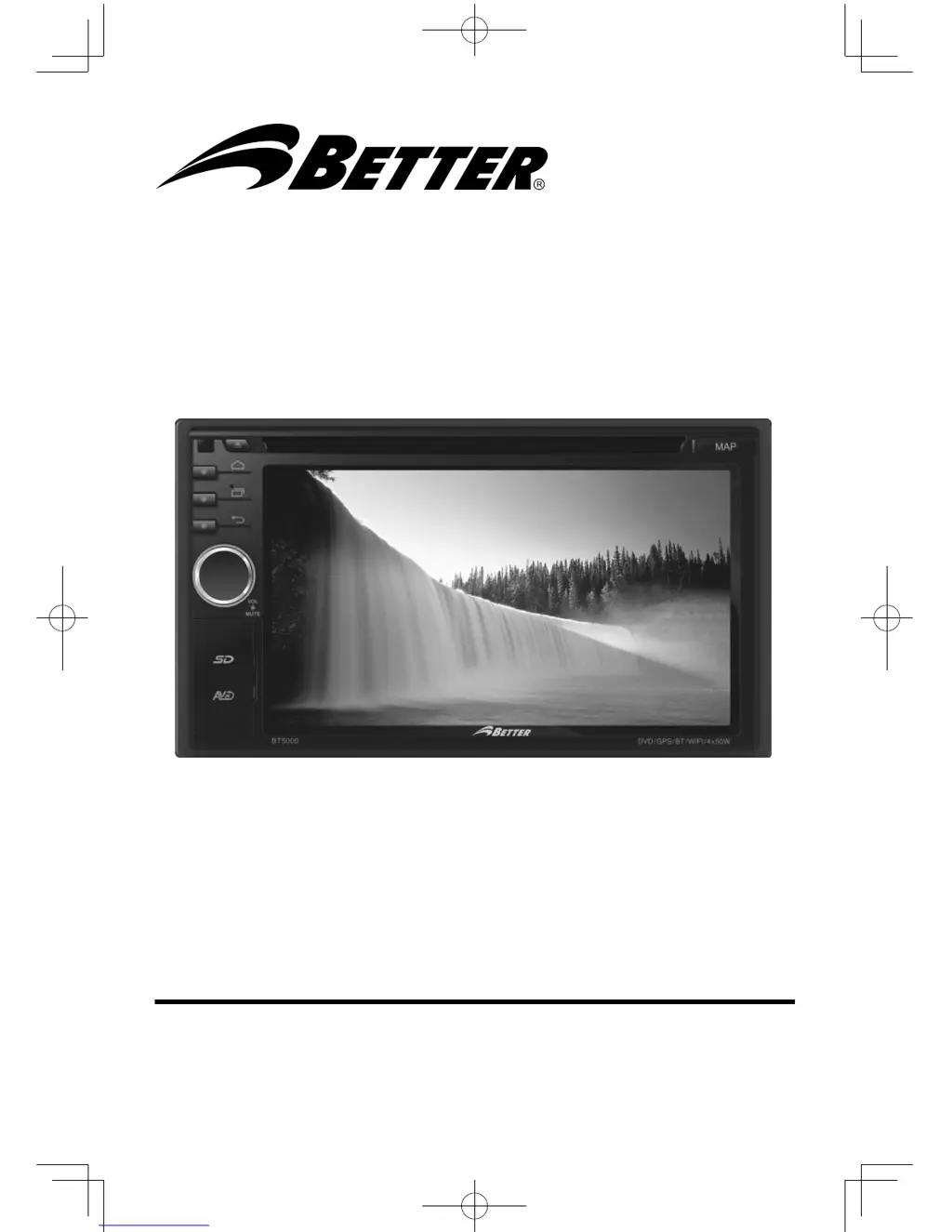
BT5000
2-DIN DVD MULTIMEDIA STATION BUILT-IN NAVIGATION/BLUETOOTH
OPERATING INSTRUCTION

Table of Contents

Questions and Answers

  • K
    Karen PalmerAug 16, 2025
    How to fix a Better Media Player that will not switch on?
    • M
      Marc ZamoraAug 17, 2025
      If your Better Media Player unit isn't switching on, the car ignition might not be on. Try turning your car key in the ignition. Also, ensure the cable is properly connected and replace the fuse with a new one of the same capacity if it's burnt.
  • D
    Dr. Katie WoodardAug 21, 2025
    Why is my Better BT5000 remote control not working?
    • O
      ocarrilloAug 22, 2025
      If your Better Media Player remote control isn't working correctly, the batteries might be low or empty. Try changing the batteries.
  • D
    David McbrideAug 25, 2025
    What to do if my Better BT5000 screen does not function normally?
    • J
      Jeffery FritzAug 25, 2025
      If your Better Media Player unit or screen isn't functioning normally, the system might be unstable. Try pressing the RESET button.
  • J
    Jessica WoodAug 27, 2025
    How to fix a Better Media Player that will not play discs?
    • I
      ijacksonAug 27, 2025
      If your Better Media Player won't play discs, make sure the disc is inserted correctly with the label side facing up. Also, check the disc for dirt or damage, clean it, and try another disc.
  • M
    Matthew CochranAug 30, 2025
    Why are preset stations lost on my Better BT5000 Media Player?
    • C
      chris16Aug 30, 2025
      If you're losing preset stations on your Better Media Player, the battery cable might not be properly connected. Ensure you connect the permanent live on the unit to the permanent live on the vehicle.
  • A
    annette23Sep 1, 2025
    How to fix a Better BT5000 that is unable to receive stations?
    • A
      Andrea AndersonSep 1, 2025
      If you're unable to receive stations on your Better Media Player, the antenna might not be connected correctly. Ensure the antenna is properly connected.
  • J
    James SotoSep 4, 2025
    Why does the sound skip on my Better Media Player?
    • C
      Christian CoxSep 4, 2025
      If your Better Media Player sound skips due to vibration, the mounting angle might be over 30 degrees. Adjust the mounting angle to less than 30 degrees. Additionally, ensure the unit is securely mounted with the supplied parts, as unstable mounting can also cause this issue.
  • B
    Becky WigginsSep 7, 2025
    How to improve poor quality reception of radio station on my Better Media Player?
    • J
      josephvasquezSep 7, 2025
      If you're experiencing poor quality reception on your Better Media Player, the antenna might not be fully extended or it could be broken. Fully extend the antenna, and if it's broken, replace it with a new one.
  • J
    julie12Sep 10, 2025
    What to do if I am unable to insert USB device or SD card into my Better BT5000?
    • C
      changsavannahSep 10, 2025
      If you're unable to insert a USB device or SD card into your Better Media Player, the memory card or USB device might be inserted the wrong way round. Try inserting it the other way around.
  • R
    Ronald PetersonSep 10, 2025
    What to do if there is no sound from my Better BT5000?
    • S
      Sergio CordovaSep 12, 2025
      If you're experiencing no sound from your Better Media Player, the volume might be set too low, or the mute function could be activated. Check the volume level and switch the mute function off.

Summary

General Safety Precautions

Safety and Disc Handling Precautions

Panel Controls Overview

Panel Controls Details

Remote Control Functions

SD;USB Operations: Media Playback

Bluetooth Operations: Calling and History

iPod;iPhone Operations: Access and Controls

Internet: 3 G and Wi-Fi Setup

Other Mode: Navigation, AUX, and SWC

System Settings

Wireless & Networks and Device Configuration

Setting up wireless networks, device, personal, account, and system options.

Sound Setting

EQ and Audio Adjustments

Selecting preset EQs and adjusting Bass, Mid, and Treble levels.

Device Connections: General and Parking Brake

Device Connections: Backup Camera

Device Connections: Wiring Diagram

Troubleshooting

Specifications

Better BT5000 Specifications

General IconGeneral
BrandBetter
ModelBT5000
CategoryMedia Player
LanguageEnglish