EN - 22
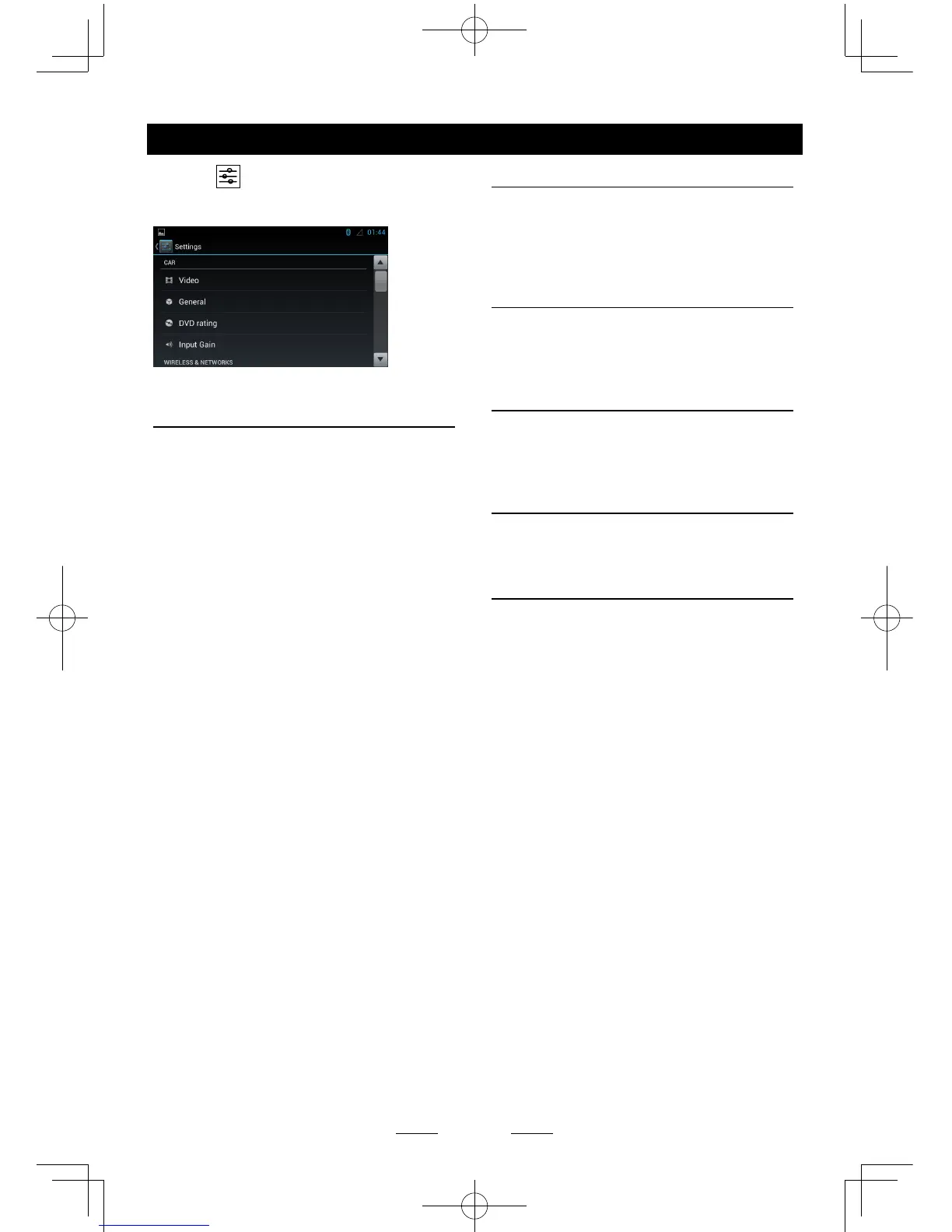
Select [ ] on the main menu to enter
setting mode.
Drag up/down to scroll the options.
CAR
Video
Video input: Choose video input mode
Rear camera: Choose rear camera display
mode.
General
Lighting: Choose button backlight.
Radio region: Choose radio region.
Radio range: Choose radio seeking mode:
local or distance.
Blackout: Choose screen blackout off, 10s
or 20s.
Beep:Turn on or off button beep sound.
Calibration: To calibrate the screen.
DVD rating
DVD audio: Choose DVD audio language.
DVD subtitle: Choose DVD subtitle
language.
Disc menu: Choose DVD menu language.
Set password: To set password for rating.
Input 4-digit password, touch [√] to conrm,
touch [DEL] to delete a number inputted.
Touch [X] to exit.
Rating level:To setup the rating level.
Kid safe, G, PG, PG-13, PG-R, R, NC-17,
Adult.
Input Gain
Choose input volume gain of each source.
System settings
WIRELESS & NETWORKS
To setup the wireless configuration, such as
Wi-Fi, VPN, 3G network.
* For 3G APN settings, refer to “Internet”.
DEVICE
To setup the Sound, Display, and Storage,
Applications management.
PERSONAL
To Setup Location services, Security and
Language & keyboard, etc.
ACCOUNTS
Accounts management.
SYSTEM
To setup Date, time and Accessibility, etc.



 To Next Page