EN - 13
SD/USB Operations
4. Show more control buttons
5. Stop playback
6. Previous chapter
Fast backward (long press)
7. Play/Pause
8. Next chapter
Fast forward (long press)
9. Enter EQ menu
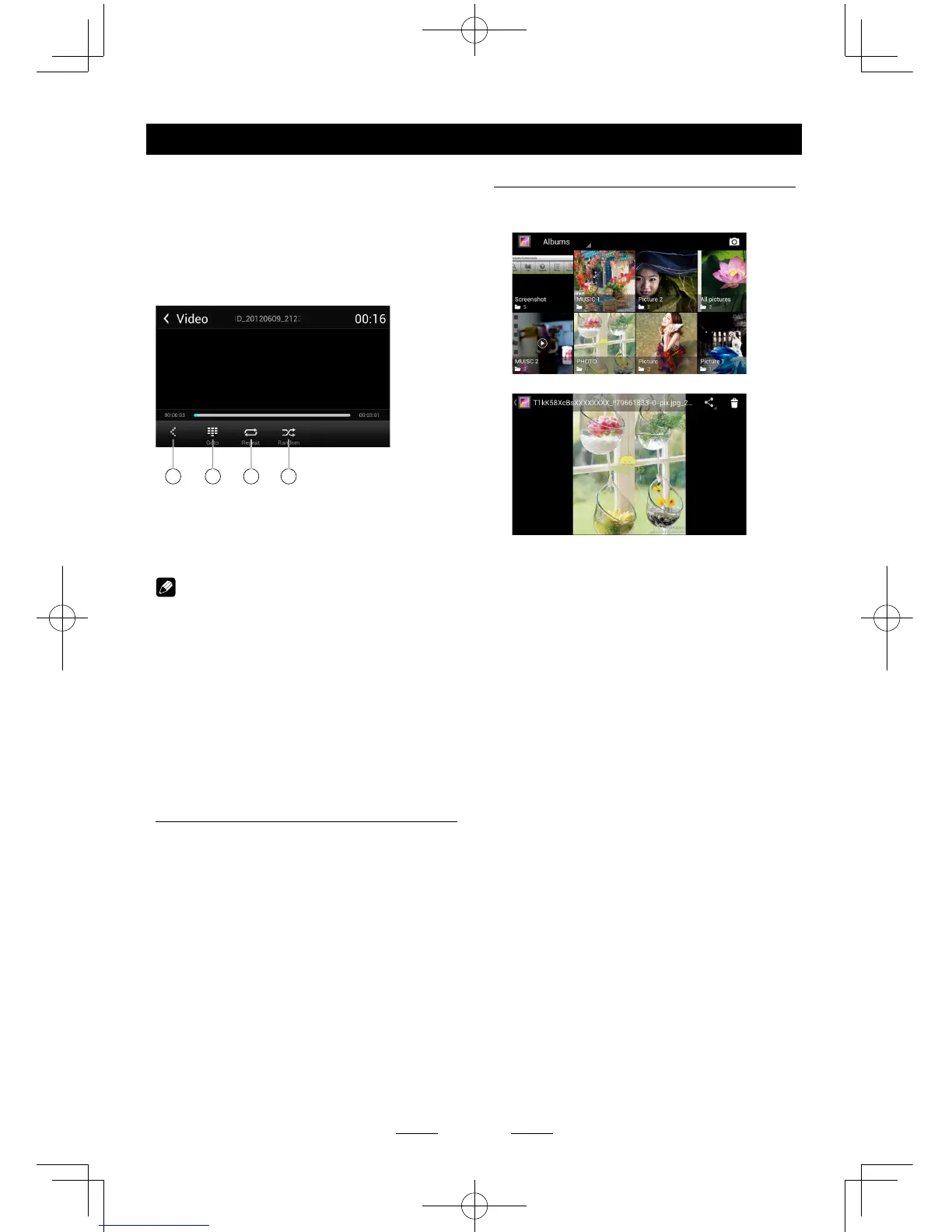
10 11 12 13
10. Show previous page of control buttons
11. Enter search menu
12. Repeat play
13. Random play
Notes
• DisconnectUSBstoragedevicesfromthe
unitwhennotinuse.
• UseanoptionalcabletoconnecttheUSB
audioplayer/USBmemoryasanydevice
connecteddirectlytotheunitwillprotrude
outfromtheunitandmaybedangerous.
• Donotuseunauthorizedproducts.
Using an Android mobile
phone as an USB storage
device
If you want to use your Android mobile phone
as an USB storage device.
1. Connect your Android mobile phone to the
unit with an USB cable.
2. Set USB connection type of your mobile
phone to “Mount SD card”.
* If you select “Charge only”, it won’t be
recognized by the unit.
3. In the setting menu of the unit, select
“Storage”, then “Mount USB disk”.
Gallery Operations
1. Select [Gallery] on the APPS menu.
2. Select one gallery to show the picture list.
3. Touch to view it.
Drag left/right to scroll.
Touch the top right corner to delete the
photo.
Touch top left corner to back.



 To Next Page