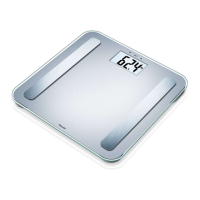
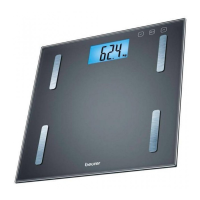
5
1 x Instruction manual
1 x Quick start guide
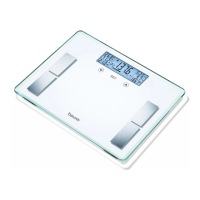
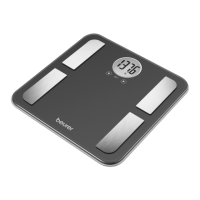
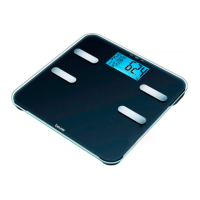
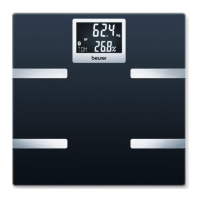
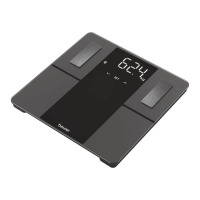
5. PARTS AND CONTROLS
6
137.6
lb
SET
1
2
3
4
5
5
7
8
9
11
10
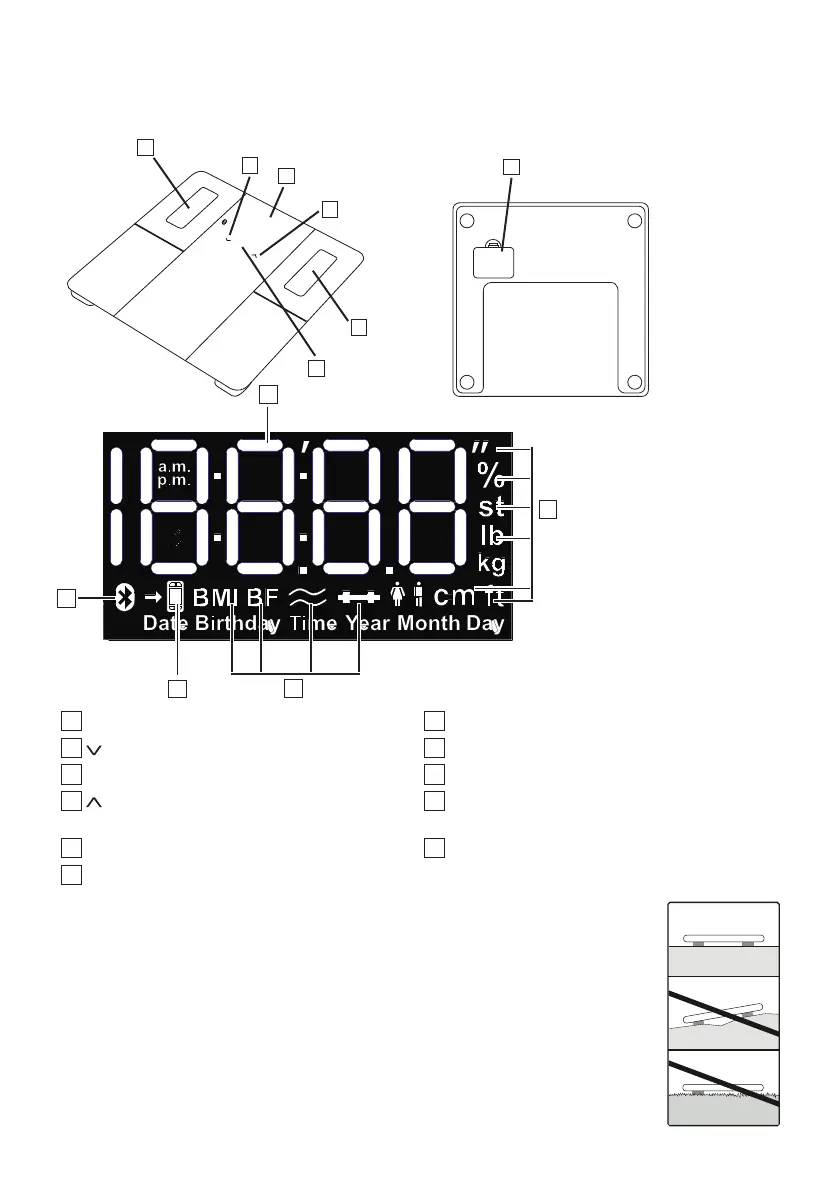
1
Display
7
Measurements
2
-button (reduces setting value)
8
Measurement unit
3
SET button (to confirm)
9
Body data
4
-button (increases setting value or for user
selection when assigning measured values)
10
Measurement data transfer
5
Electrodes
11
Bluetooth
®
symbol
6
Battery compartment
6. SET UP
Inserting the Batteries
Remove the Battery Compartment Cover and insert three AA-size alkaline batteries
(included) according to the indicated polarity. Replace Battery Compartment Cover.
Positioning the scale
Place the scale on a hard, flat surface with no carpet or rugs; a hard surface is required
for accurate measurements.


 To Next Page