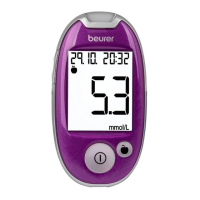
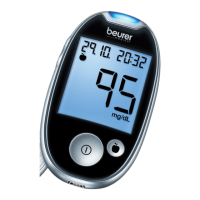
Beurer GL44 mmol/L 13
•
Do not use the test strips if one of the expiry dates has passed ( / ).
•
You can touch the test strip at any point with clean, dry hands.
•
Use the test strip for measurement immediately after removing it from the box.
•
Do not bend, cut or otherwise modify the test strips.
•
Do not use test strips that have come into contact with fluids.
Storing test strips
Note
•
Keep the test strips in a cool, dry place above +2 °C and below +30 °C. Do not expose the test strips
to direct sunlight or heat. Do not store in your vehicle, in the bathroom or in a cooling appliance.
•
Permitted relative air humidity below 90 %.
•
Keep the test strips in the original box only – never use other containers.
4 initial use and basic settinGs
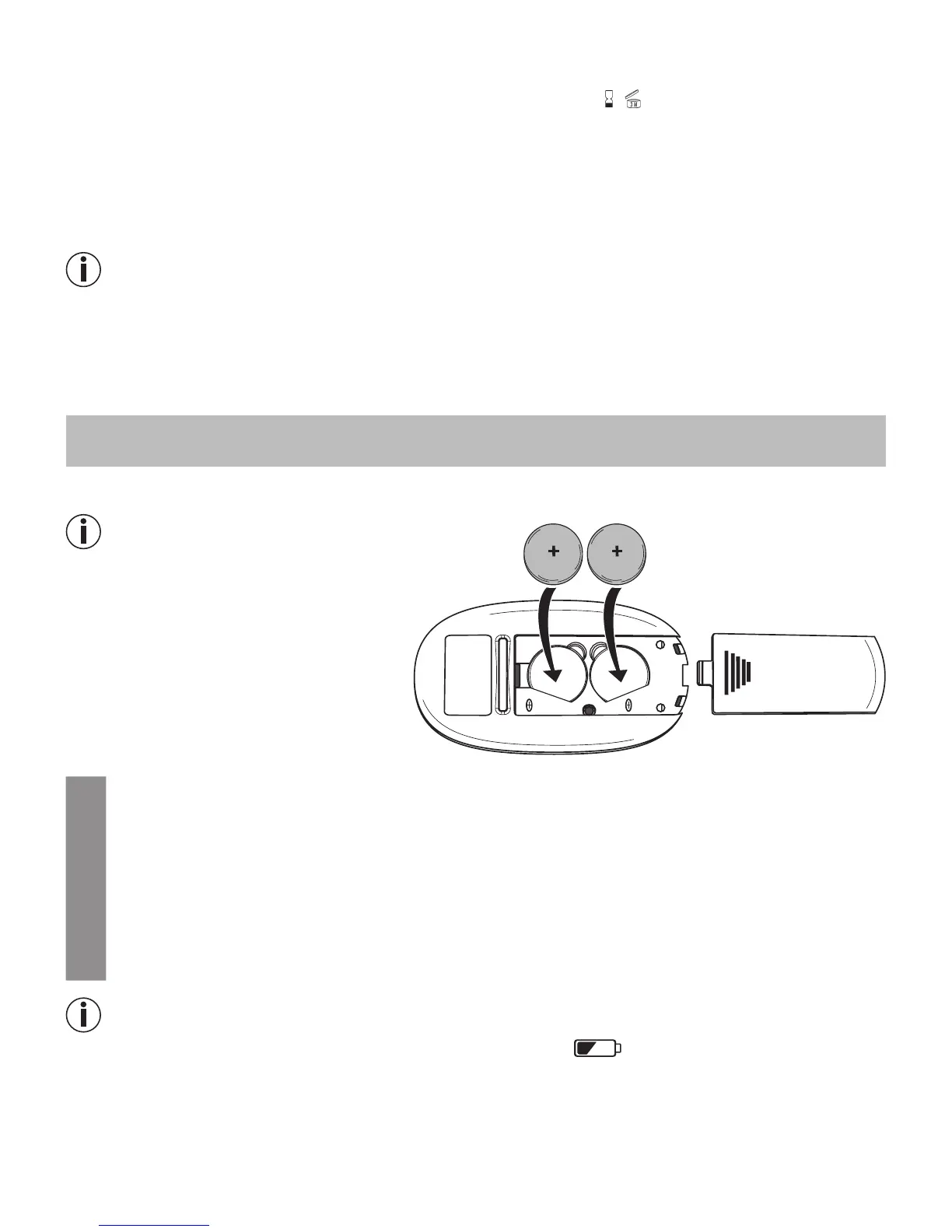
4.1 Removing the battery insulation strips, replacing the batteries
Note
•
Two batteries are included in the deliv-
ery scope of the blood glucose monitor.
These have already been inserted into
the battery compartment.
•
Remove the insulation strip before initial
use.
1
Remove the battery compartment lid on the bottom side of the device.
2
Remove all batteries when replacing batteries. The device retains the date and time as long
as one battery is still inserted. If applicable, reset the date and time (see “Making and chang-
ing basic settings” on page 14).
3
Insert two new CR 2032 3 V batteries. Make sure that the batteries are inserted with the cor-
rect polarity, according to the label. Please observe the graphic in the battery compartment.
4
Subsequently close the battery compartment lid carefully.
Note
•
The batteries are almost empty if the replace battery symbol appears. Replace both batteries
as soon as possible.
•
If “
LP
” appears on the display, the battery power level is so low that no more measurements are
possible.
reset
CR2032
CR2032


 To Next Page