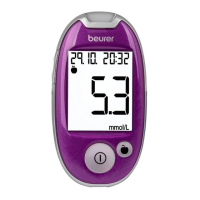
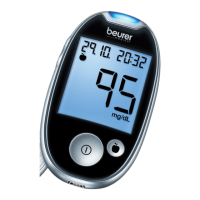
30 Beurer GL44 mmol/L
Transferring measurements
1
The blood glucose monitor must be switched o.
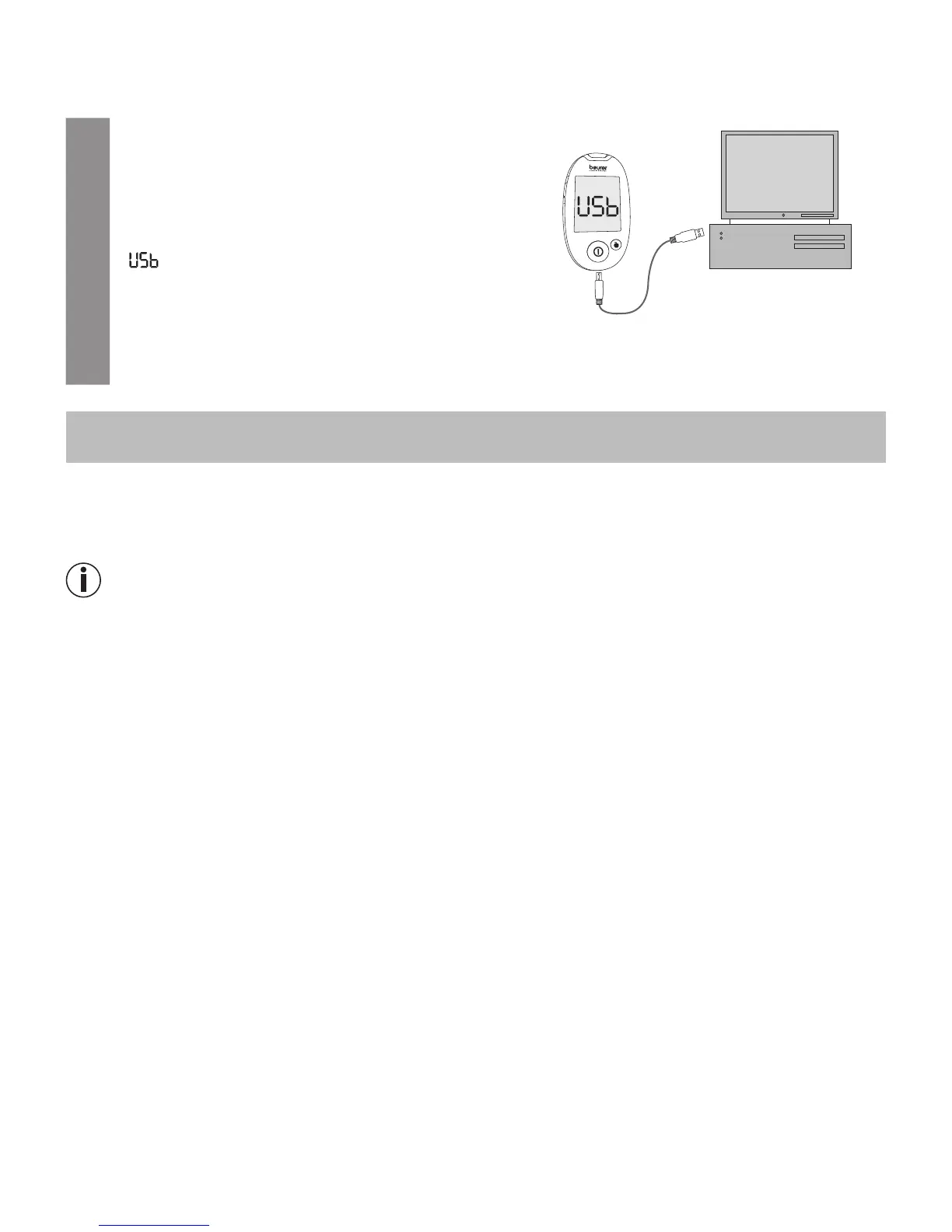
Insert the larger, flat USB connector of the connec-
tion cable into a USB port on your PC. Insert the
mini USB connector into the integrated PC interface
socket on the GL44 monitor.
2
“ ” is shown on the display of the blood glucose
monitor. The blood glucose monitor is now ready
for the data transfer.
3
Follow the information on data transfer and evaluation provided in the software and the in-
structions for use of the software.
7 storinG, maintaininG and disinfectinG the device
Storing
Keep the Beurer GL44 blood glucose monitor in the case supplied after each measurement and do
not expose it to direct sunlight.
Note
•
Do not store the device, test strips and control solution in your vehicle, in the bathroom or in a cool-
ing appliance!
•
Retain these Instructions for Use.
•
Remove the batteries if you do not intend to use the device for a prolonged period of time.
7.1 Cleaning
Device
Only clean the device when it is switched o.
Clean the surface of the device using a soft, slightly damp cloth (water or a mild cleaning solution).
Dry the device using a lint-free cloth.
Make sure that moisture does not enter the test strip insertion slot. Do not spray cleaning agent di-
rectly on the device. Do not submerge the device in water or any other fluids and make sure that no
fluids can enter the device.
Lancing device
Clean the surface of the lancing device using a soft, slightly damp cloth (water, a mild cleaning so-
lution or rubbing alcohol). The lancing device must not be immersed in water or other liquids or be
cleaned in the dishwasher. Dry the lancing aid using a lint-free cloth.


 To Next Page