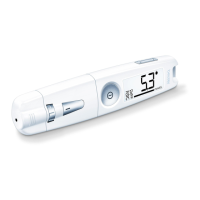
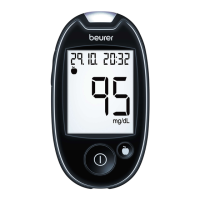
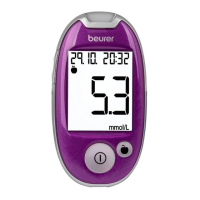
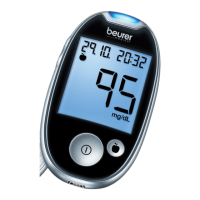
20 Beurer GL44 mmol/L
The measured value can be highlighted as soon as it is displayed. You cannot highlight it later.
For this purpose, briefly press the highlight button [3].
a) Pressing once highlights the value with
.
b) Pressing again highlights the value with .
c) Pressing yet again highlights the value with .
d) Pressing once more removes the highlight.
The selected highlight is stored in the memory of the device when it is switched o.
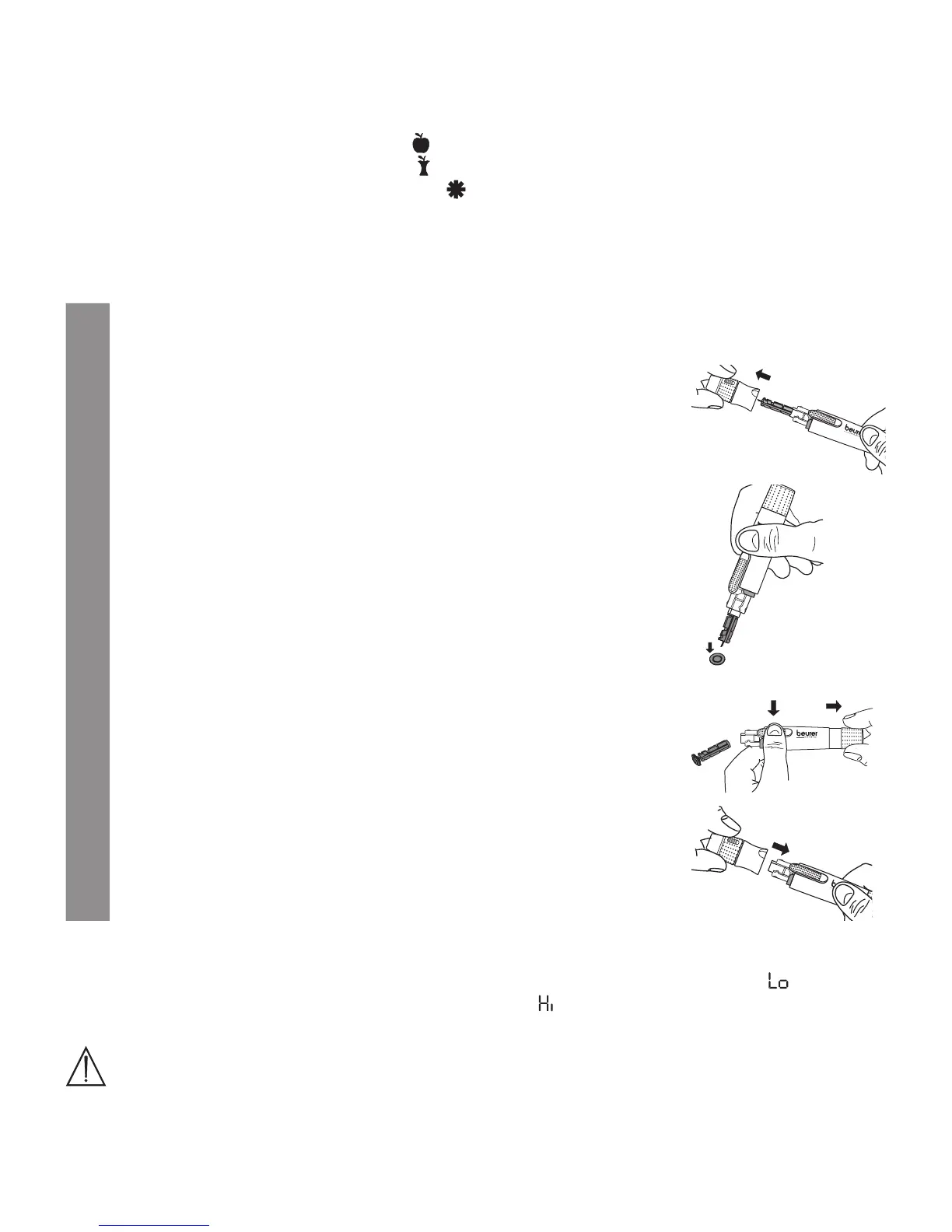
5.4 Post-processing and disposal
1
Remove the test strip from the device and carefully dispose of it according to the currently
applicable regulations to avoid infecting others.
2
Carefully undo the cap from the lancing device and remove it.
3
Place the stored protective disc flat on a hard surface. Stick the tip
of the needle into the protective disc so the needle is covered. Take
care not to touch the used lancet.
4
Press and hold the trigger and pull the tensioning device with your
other hand. This causes the lancet to drop out of the holder.
Carefully dispose of all blood samples and materials that came into
contact with you or your patient. Dispose of the lancet in a puncture-
proof container. This prevents injuries and the infection of others.
5
Replace the cap onto the lancing device.
5.5 Evaluating measured blood glucose values
Your blood glucose monitor can process values between 1.1 and 35.0 mmol/L. The “ ” warning is
displayed for measured results below 1.1 mmol/L. The “ ” warning is displayed for measured re-
sults above 35.0 mmol/L.
Warning
•
If you suspect that the blood glucose results are incorrect, first repeat the test and, if applicable,
perform a functional test using control solution. Seek medical advice if doubtful results persist.


 To Next Page