14
GENERAL OPERATION OF THE HR MONITOR
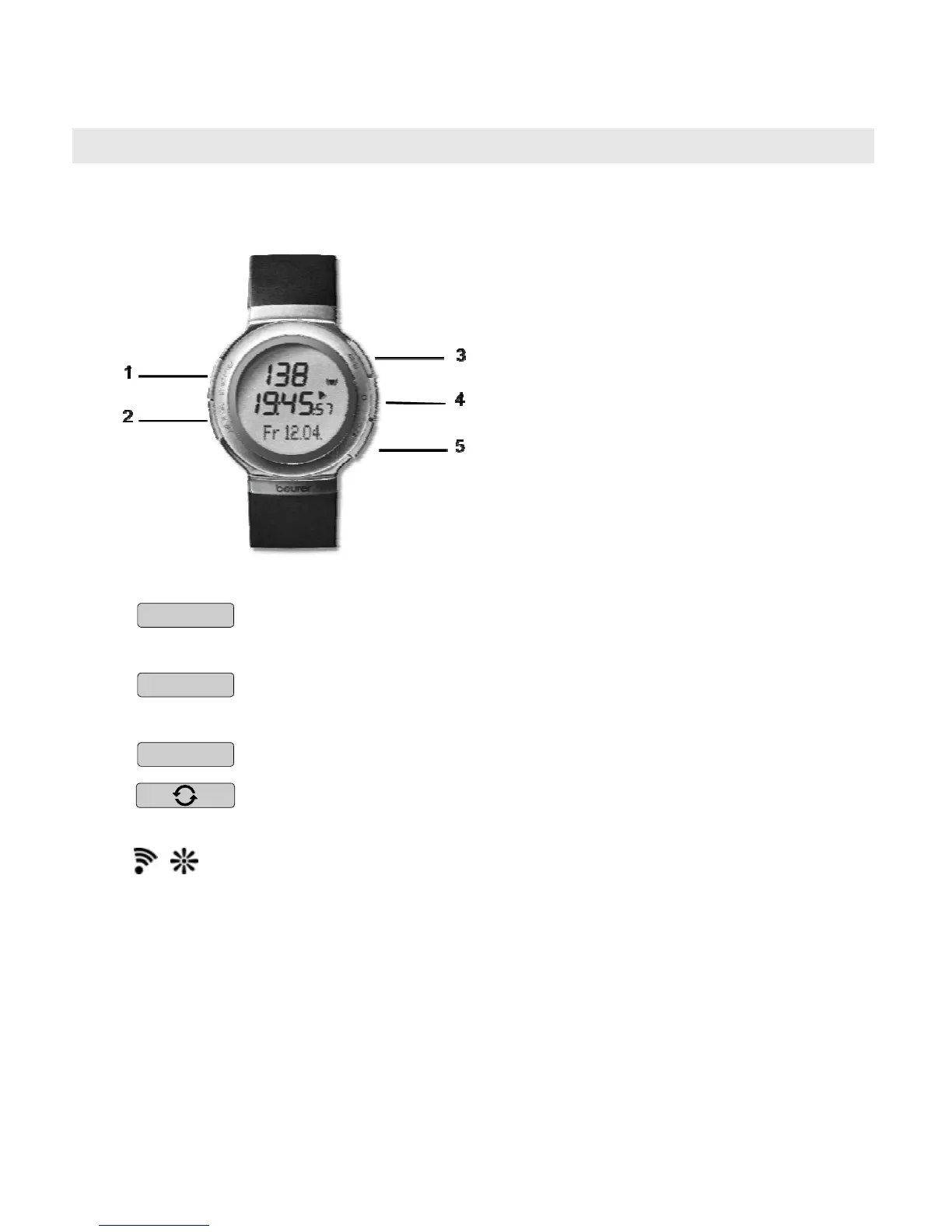
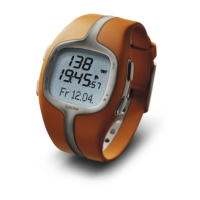
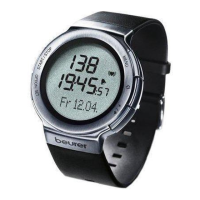
Buttons on the HR watch
1
START/STOP
Starts and stops functions and adjusts values.
Press and holding accelerates the entry.
2
OPTION/SET
Switches between the functions within one menu
and confirms settings.
3
MENU
Switches between the different menus.
4
Switches between different displays for speed and
distance values.
5
/
Pressing quickly illuminates the display for five
seconds.
Pressing and holding activates/deactivates the
acoustic alarm when exiting the training zone.


 To Next Page