35
G
B
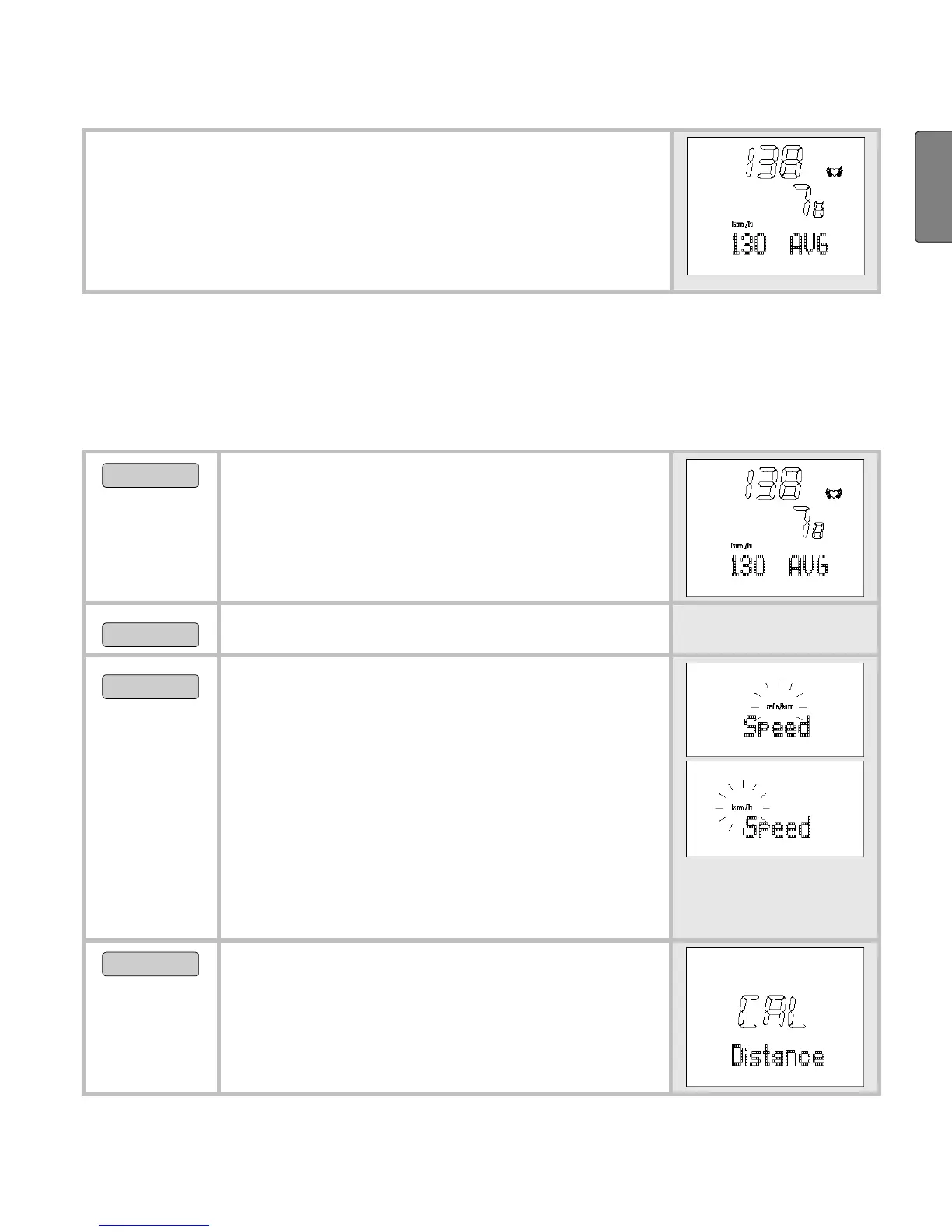
As soon as you are in the Spd’nDist menu, your
HR monitor changes automatically into the main
display. This displays the current speed in the
middle line. The bottom line displays the average
heart rate.
Change speed units
As some people prefer to have the speed display in a particular unit
when training, two different units are offered as an option. Many
runners prefer the information in min/km instead of km/h.
MENU
Change into the
Spd’nDist menu.
OPTION/SET
Set Spd’nDist is displayed.
START/STOP
By pressing repeatedly you can
change between the speed units.
In the basic setting [cm]: min/km
(minutes per kilometer) or
km/h
(kilometer per hour) is displayed.
In the basic setting [in]: min/mi
(minutes per mile) or
mi/h (miles
per hour) is displayed.
OPTION/SET
CAL Distance is displayed.
If you would like to calibrate your
Speedbox, continue to read in
section “Calibrate Speedbox”.


 To Next Page