17
G
B
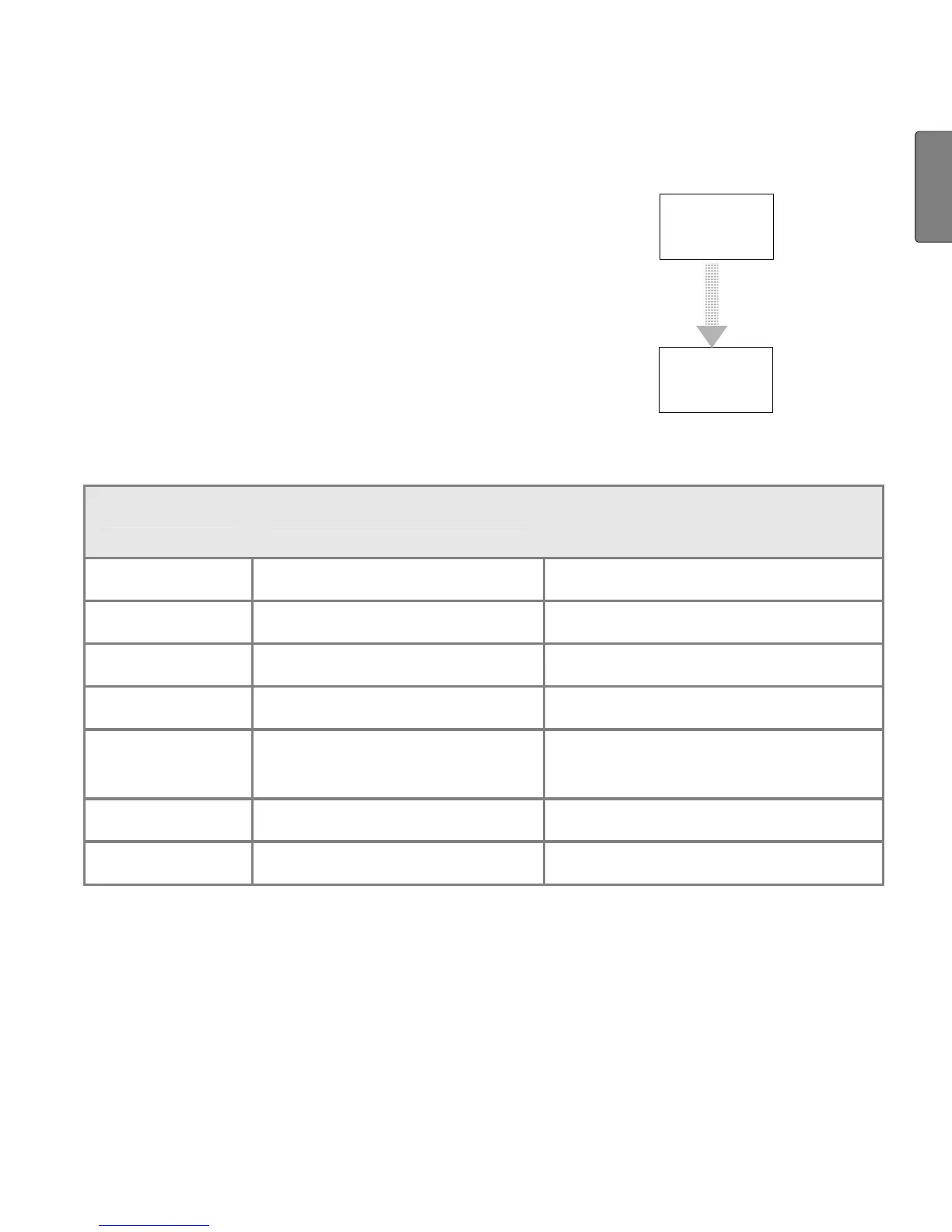
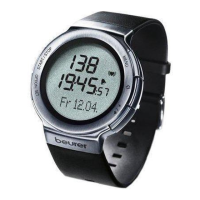
Main display
When changing menus, the name of the menu is
first shown, then your HR monitor will automati-
cally switch to the main display of the active
menu.
From there, you have to first choose a submenu
or you can directly access functions.
Menu
Main
display
automatically
Overview of the menus
Menu Meaning Description:
see chapter...
Time
Time "Watch Settings"
Training
Training "Recording of Training"
Spd'nDist
Speed and distance "Speed and distance"
Result
Result "Results"
Lap Re-
sult
Lap result "Lap results"
Setting
Settings "Basic settings"
FitTest
Fitness test "Fitness test"


 To Next Page