26
one particular display, then you can also keep this for your entire
run.
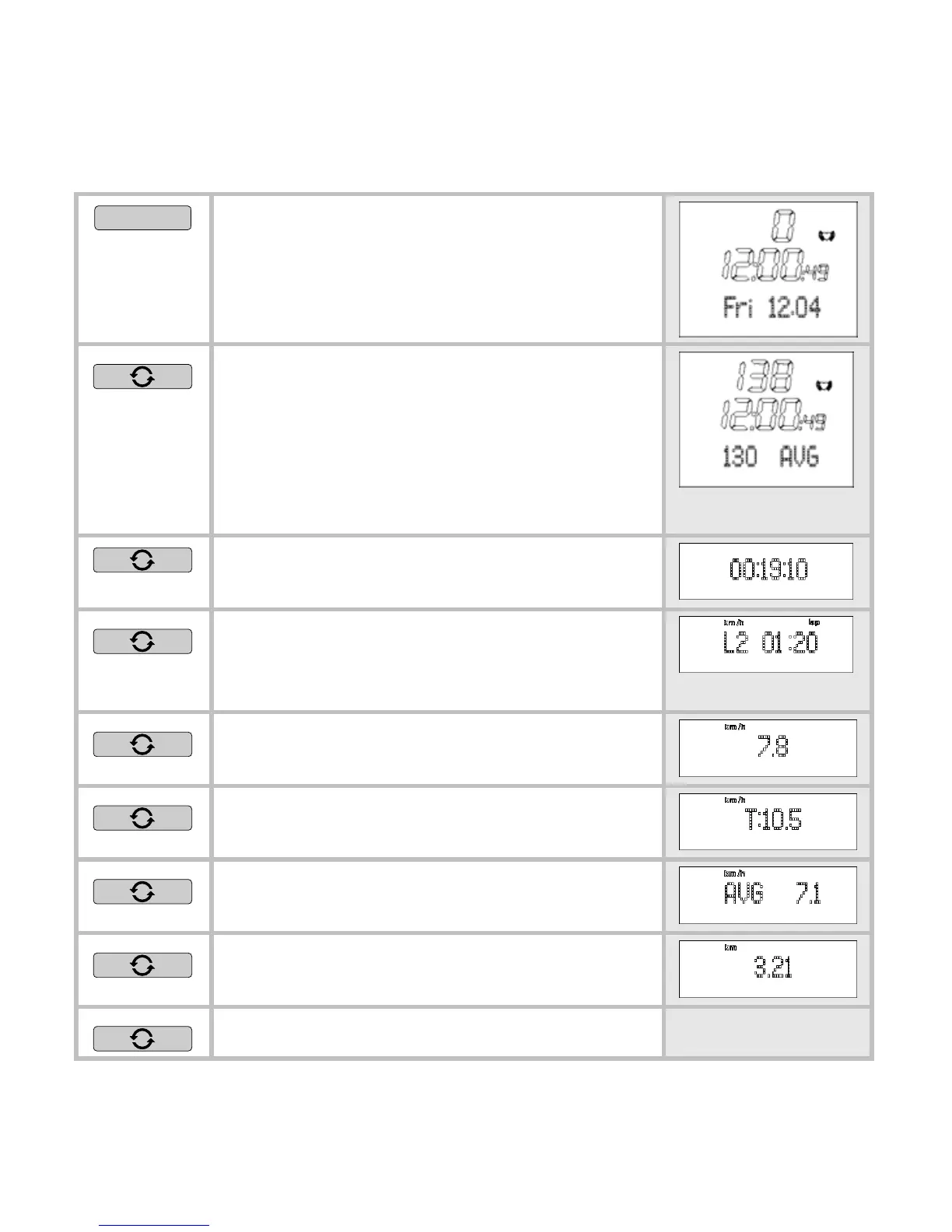
MENU
Change into the
Time menu.
Your average heart rate is displayed
in the bottom line. If you have set a
particular display for the speed and
distance in advance in the
Time
menu, then you will see this in the
bottom line.
Your total training time [Hrs:Min:Sec]
is displayed in the bottom line.
Your current laps and the lap time
[Hrs:Min] are displayed in the bottom
line.
Your current speed is displayed in
the bottom line.
Your set target speed is displayed in
the bottom line.
Your average speed is displayed in
the bottom line.
The distance you have just covered
is displayed in the bottom line.
Back to the main display.


 To Next Page