37
G
B
START/STOP
5 sec
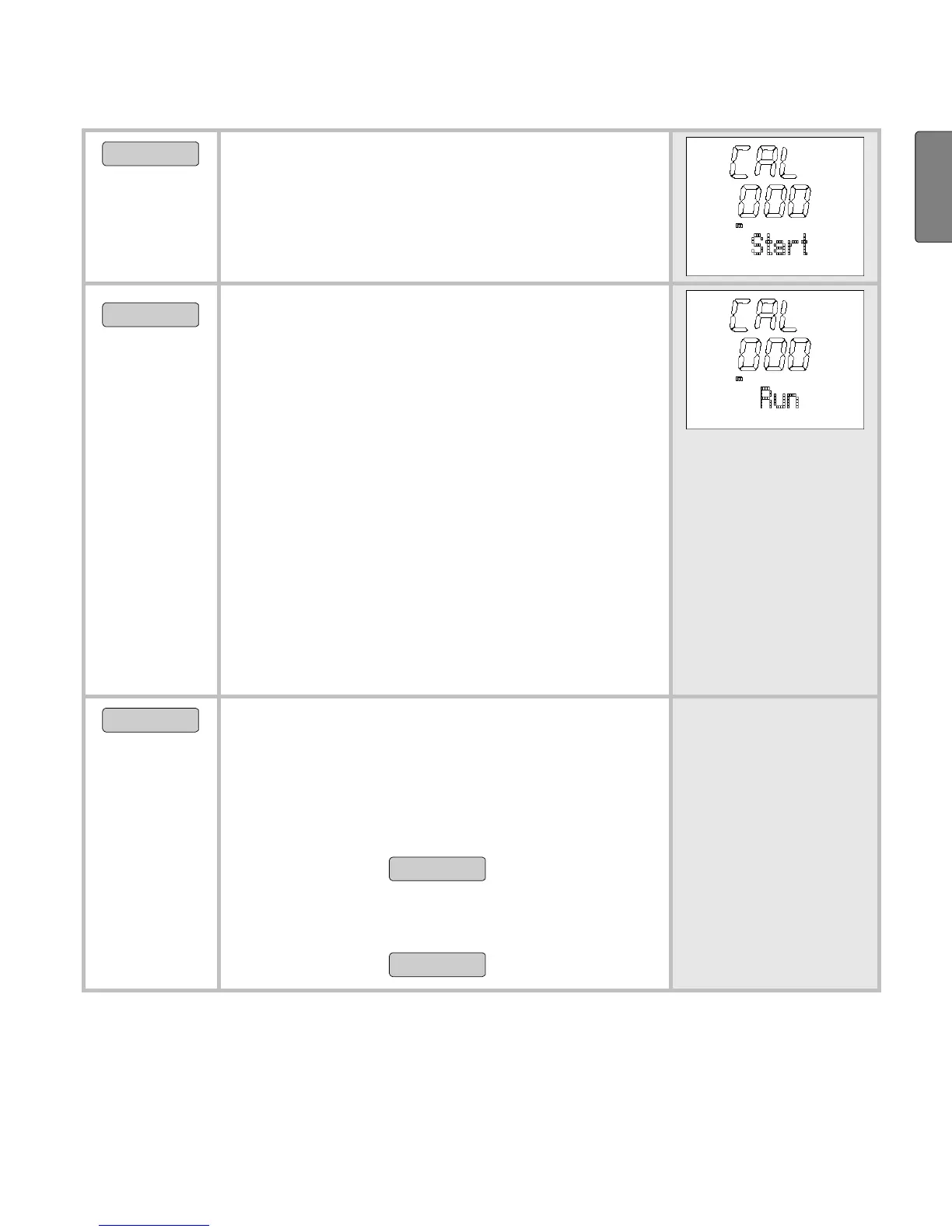
Change to the calibration operation.
CAL 000 Start
is displayed.
Now activate your Speedbox.
START/STOP
Start running.
CAL 000 Run
is displayed.
Run a distance where you know the
exact length (reference distance).
For example 4 stadium laps = 1600
m. Your monitor will display the dis-
tance (meters) in the middle line
during the run.
Please note that the calibration only
applies to the relevant type of pace.
If you change the type of pace, then
this has an effect on the accuracy of
the speed and distance recordings.
START/STOP
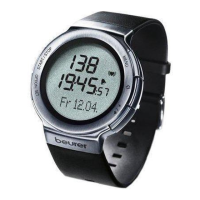
End your run. The HR monitor dis-
plays the measured length of the
distance, e.g. 1596 m.
If the displayed value is lower than
the distance covered, increase the
value with
MENU
.
If the displayed value is higher than
the distance covered, decrease the
value with
OPTION/SET
.


 To Next Page