6 BC610 Installation and User manual
Installing the card reader
Install the card reader at a height of 120–140 cm (from the
floor to the bottom edge of the card reader). To cater for
disabled persons, a suitable height is approximately 95 cm.
To install the card reader:
1
Open the card reader with the key supplied. The lock is
located on the underside of the reader.
2
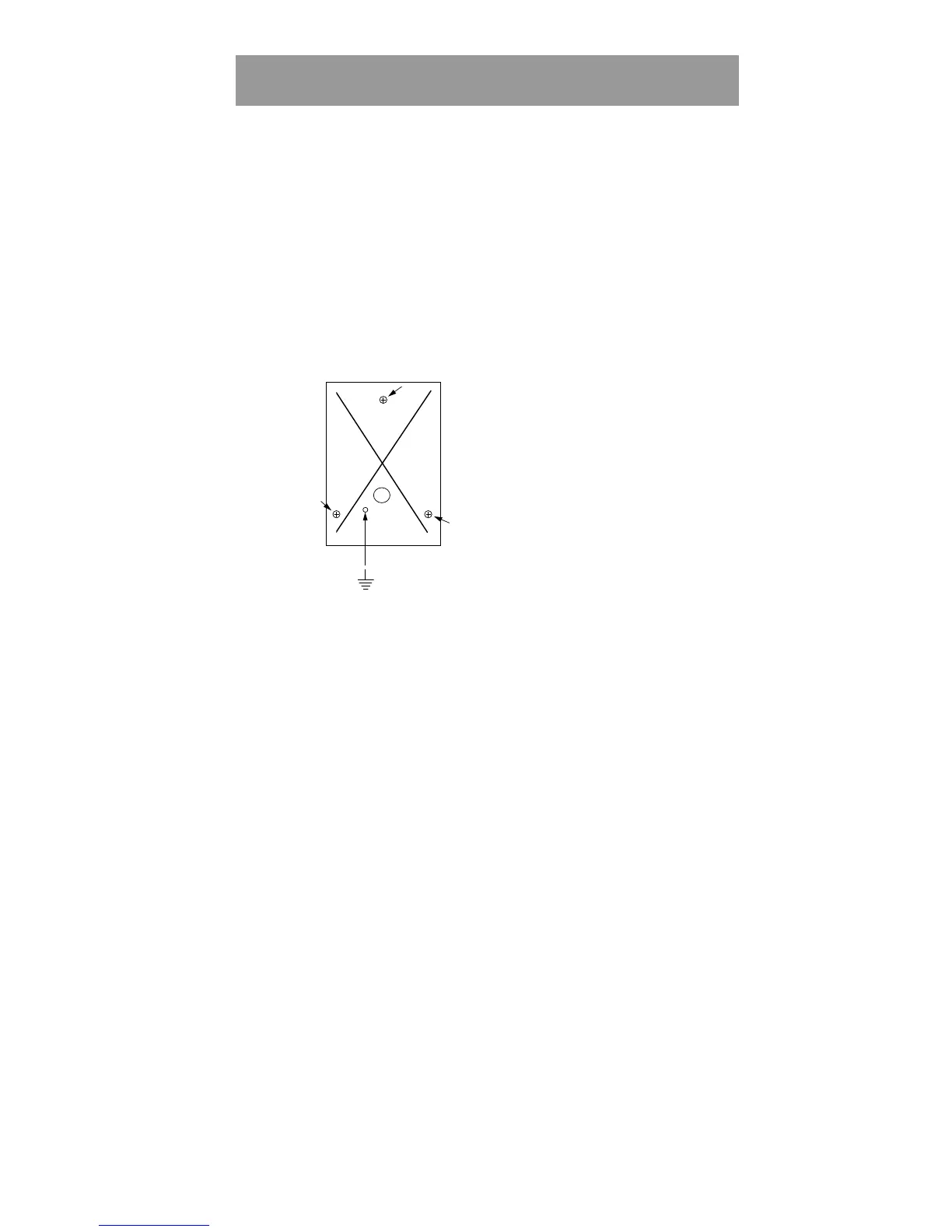
Fasten the back plate against the wall, using three screws
according to the illustration below. Seal the screw and
cable holes with sealant if the unit is externally mounted.
3
Make sure the back plate is earthed. Use a separate cable
to the earthing point. Make sure the front and back plate
are connected with the internal strap.
4
Fit the front and check that the card reader is securely
fastened.



 To Next Page