EasyManua.ls Logo

Bewator Bewacom BM3 - User Manual

Bewator Bewacom BM3
36 pages
Print Icon
To Next Page IconTo Next Page
Loading...
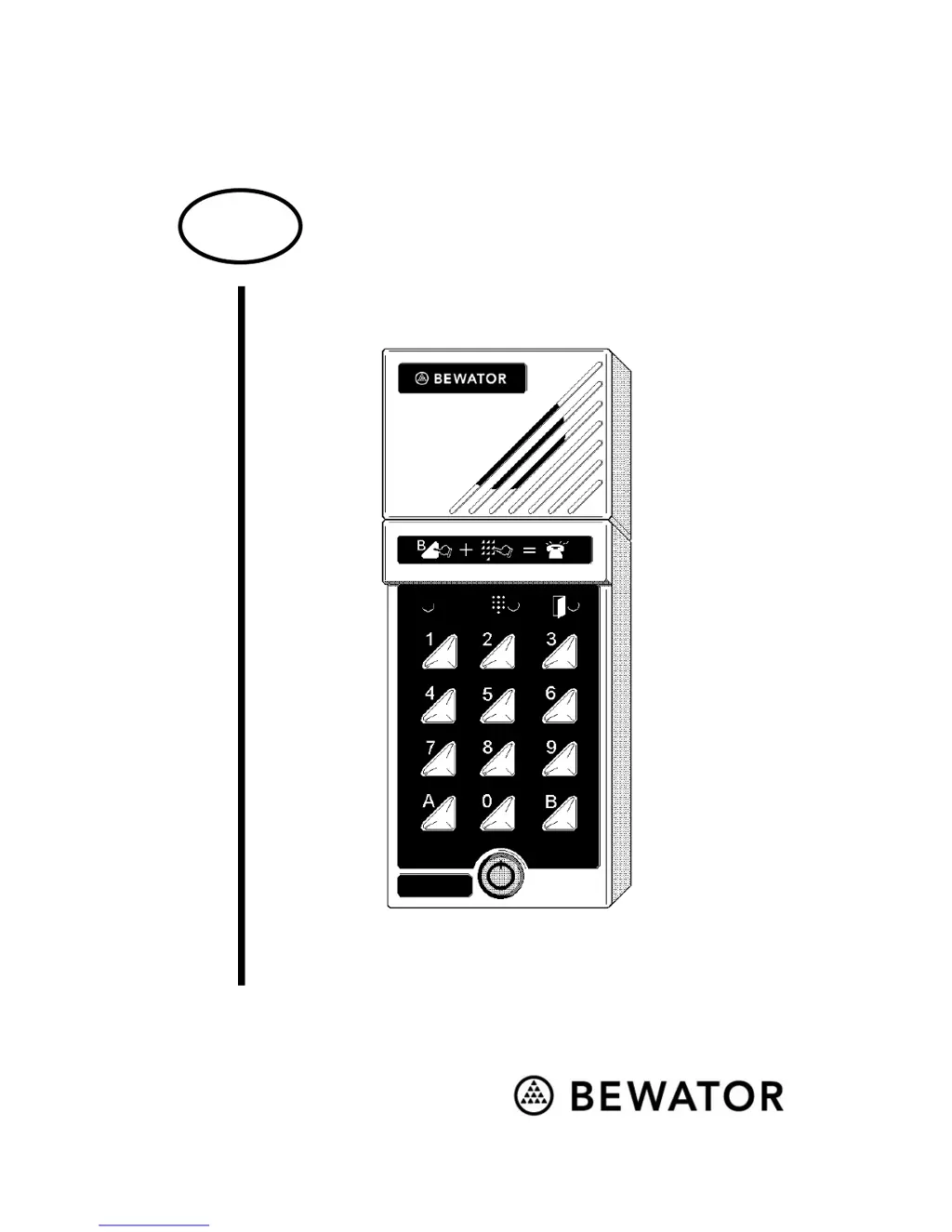
Bewacom
Technical manual
GB

Questions and Answers

  • L
    Luis LittleAug 2, 2025
    Why does the Bewator Intercom System green LED light up, but the door doesn't open?
    • M
      Matthew LongAug 2, 2025
      If the green LED lights up after an accepted code, but the door doesn't open, it could be due to a lock fault or a missing link between blocks 1 and 4 in Bewacom. Check the cable between the door telephone and the lock, consider changing the locks, and ensure the link is attached.
  • C
    Cynthia SchmidtAug 7, 2025
    What to do if the B button is pressed on a Bewator Bewacom BM3 Intercom System, but no dial tone is heard?
    • P
      Patricia RodgersAug 7, 2025
      If you press the B button on your Bewator Intercom System and don't hear a dial tone, the issue might be a faulty connection between the Bewacom and the telephone system, or the door telephone extension may not be analogue. Check the connections and cable, verify the telephone system, and try connecting an ordinary push-button telephone instead of the Bewacom to troubleshoot.
  • J
    John NorrisAug 12, 2025
    What to do if the Bewator Bewacom BM3 call is received, but the lock does not react to the 5 key DTMF tone?
    • P
      phuangAug 12, 2025
      If the call is received, but the lock doesn't react to the 5 key DTMF tone and no tone is heard in Bewacom, the telephone system may not be sending DTMF tones to Bewacom. Check the telephone system.
  • S
    Seth SullivanAug 17, 2025
    What to do if the B button is pressed, a line tone is heard, the extension is dialled but it does not ring on Bewator Bewacom BM3?
    • J
      Jessica KnightAug 17, 2025
      If you press the B button, hear a line tone, and dial the extension, but it doesn't ring on your Bewator Intercom System, it could be that the telephone system isn't receiving DTMF tones from the Bewacom, the extension has more than four digits, or the extension begins with 0 (zero). Check the telephone system, try connecting an ordinary push-button telephone instead of the Bewacom. You may need to contact Bewator.
  • J
    Jennifer HallAug 21, 2025
    How to fix Bewator Intercom System if nothing happens when a code is entered?
    • D
      Derek ParksAug 21, 2025
      If nothing happens when you enter a code into the Bewator Intercom System, it might be because the code is timed. Check the connected time clock.
  • J
    Jermaine WilliamsAug 27, 2025
    What to do if unable to enter programming mode and the red LED is lit after two trials on Bewator Intercom System?
    • R
      Richard StewartAug 27, 2025
      If you're unable to enter programming mode on your Bewator Intercom System, and the red LED is lit after two tries, the password may be incorrect. Determine the correct password.

Summary

Installing Bewacom

Installation

The keypad

Programming

Setting a password

Describes the initial process of setting a 6-digit password for Bewacom programming.

Setting Bewacom to programming mode

Details the steps to activate programming mode using the B button and password.

Programming access codes (first time)

Guides on programming four different 4-digit entrance codes, including time control options.

Changing entrance codes

Explains how to modify existing entrance codes and their time control settings.

Erasing access codes

Provides instructions for removing programmed access codes from the Bewacom unit.

Time control of the telephone opening function

Sets the time periods when door opening from a telephone extension is permitted.

Programming overview

Calling Bewacom

Troubleshooting

Technical data

Bewator Bewacom BM3 Specifications

General IconGeneral
BrandBewator
ModelBewacom BM3
CategoryIntercom System
LanguageEnglish

Related product manuals