EasyManua.ls Logo

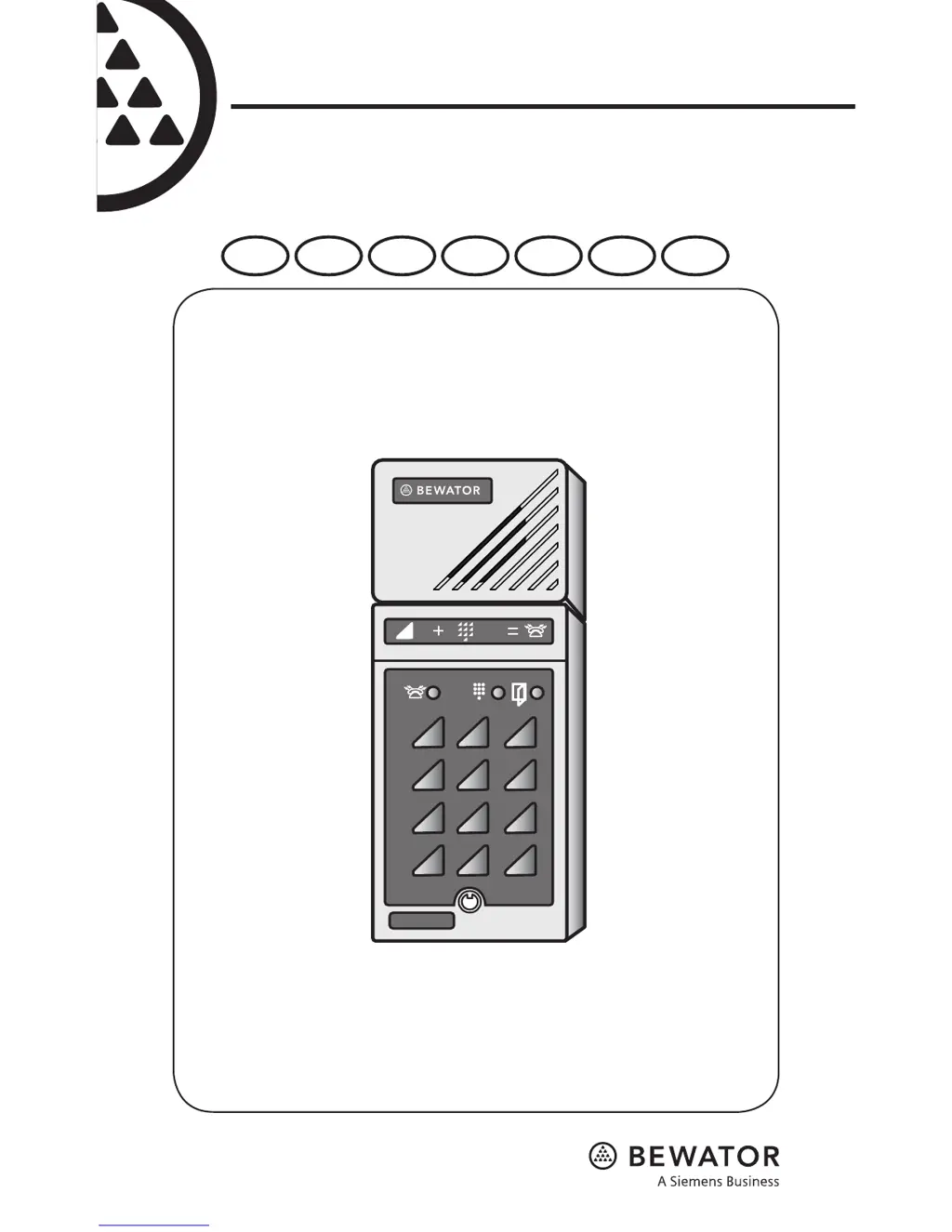
Bewator BM3 - User Manual

Bewator BM3
224 pages
Print Icon
To Next Page IconTo Next Page
Loading...
1 2 3
65
98
4
7
B0
A
B
BM3
Installation &
User Manual
EN SV DE FR DA FI NO

Table of Contents

Questions and Answers

  • K
    Katherine DavisAug 1, 2025
    What to do if I can't enter programming mode on my Bewator BM3 Intercom System and the red LED is lit?
    • G
      gillespiecynthiaAug 1, 2025
      If you're unable to enter programming mode on your Bewator Intercom System and the red LED is lit after two attempts, it's likely due to an incorrect password. You should determine the correct password to proceed.
  • J
    Jacob LewisAug 6, 2025
    Why does the door not open on my Bewator Intercom System even though the green LED is lit?
    • M
      Melissa ChapmanAug 6, 2025
      If the green LED lights up after entering a valid code on your Bewator Intercom System, but the door doesn't open, there could be a couple of reasons: * There may be a lock fault. Check the cable connection between the door telephone and the lock, and consider changing the locks. * The link between blocks nos 1 and 4 in Bewacom might be missing. In this case, attach the link.
  • D
    Diane GrahamAug 11, 2025
    What to do if no dial tone is heard when pressing the B button on my Bewator Intercom System?
    • A
      Anthony SmithAug 11, 2025
      If you press the B button on your Bewator Intercom System and don't hear a dial tone, it could be due to: 1. A faulty connection between the Bewacom and the telephone system. Check the connections and cable. 2. The door telephone extension not being analogue. Verify the telephone system and try connecting an ordinary push-button telephone instead of the Bewacom.
  • P
    paulandersonAug 16, 2025
    Why does my Bewator BM3 not ring when I dial the extension after pressing the B button?
    • O
      Oscar BrownAug 16, 2025
      If you press the B button on your Bewator Intercom System, hear a line tone, and dial the extension, but it doesn't ring, it could be because: * The telephone system isn't receiving DTMF tones from the Bewacom. Check the telephone system. * The extension has more than four digits. Use A92 to change the number of digits. * The extension begins with 0 (zero). Contact Siemens Building Technologies.
  • C
    Chase SmithAug 20, 2025
    What to do if the lock doesn't react to the 5 key DTMF tone on my Bewator BM3?
    • A
      Alice PowellAug 21, 2025
      If the call is received on your Bewator Intercom System, but the lock doesn't respond to the 5 key DTMF tone and no tone is heard in Bewacom, it's likely that the telephone system isn't sending DTMF tones to Bewacom. You should check the telephone system.
  • A
    Amanda SullivanAug 26, 2025
    Why does nothing happen when I enter a code on my Bewator Intercom System?
    • A
      Alexandra HoltAug 26, 2025
      If nothing happens when you enter a code on your Bewator Intercom System, the code might be timed. Check the connected time clock.

Summary

Time Control of Access Codes

Connecting to Telephone System

Installing Bewacom

The Keypad and Indicators

Keypad Function B

Describes the function of the 'B' key for initiating calls and programming.

Detailed Installation Connections

Programming the Bewacom Unit

Password and Mode Configuration

Setting the 6-digit password and entering the programming mode.

Access Code Management

Programming, changing, and erasing 4-digit access codes.

Erasing Memory and Factory Reset

Restoring the unit to factory default settings by erasing all programmed information.

Calling the Bewacom Unit

Troubleshooting Common Issues

Technical Specifications

Bewator BM3 Specifications

General IconGeneral
BrandBewator
ModelBM3
CategoryIntercom System
LanguageEnglish

Related product manuals