Soware Update
Blue BYRD (2
nd
generation) 15/18
Call control
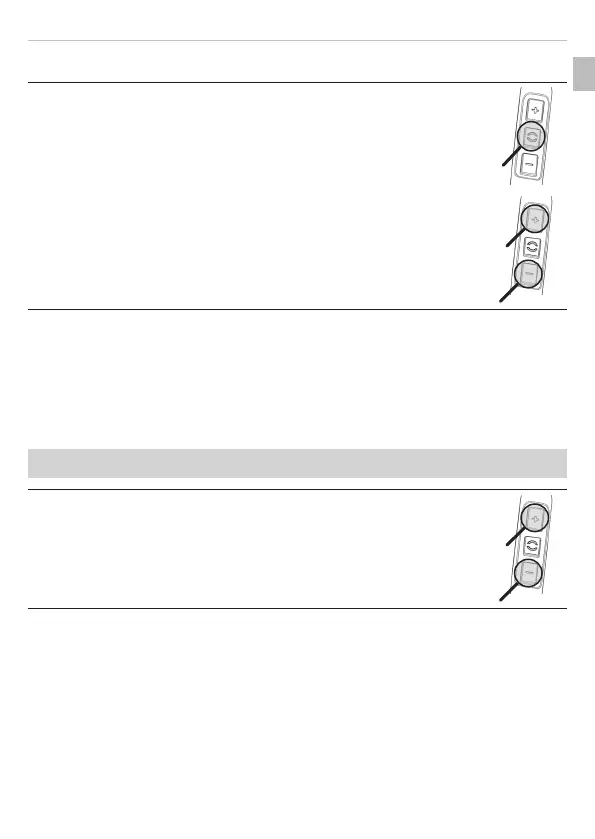
Accepting / finishing a call:
► Briefly press the () push button.
Rejecting a call:
► Press the () push button for 2 s.
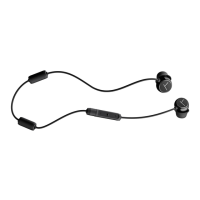
Increasing / decreasing the volume:
► Press the [+]/[-] push buttons.
SOFTWARE UPDATE
► Soware updates are easily available via the MIY app.
FACTORY SETTINGS
All personal data is deleted if the device is reset to the factory settings!
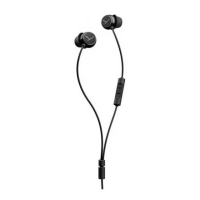
Resetting to factory settings:
► Press the [+] key and the [-] key simultaneously for 4 s.
EN











 To Next Page