42
3.3 Setting up
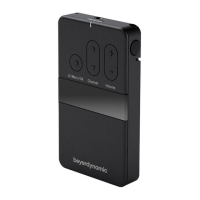
1. Push down the two snap locks on the right and left of the battery compartment and open
it. Now you can adjust the GT/MT switch (10) and the gain control (8).
2. Make sure that transmitter and receiver are on the same frequency.
3. The LED (3) with flash for a moment when the battery is switched on and indicates the
normal battery status. When the LED (3) fails to flash, there is no battery inserted, the
battery is leaking or inserted incorrectly.
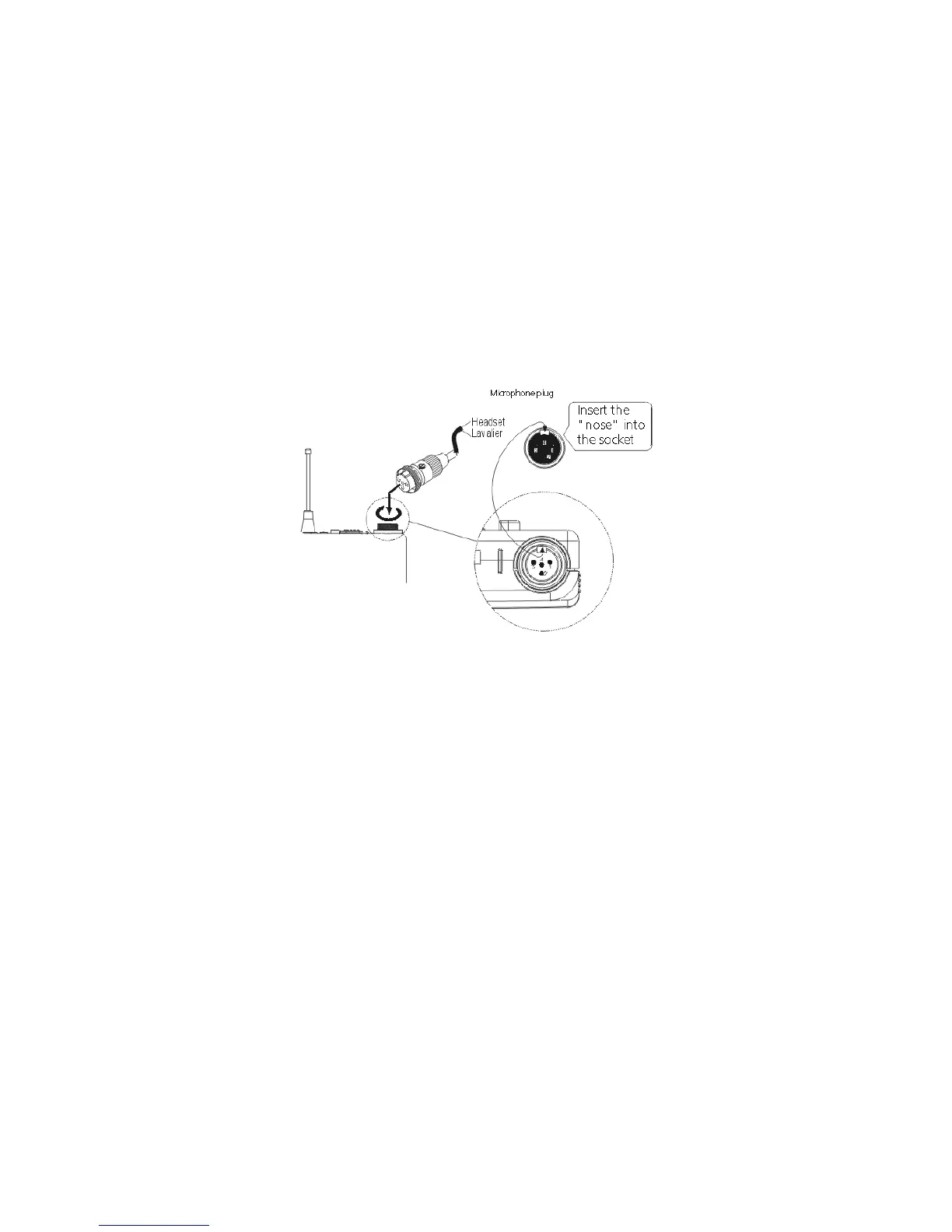
4. Connect the microphone to the input socket (1) and fasten the plug by turning clockwise.
Refer to illustration below.
3.4 Adjusting the Input Gain
1. Switch on the TS 800 beltpack transmitter with the ON/OFF switch (2). Turn the gain control
(8) fully anti-clockwise at minimum sensitivity.
2. If you have no suitable sound source, you can speak into the microphone at the maximum
level you expect to use. We recommend you use the letter “U” as a spoken “U” has a
relatively good sine wave shape. Adjust the gain control (8) to the desired gain. On the
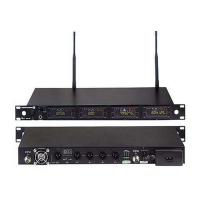
NE 800 receiver the AF level must not show any clipping.


 To Next Page