18 System Configuration Commands
3.2 ATTENTION! Use carefully!
M command
Selecting Unicast or Broadcast Mode
You can use the M command to switch between the default broadcast mode and the
unicast mode when directing commands specifically to MUs. In unicast mode, you can
address individual MUs with commands that contain an '~' at the beginning. These
commands differ from commands that already contain an MU ID (muad) in the
parameter set and thus already address an MU directly. ~' in this context means that
the commands are tunnelled through the command structure of the CU and directly
forwarded to the MUs.
Important Note
It is very important to switch back to broadcast mode after using unicast mode.
Otherwise errors with unforeseeable consequences may occur, since all further
commands are executed in unicast mode on the selected MU.
Examples
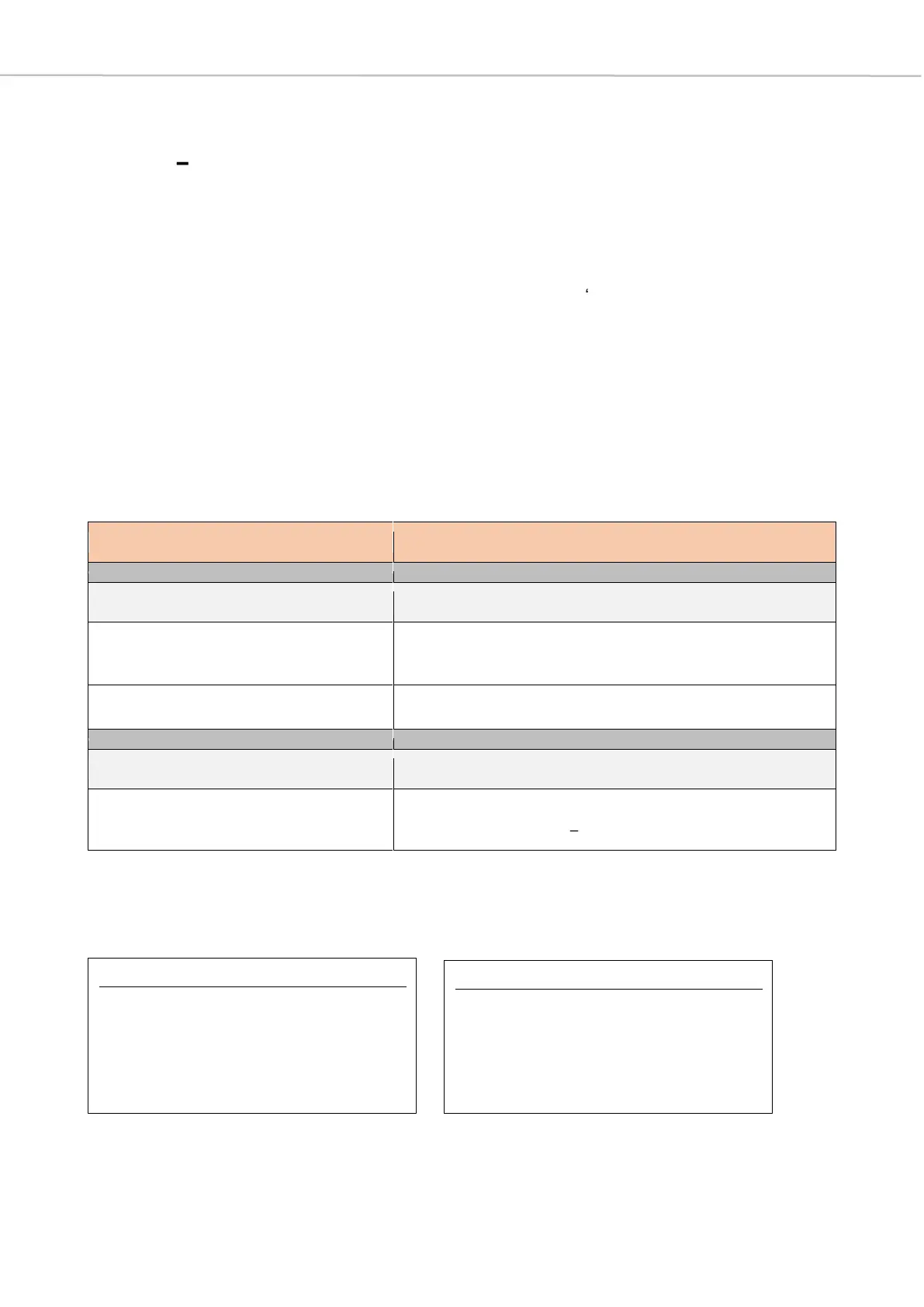
Select Unicast Mode addressing the MU with MU
ID muad
MU ID
[range: 0x00000001 0xFFFFFFFF]
<CR><LF>
MUAD=0x00000000<CR><LF>
>
Select Unicast Mode (muad = 0x79B7)
<CR><LF>
MUAD=0x000079B7<CR><LF>
>



 To Next Page