82 Audio Setup Commands Digital Signal Processing
8.2.2 0x14 Volume MU Loudspeaker
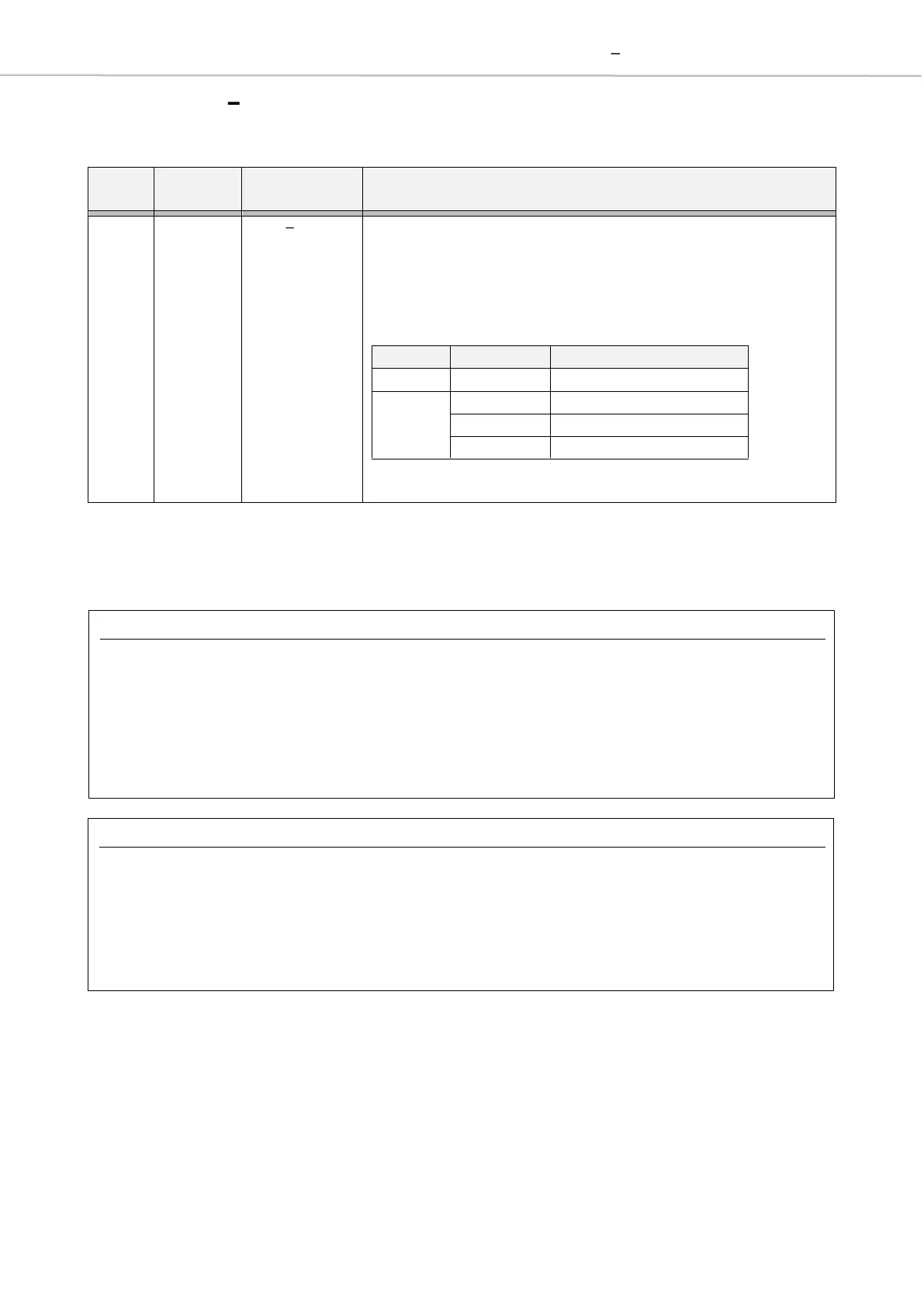
The Volume MU Loudspeaker controls the volume of all loudspeakers.
Description
[All parameters represented in bit positions]
Change current volume value.
A negative value is indicated by set bit 4.
An absolute gain value bigger than 0x0F (+/- 15dB) will be
ignored and overwritten to 0x0F.
While muted the volume values will be internally ignored.
Examples
Write Volume MU Loudspeaker (0x14)
This command activates mute at the MU
Loudspeakers and sets the attenuation to -4dB. For
this the corresponding DSP register (0x14) is addressed
using the P command.
Read Volume MU Loudspeaker (0x14)
This command reads the DSP register 0x14. It shows
that the MU Loudspeakers are muted and an
attenuation of -4dB is set.
<CR><LF>
DSP[14]=0x94<CR><LF>
>



 To Next Page