36
WARNING
After turning the system on, make sure that you do not start riding without
checking the assistance mode. By default, it starts with the assistance mode
selected before it was last switched off.
NOTE
Wait 3 seconds after turning on the system before you start applying pressure
on the pedals. During this 3-second period, the assistance system is starting
up and calibrating the torque sensor. Otherwise, if you press the pedal
beforehand, this may weaken assistance and error 14 may even be displayed
onthescreen(seeTroubleshootingsection).Toxthis,youshouldreboot
the system without applying pressure on the pedals for a period of 3 seconds.
3. Pedal Assistance Mode Selection.
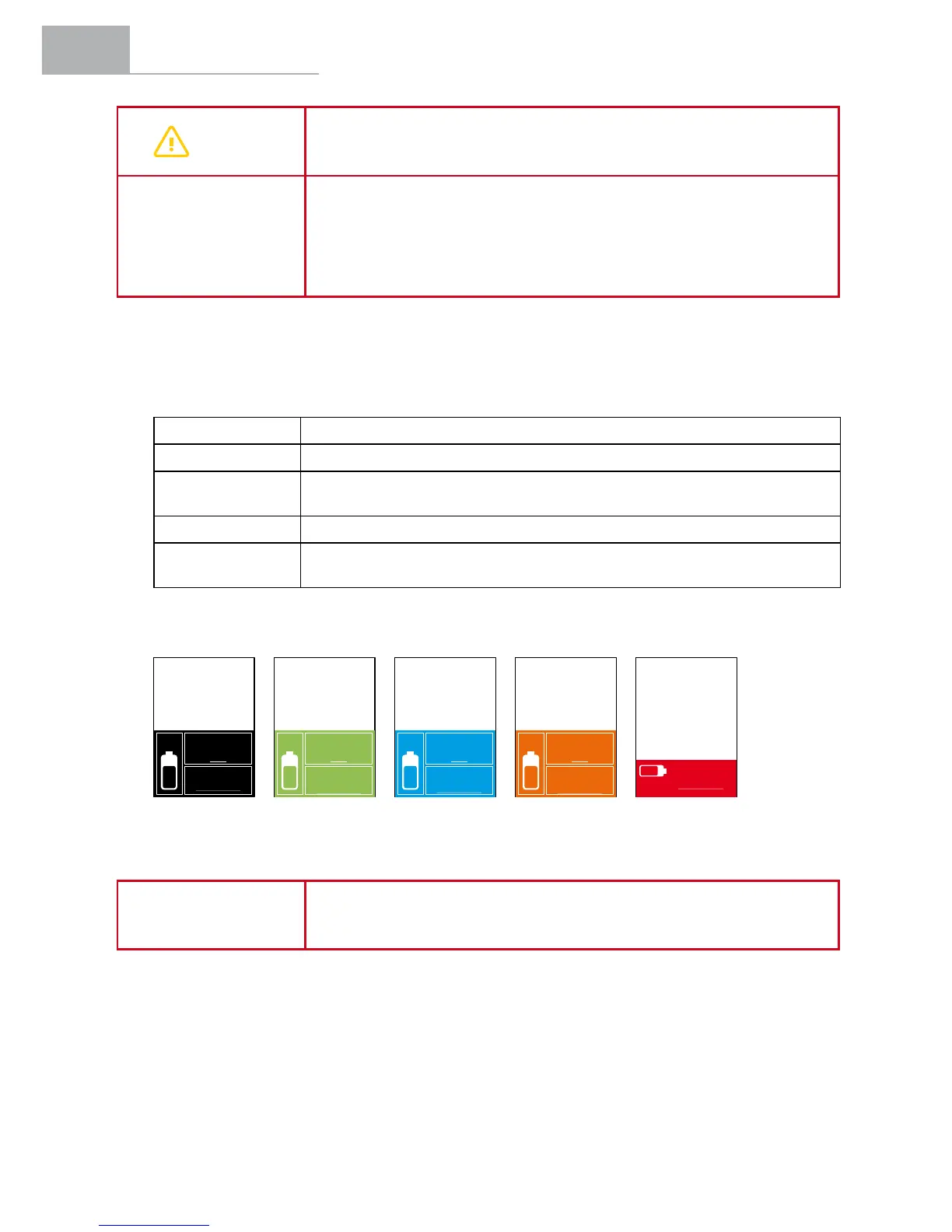
The system has 5 pedal assistance modes:
100% or BOOST IdentiedwithRed.Usewhenyouwanttogetmaximumpowerfromthesystem.
70% or SPORT IdentiedwithOrange.Usewhenclimbingdifcultterrains.
50% or ECO + IdentiedwithBlue.Usewhenyouwantamorecomfortableride,
e.g. when climbing a steep hill.
30% or ECO IdentiedwithGreen.Usewhenyouwanttotravelasfaraspossible.
0% or NO ASSIST IdentiedwithBlack.Usewhenyouwanttotravelwithoutassistedpower.
You can continue to use the other functions of the display panel.
To toggle through the assistance modes, the user must press the (+) button to increase the level
of assistance and the (-) button to reduce the level of assistance.
NOTE
During a journey, selecting suitable assistance modes for the terrain
and pedalling conditions that you encounter will ensure the best balance
between battery economy and pedalling comfort.
In Boost mode the range
information disappears.


 To Next Page