English
8
34
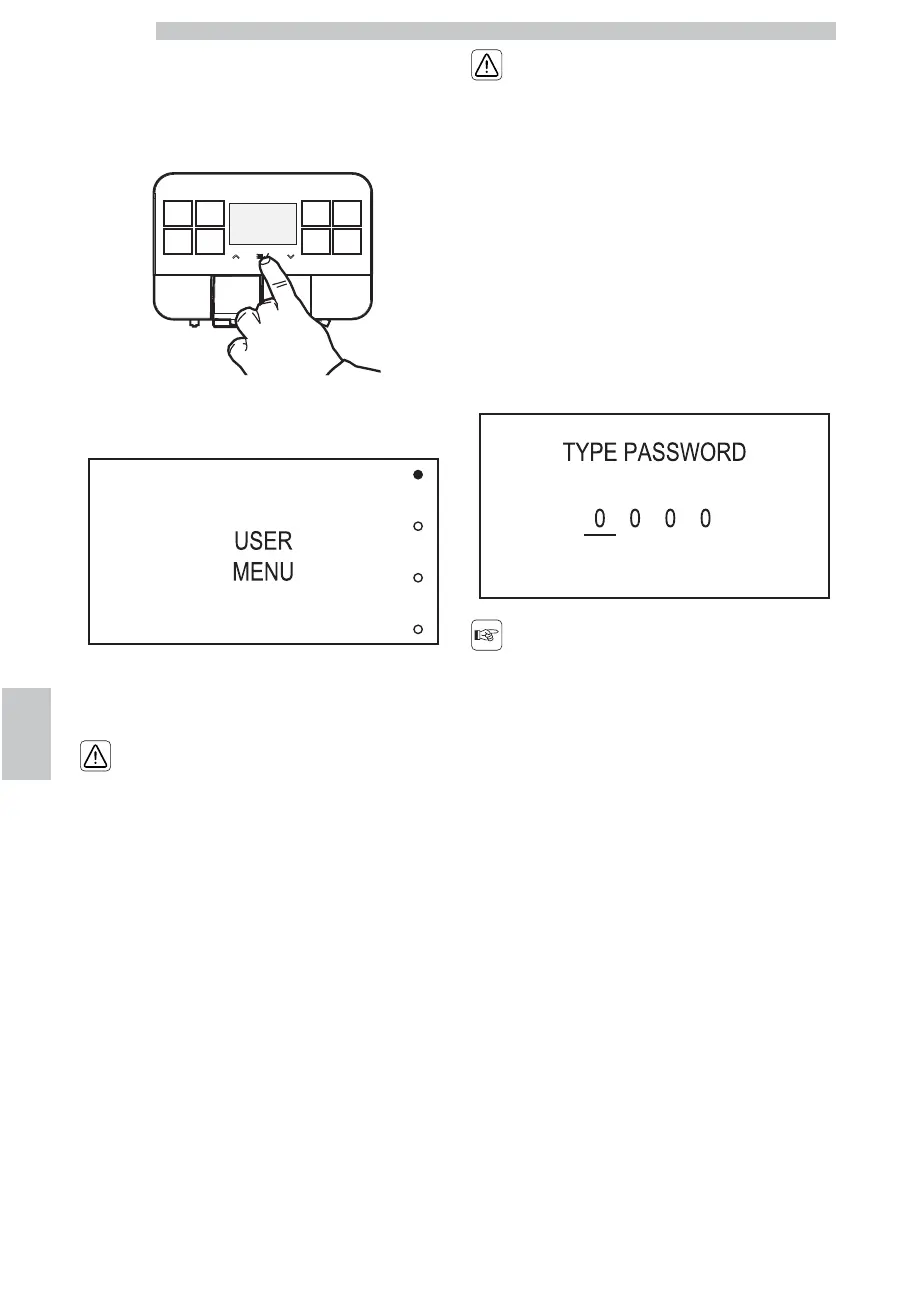
8.2.1 Access to the User Menu
When the machine is “ready for use”, access the main
menu by pressing the “OK” button.
The following screen is displayed:
Select the “USER MENU” option and press the “OK”
button.
The menus should be
PASSWORD-protected.
The PASSWORD will not
be requested if set on the
default value (0000). It
should be changed upon
first use to prevent
unauthorised access. After
this change, the password
must be entered each time
the display shows:
In case you do not enter the
password within 4 seconds
the machine goes back to
the previous screen.
Refer to section "Password Setting" to set the
PASSWORD; this section describes how to set it.



 To Next Page