English
8
37
8.3 Maintenance Programming
The structure of the maintenance menu is indicated in
section "Structure of the Maintenance Menu".
The section "Description of Messages in the Maintenance
Menu" describes all the options in the maintenance menu.
8.3.1 Access to the Maintenance
Menu
Proceed as follows to access the machine maintenance
menu.
• Press the “OK” button to access the main menu.
• Scroll the main menu until you reach the “Service Menu”
option.
• Press the "OK" button.
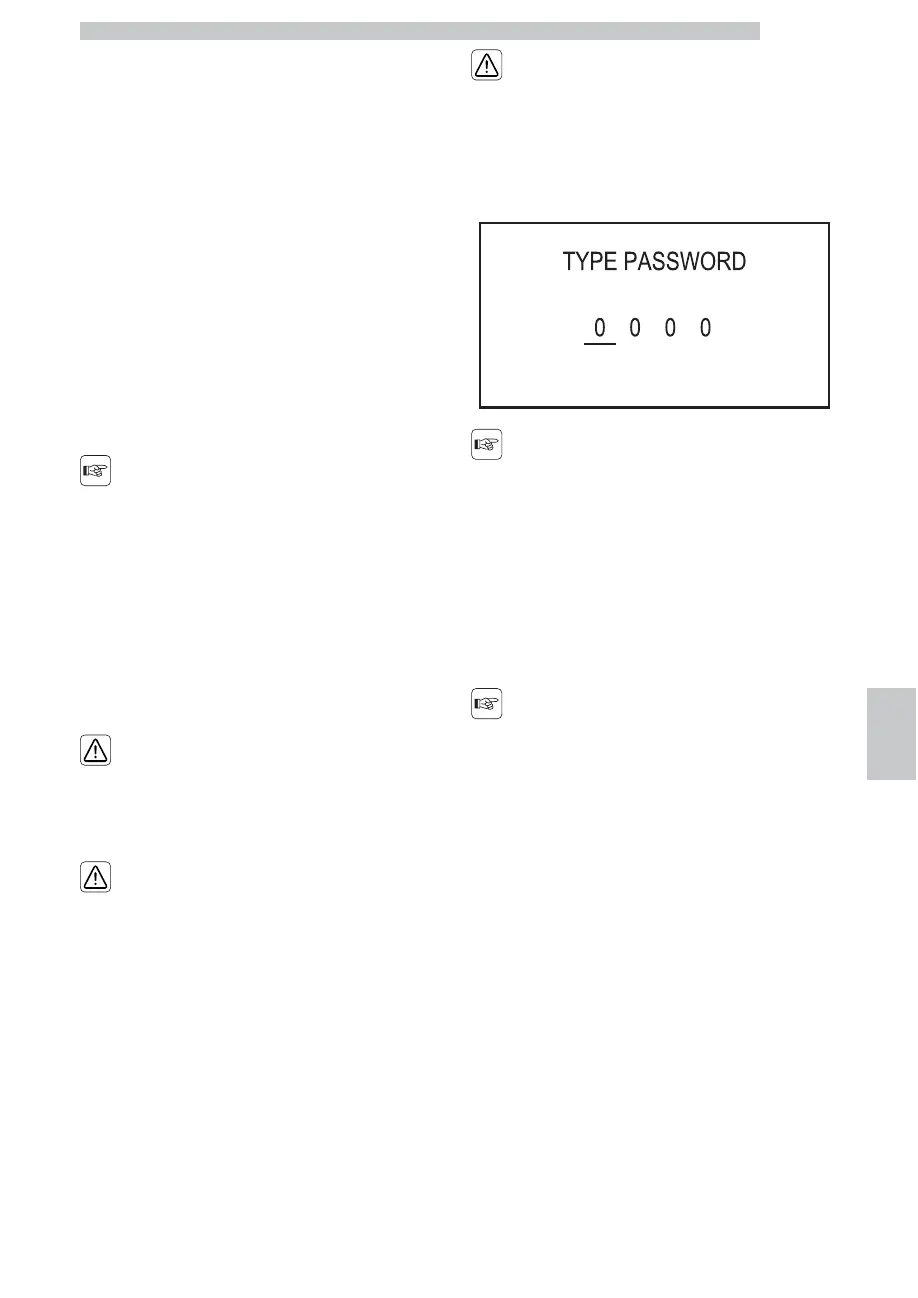
Enter the password "1234"
The above mentioned
procedure can only be
used to access the
maintenance menu when
the machine has reached
operating temperature;
The menus should be
PASSWORD-protected.
The PASSWORD will not
be requested if set on the
default value (0000). It
should be changed upon
first use to prevent
unauthorised access.
After this change, the
password must be entered
each time the display
shows:
In case you do not enter the
password within 4 seconds
the machine goes back to
the previous screen.
Refer to section "Password Setting" to set the
PASSWORD; this section describes how to set it.
If the PASSWORD is
forgotten, you can reset it
by entering a PUK code.
The PUK code must be
requested from the
authorized service
department as indicated in
the “Assistance Service”
section.



 To Next Page