en-30
en
3. . Operation
3.1 General
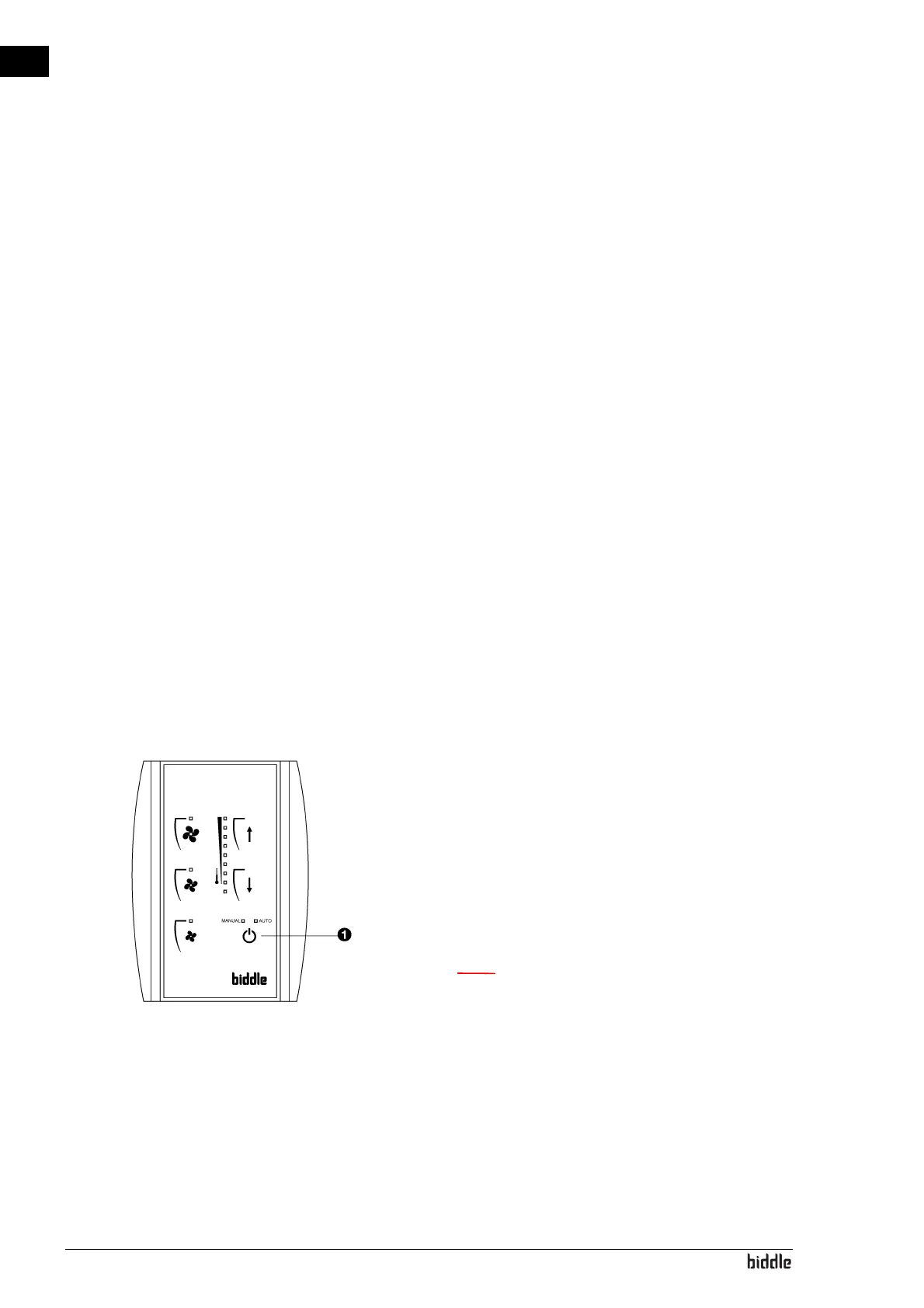
All regular features can be operated from the control panel.
The control panel allows you to:
• start and stop the air curtain
• set the required heating capacity
• set the required room temperature
• turn the heating on and off
• adjust the air curtain’s airflow rate
If multiple units are connected to a single control
panel:
The settings on the panel are the same for all units.
3.2 Starting and stopping
Press Button 1 repeatedly to start and stop the air curtain,
and to select the required temperature control mode:
• The air curtain is running in manual mode –
MANUAL LED
is on.
• The air curtain is running in automatic mode –
AUTO LED
is on.
• The air curtain is not running – all LEDs are off.
n The unit continues to run at a low fan speed after it
has been turned off to allow it to cool down
See also:
3.4.1 "Manual temperature control" on page 31
3.4.2 "Automatic temperature control" on page 32



 To Next Page