146
USB
Storage here refers to network sharing in the network environment, USB devices act as the storage
carrier for DLNA, common file sharing.
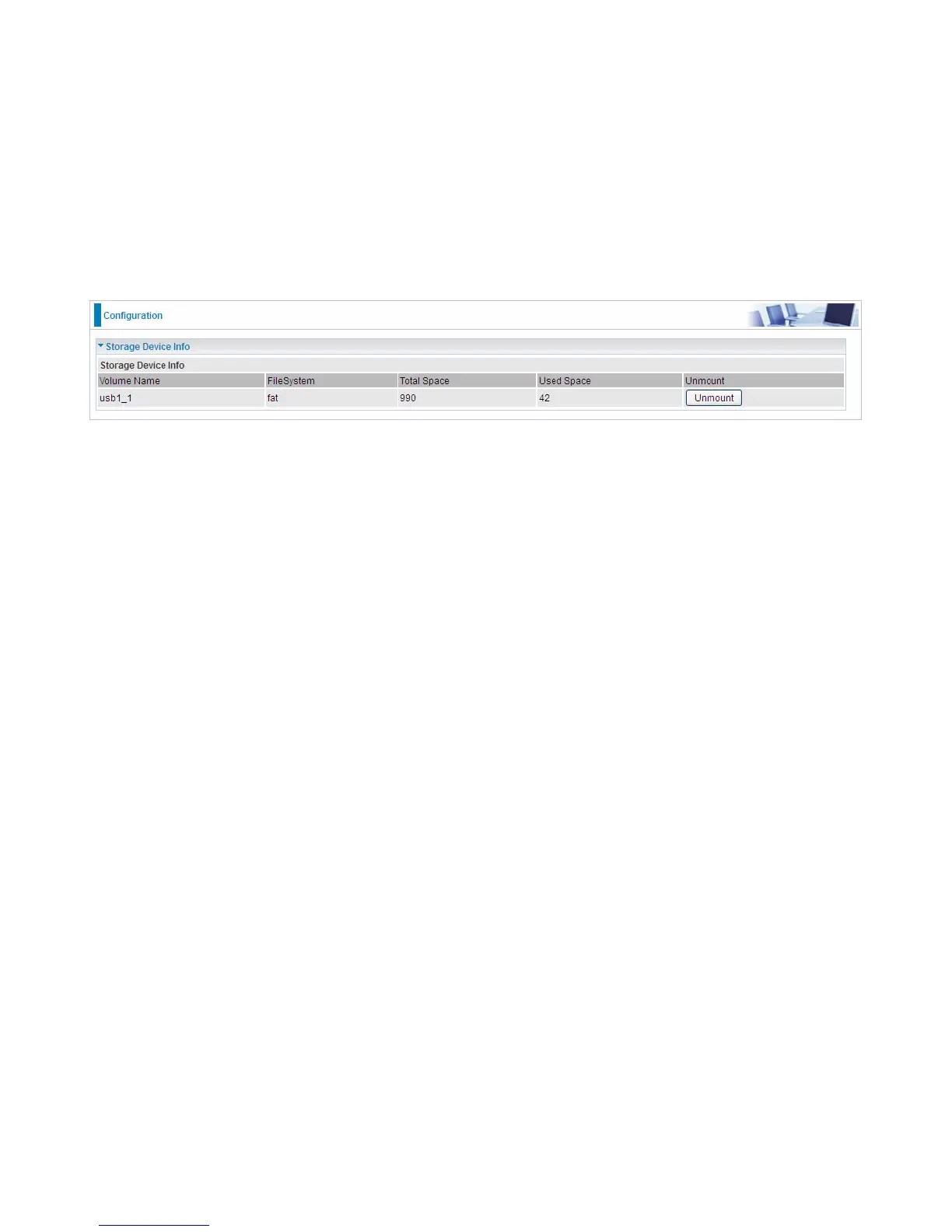
Storage Device Info
This part provides users direct access to the storage information like the total volume, the used and
the remaining capacity of the device.
Volume Name: Display the storage volume name
FileSystem: Display the storage device’s file system format, well-known is FAT.
Total Space: Display the total space of the storage, with unit MB.
Used Space: Display the remaining space of each partition, unit MB.
Unmount: Click Unmount button if you want to uninstall the USB device. Please Note that first click
Unmount before you uninstall your USB storage.


 To Next Page