51
Bandwidth Usage
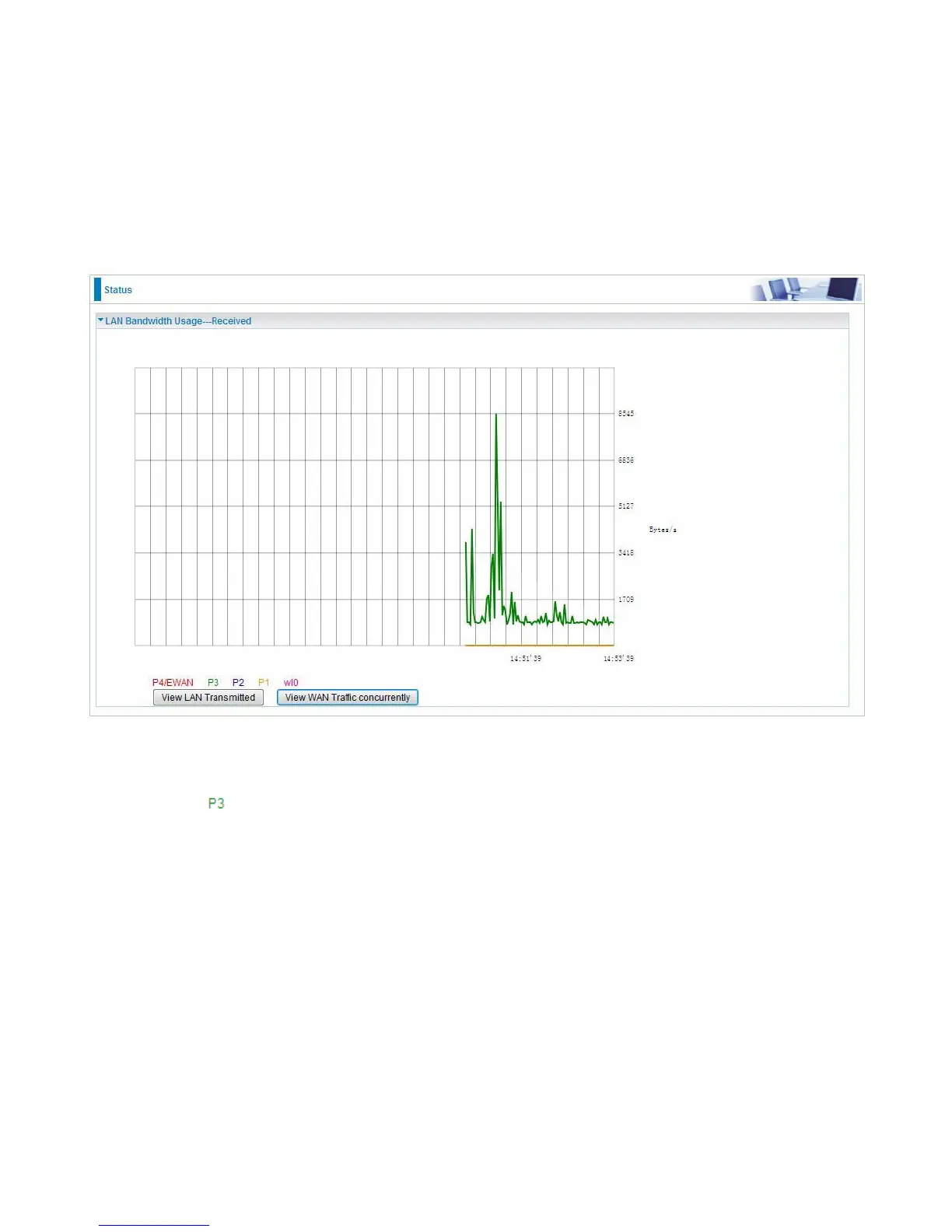
Bandwidth Usage provides users direct view of bandwidth usage with simple diagram. Bandwidth
usage shows the use of the bandwidth from two angles: Transmitted and Received, giving users a
clear idea of the usage.
LAN
Note: P4 can be configured as EWAN, and when the device is in EWAN profile, there is no
P4/EWAN interface as P4 is working as a WAN port.
(DSL)
Press View LAN Transmitted button to change the diagram to the statistics from a Received Bytes
of view. (Note:
means Ethernet port #3, and the traffic information of the port #3 is identified with
green, the same color with P3 in the diagram; other ports all take the same mechanism.)


 To Next Page