VoIP/(802.11g) ADSL2+ (VPN) Firewall Router
Chapter 4: Configuration
64
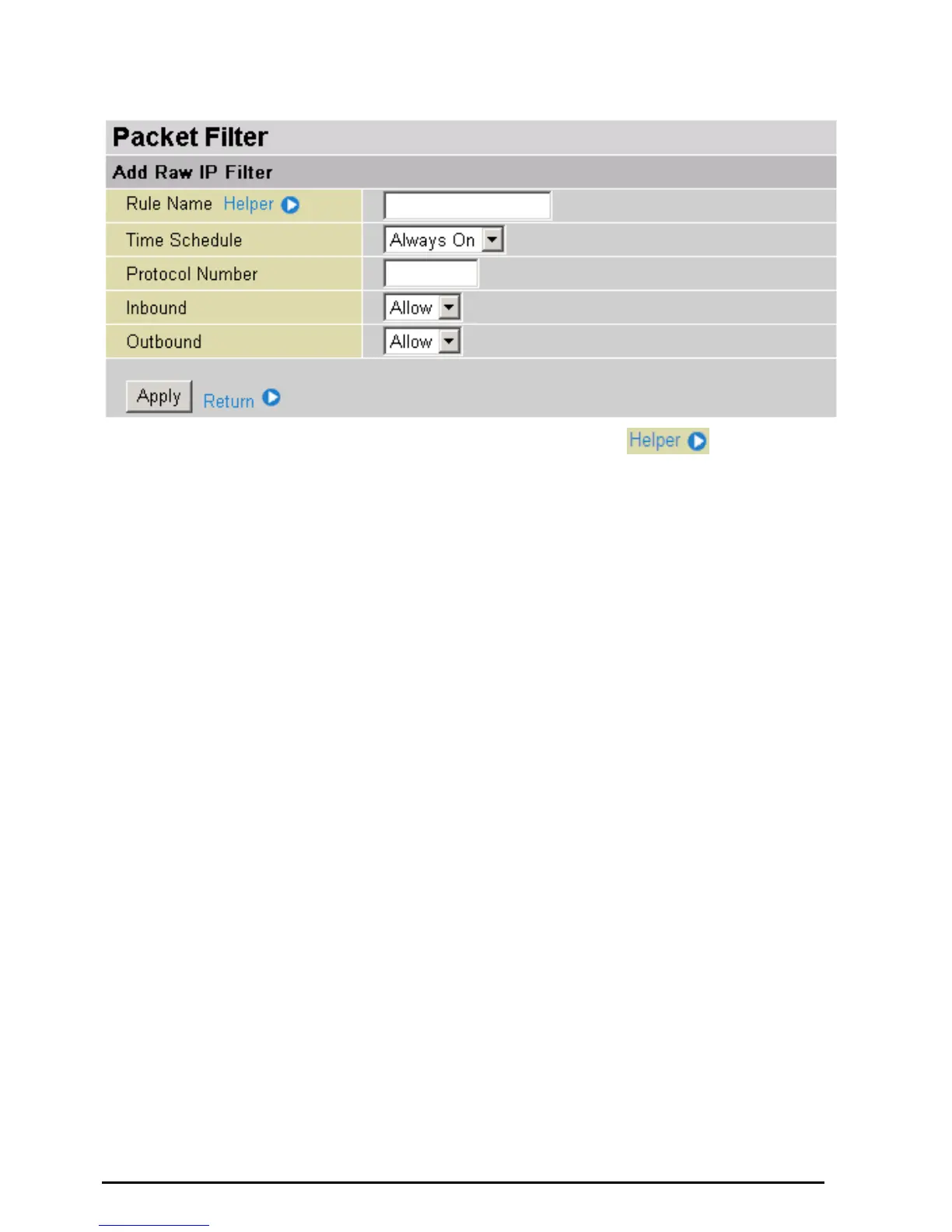
Packet Filter – Add Raw IP Filter
Rule Name: Users-define description to identify this entry or click
to select existing
predefined rules.
Time Schedule: It is self-defined time period. You may specify a time schedule for your prioritization
policy. For setup and detail, refer to Time Schedule section
Protocol Number: Insert the port number, i.e. GRE 47.
Inbound / Outbound: Select Allow or Block the access to the Internet (“Outbound”) or from the
Internet (“Inbound”).
Click Apply button to apply your changes.













 To Next Page