58 GENERAL INFORMATION
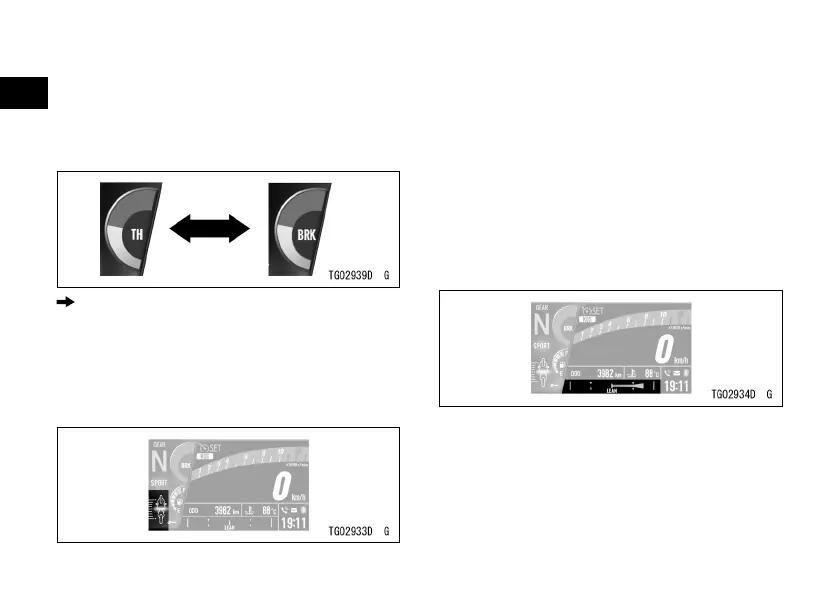
Dual-function Gauge Setting
ÿ Push the lower MODE button or
the right meter button to switch the
gauge displayed.
: Flow when pushing lower MODE button or
right meter button
Acceleration/Deceleration Indicator
(Only on display layout Type 2)
This indicator shows the acceleration/
deceleration rate of the vehicle. When
acceleration is greater, the indicator
moves more to the back side of the
vehicle illustration. When deceleration
is greater, the indicator moves more to
the front side of the vehicle illustration.
Lean Angle Indicator
(Only on display layout Type 2)
This shows the lean angle of the
vehicle. The more it is leaned, the
larger the bar on the gauge.


 To Next Page