66 GENERAL INFORMATION
Multifunction Display Resetting
The following multifunction display
items can be reset. There are two ways
to reset.
Trip Meter A/B
Maximum Lean Angles
Average Mileage
Average Speed
Total Time
Battery Voltage
To Reset Using RESET Button
NOTE
æ When pushing any button (upper
MODE, lower MODE, SELECT, left
meter, right meter) while the item is
blinking, the resetting is canceled.
æ After the item has been blinking
for ve seconds, the resetting is
canceled.
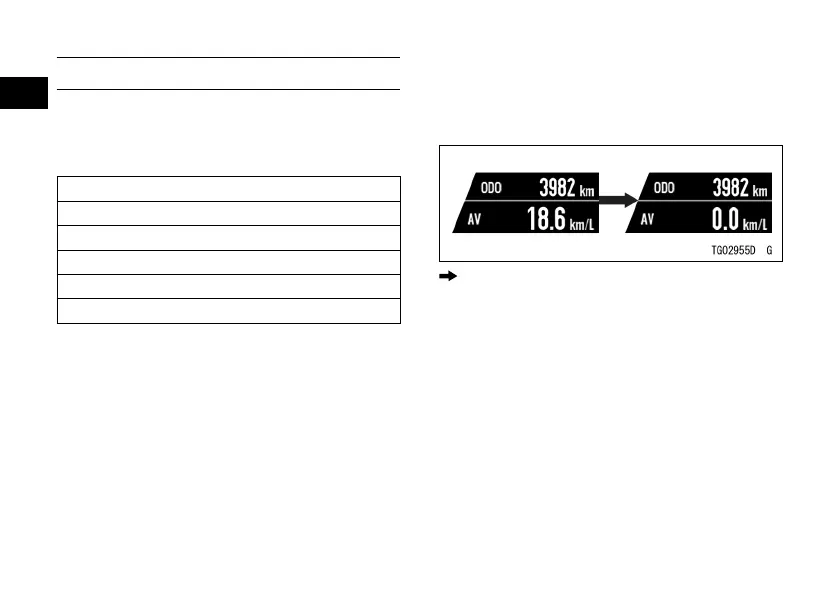
When only one resettable item is shown:
ÿ Push the RESET button and hold it
until resetting is done.
: Flow when pushing and holding RESET
button
When two resettable items are shown:
ÿ Push the RESET button and hold it.
The resettable item starts blinking.
ÿ The blinking item indicates that it
is being selected. Push the RESET
button to select the item.
ÿ Push the RESET button and hold it
until resetting is done.



 To Next Page