GENERAL INFORMATION 79
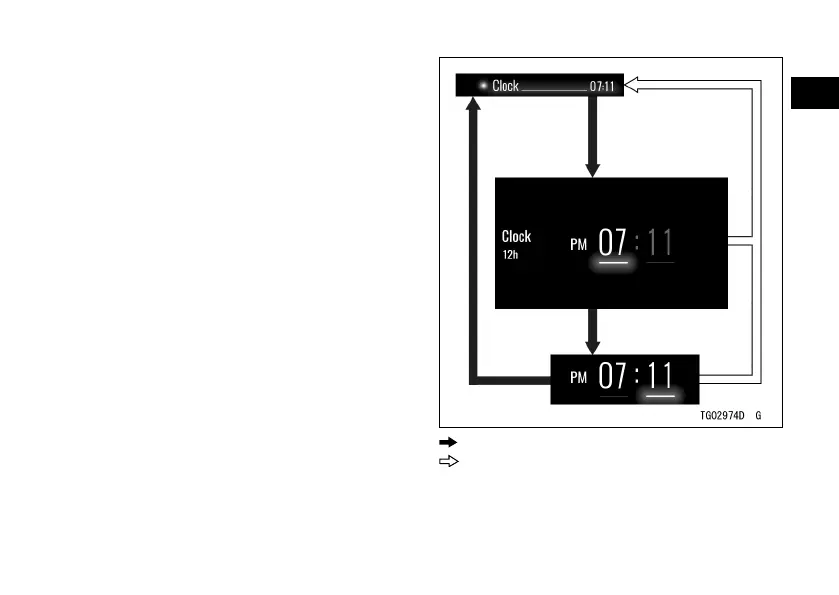
Clock
ÿ Highlight “Clock” using the upper or
lower MODE button.
ÿ Push the SELECT button to shift to
the next screen.
ÿ Adjust the clock using the upper
or lower MODE button and the
SELECT button.
ÿ Push the SELECT or RESET button.
: Flow when pushing SELECT button
: Flow when pushing RESET button



 To Next Page