88 GENERAL INFORMATION
ÿ In the pairing setting menu of the
app, select “Ninja 10” and tap the
connect button. The motorcycle
displays the pass key (PIN) on the
display screen.
ÿ Enter the pass key (PIN) into the
unpaired device.
NOTE
æ If the motorcycle does not detect the
device, bring the device closer to the
meter instruments.
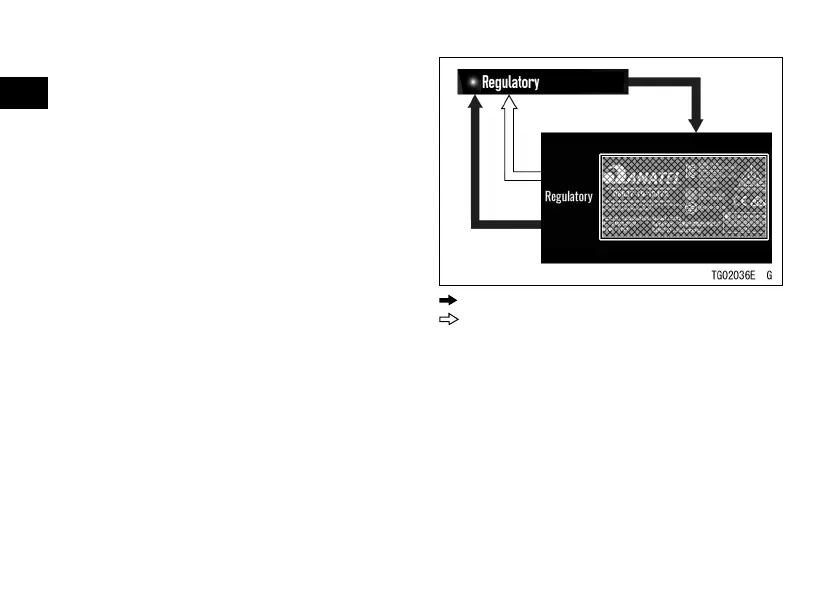
Regulatory
ÿ Highlight “Regulatory” using the
upper or lower MODE button.
ÿ Push the SELECT button to shift to
the next screen.
ÿ Push the SELECT or RESET button.
: Flow when pushing SELECT button
: Flow when pushing RESET button


 To Next Page