EasyManua.ls Logo

Binary B-320-1CAT-HDIR - Basic Connections; HD Link (RJ45) Connections

Binary B-320-1CAT-HDIR
16 pages
Print Icon
To Next Page IconTo Next Page
To Previous Page IconTo Previous Page
Loading...
B-320-1CAT-HDIR Installation and Users Manual
pg.8
www.snapav.com Support: 866.838.5052
5. BASIC CONNECTIONS
5.1. HD Link (RJ45) Connections
Recommended Cabling
• Shielded Cat5e/Cat6
Connection Precautions!
• The transmission distance is subject to the quality of installed cables, source
device, and display.
Note: The use of keystone jack or other connections along the transmission path is not
supported with this device.
• To reduce video dropouts from ceiling fans and other EMI issues, it is strongly
recommended that shielded CAT5e/CAT6 and shielded RJ45 connectors are used;
“EZ-ends” should not be used.
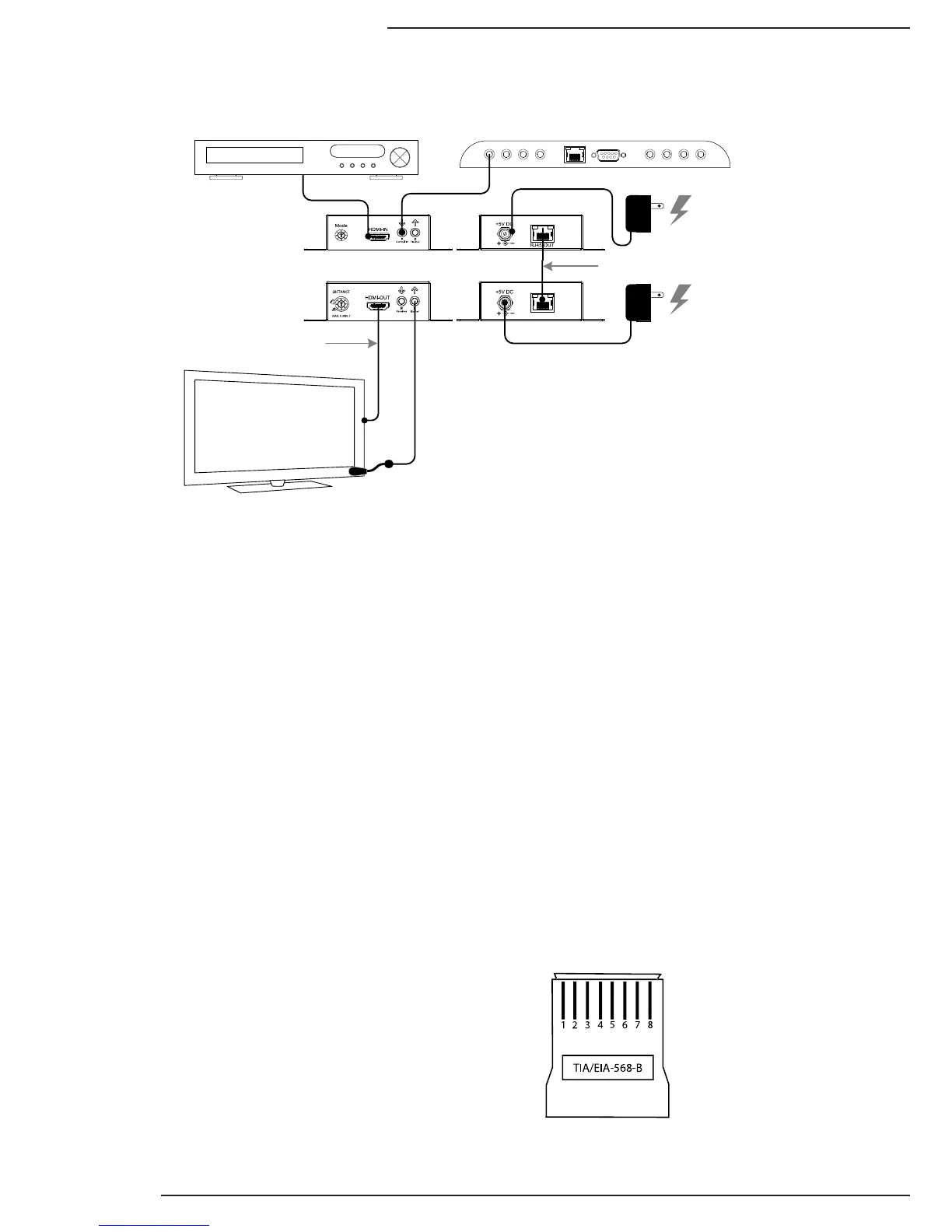
Connection Details:

RJ45-IN
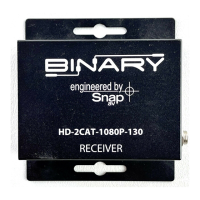
B-320-1CAT-HDIR
Receiver
B-320-1CAT-HDIR
Transmitter
HDMI
(1meter or less)
HDTV
AC Power
AC Power
PLAY
HDMI Source
Shielded Cat5e/Cat6
IR InputsIR Outputs
IR Processor / Controller
Pin 1 White/Orange Pin 5 White/Blue
Pin 2 Orange Pin 6 Green
Pin 3 White/Green Pin 7 White/Brown
Pin 4 Blue Pin 8 Brown
TIA/EIA Standard 568-B (Gold Pins Facing Up)