Setting up continue...
9
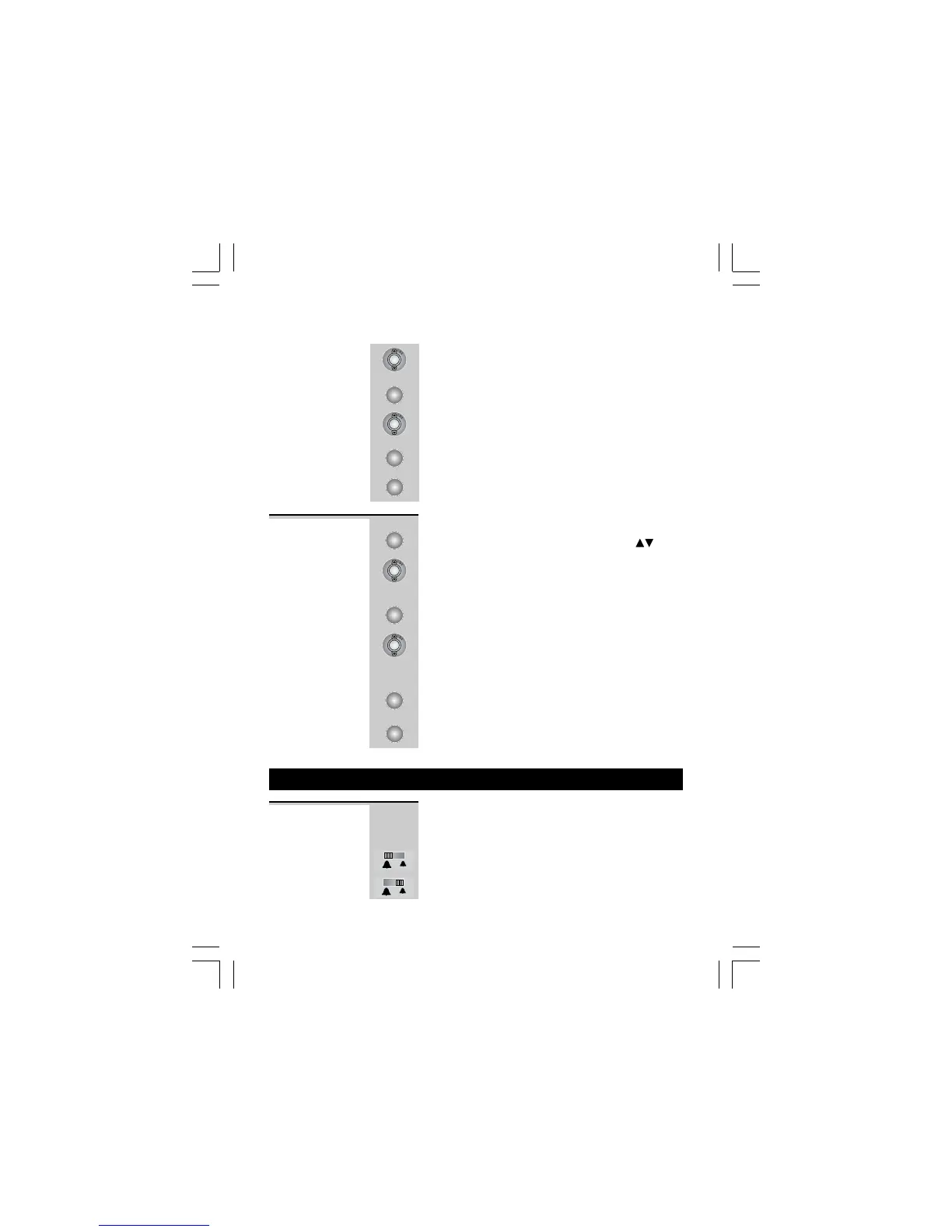
2 Press UP or DOWN button until the display
shows
SET FLASH TIMESET FLASH TIME
SET FLASH TIMESET FLASH TIME
SET FLASH TIME
.
3 Press MENU button to confirm.
4 Press UP or DOWN button to select 100MS
(default), 300MS, or 600MS.
5 Press MENU button to confirm.
6 Continue with programming, or press RECALL
button to return to standby mode.
1 Press MENU button.
Ö The display shows
OPTIONS MENUOPTIONS MENU
OPTIONS MENUOPTIONS MENU
OPTIONS MENU
.
2 Press UP or DOWN button until the display
shows
LCD CONTRASTLCD CONTRAST
LCD CONTRASTLCD CONTRAST
LCD CONTRAST
.
3 Press MENU button to confirm.
4 Press UP or DOWN button to select your
comfortable display viewing level (1~6). The
default setting is 3.
5 Press MENU button to confirm the LCD
CONTRAST setting.
6 Press RECALL button to return to standby
mode or wait until the program times out.
LCD
CONTRAST
Binatone Help Line - 0845 345 9677
Calls are charged at Local Call rate.
5. Telephone Operation
Ringer volume The Ringer High-Low switch located at the
back of the Base unit allows you to adjust the
volume of the ringer.
- High volume
- Low volume
MENU
MENU
MENU
MENU
MENU
RECALL/ESC
RECALL/ESC


 To Next Page