Getting ready for use
2
1
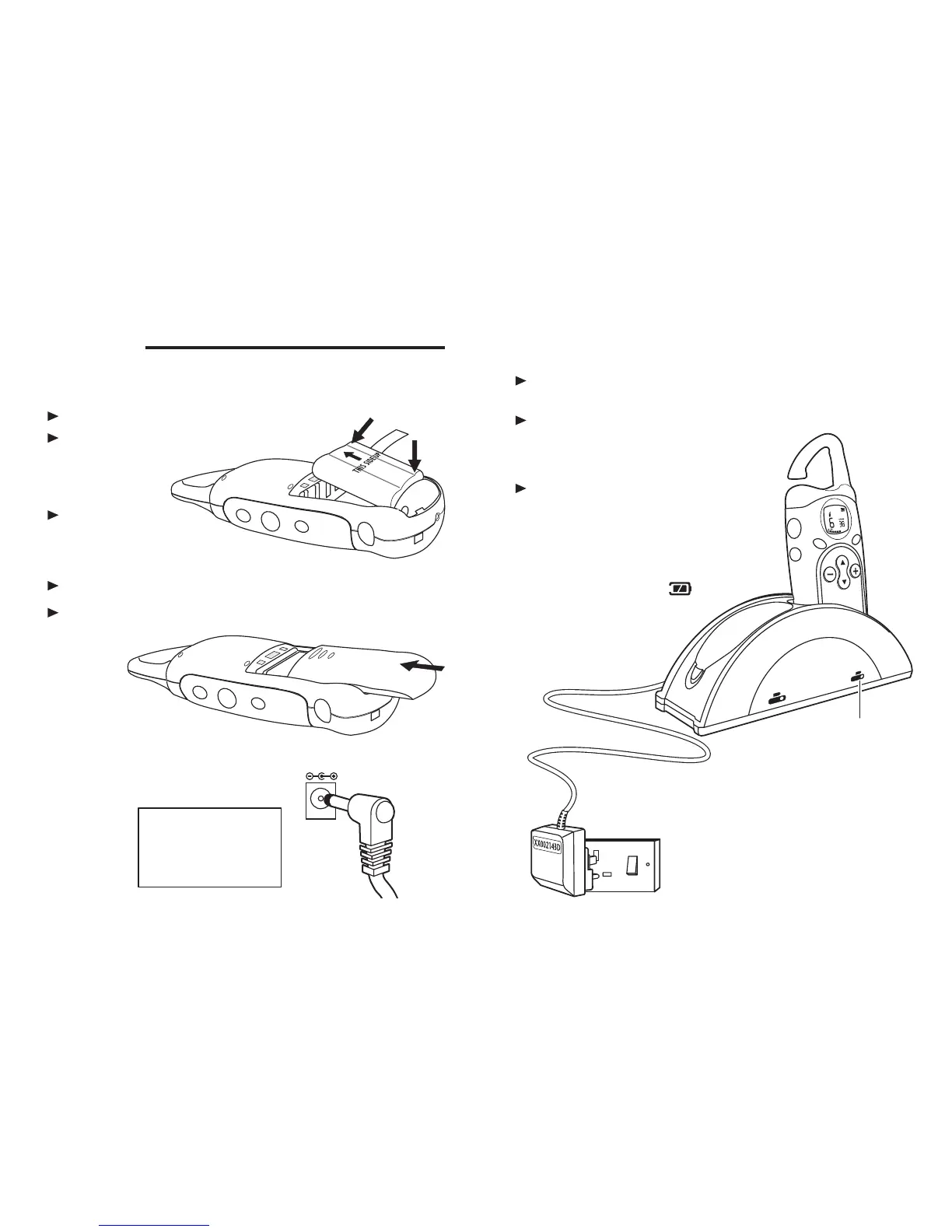
Fit a battery pack in each handset
Remove the battery compartment cover
To fit the battery, insert the lower
edge first ( ) …A
… then press the
upper edge into the
compartment ( ), clicking the
battery firmly into position
B
Lay the ribbon across the top of the battery pack
Replace the battery compartment cover, and firmly close
the latch
A
B
2
Connect the mains power lead
to the socket on the back of the
charger pod
DC 9V
The MR700 must be used with
mains adapter, part no.
XX002143D, supplied with the
unit. Using any other adapter will
result in non-compliance with
EN61554, and will invalidate any
approval given to this apparatus.
Getting ready for use
Binatone Help Line: 01325 304 473 3
Make sure the handsets are switched off
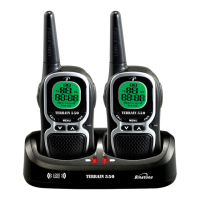
Place them in the charging cradles
Leave them for 12 hours to charge the
batteries fully
3
4
Connect the charger pod to the mains power supply
Charge the handsets’ battery packs
Switch on mains power at the socket
Switch on mains power at the
socket after you’ve plugged in
the mains adapter
Plug the mains adapter into a 230 V AC, 50 Hz mains socket,
with the switch on the socket set to OFF
When the handset is
correctly positioned in
the charging cradle,
the light comes on.
When you’re not using your MR700
handsets, switch them off and leave
them on the charger pod to keep the
batteries charged.
When you switch the handsets
on, the battery level display
should show (full).



 To Next Page