10
5. Telephone Operation
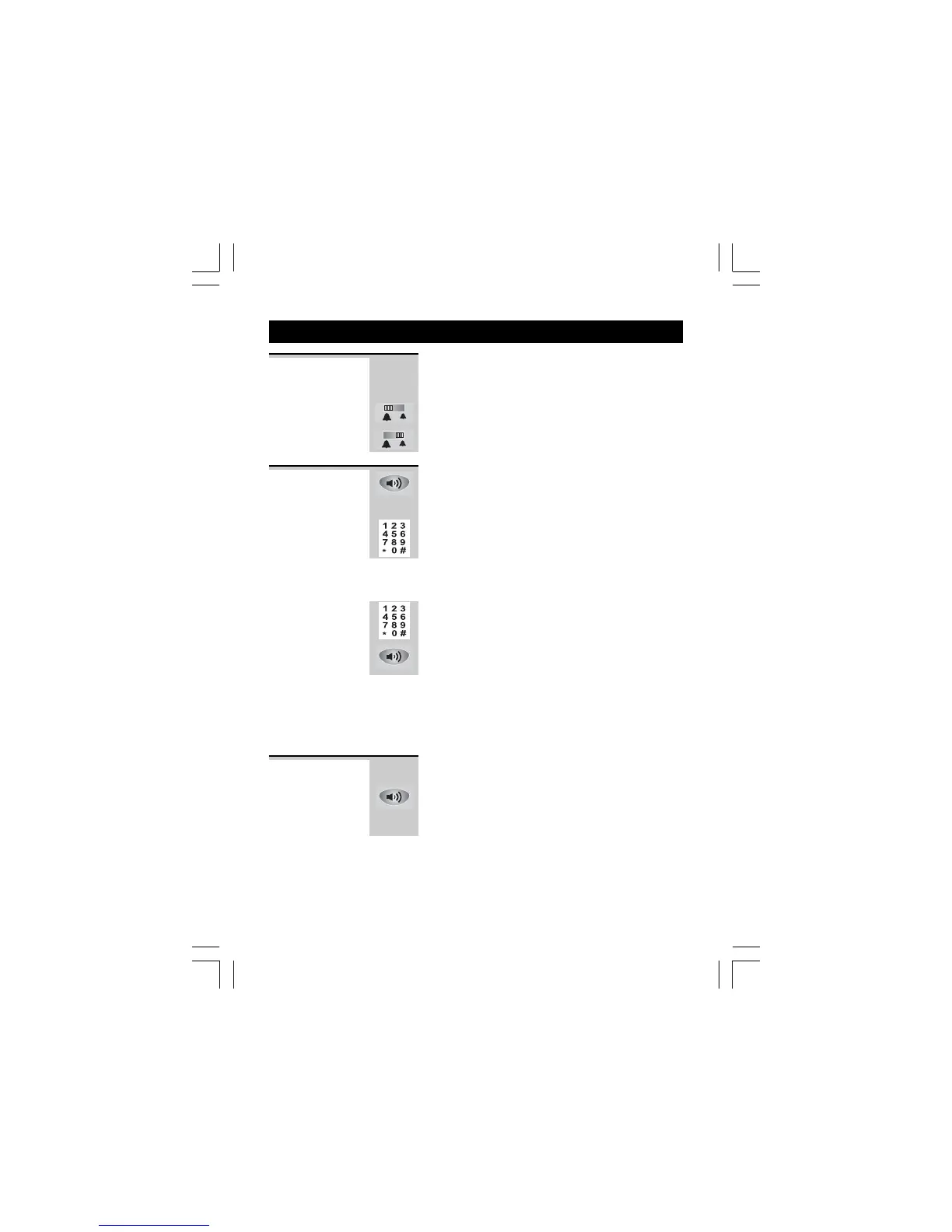
Ringer volume The Ringer High-Low switch located at the
back of the Base unit allows you to adjust the
volume of the ringer.
- High volume
- Low volume
1 Lift the handset, or press SPEAKERPHONE
button on the Base unit.
Ö Check for dial tone.
2 Dial the telephone number.
Ö The display shows the duration of the call in
minutes and seconds.
Using the Pre-dial mode
1 Dial the telephone number.
2 Lift the Handset or press SPEAKERPHONE
button on the Base unit to dial out the
number.
Notes:
When using the Speakerphone, speak clearly
into the Base unit microphone from a distance
of 15 cm (6 in.)
To make a
call
When the phone rings:
Lift the Handset, or press SPEAKERPHONE
button on the Base unit.
Ö The display shows the duration of the call in
minutes and seconds .
To answer a
call
Binatone Help Line - 0845 345 9677Binatone Help Line - 0845 345 9677
Binatone Help Line - 0845 345 9677Binatone Help Line - 0845 345 9677
Binatone Help Line - 0845 345 9677
Calls are charged at Local Call rate.














 To Next Page