19
Caller Display operation continue...
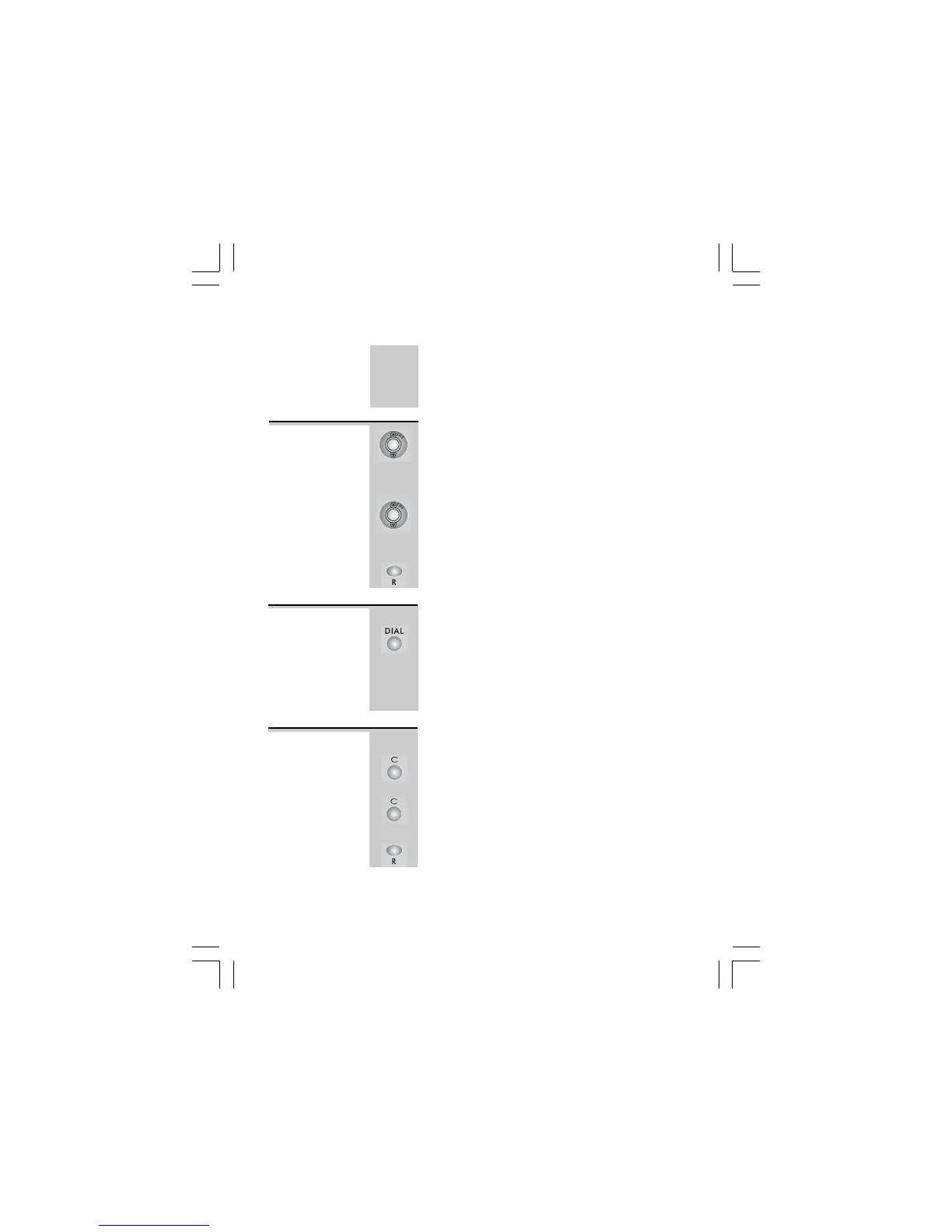
1 With the phone on standby mode, press UP or
DOWN button.
Ö The display shows the most recent record. If
there are no Caller Display records, the display
will show
NO CALLSNO CALLS
NO CALLSNO CALLS
NO CALLS
.
2 Press UP or DOWN button again to scroll to
the next Caller Display record.
Ö The display shows
END OF LISTEND OF LIST
END OF LISTEND OF LIST
END OF LIST
upon
reaching the end of the first and last record.
3 Press RECALL button to return to standby
mode or wait until the program times out.
Viewing the
Caller
Display list
When the Caller Display record is displayed.
Press DIAL button.
Ö
The phone automatically dials the
displayed record
using the speakerphone
mode. Lift the Handset anytime to talk
privately and to turn the speakerphone mode
off.
To return
a call
When the Caller Display record is displayed.
1 Press CANCEL button.
Ö The display prompts
DELETE CALL?DELETE CALL?
DELETE CALL?DELETE CALL?
DELETE CALL?
2
Press CANCEL button again to confirm.
Ö The display shows the next Caller Display
record.
3
Press RECALL button to return to standby
mode or wait until the program times out.
To delete a
Caller Display
record
The ‘NEW’ icon will display, and the NEW
CALL light indicator will light up to indicate
that you have a new Caller Display call stored
in memory. It will turn off until you have viewed
the new caller display record.
Binatone Help Line - 0845 345 9677Binatone Help Line - 0845 345 9677
Binatone Help Line - 0845 345 9677Binatone Help Line - 0845 345 9677
Binatone Help Line - 0845 345 9677
Calls are charged at Local Call rate.














 To Next Page