WR3000N 300M Wireless N Router
- 78 -
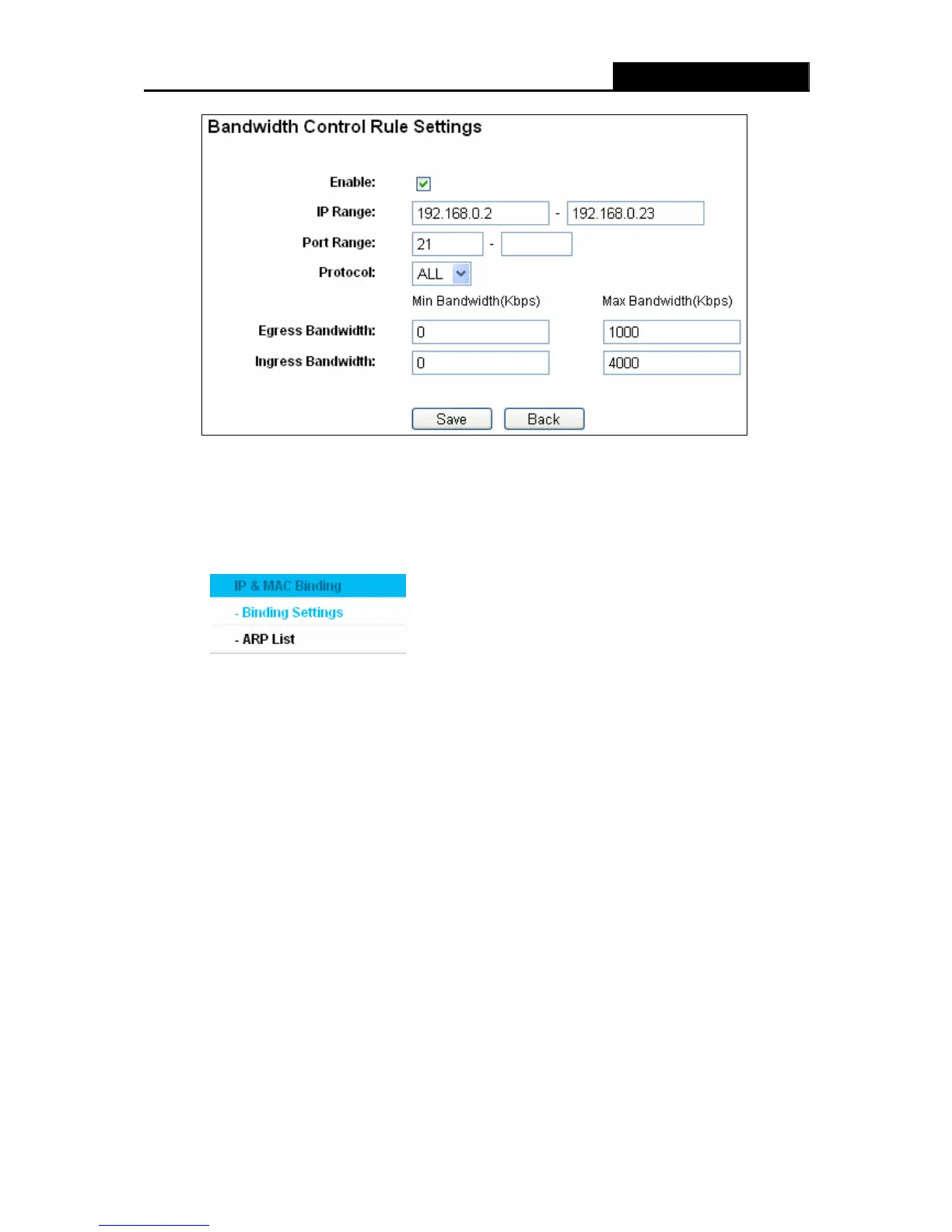
Figure 4-62 Bandwidth Control Rule Settings
Step 3: Click the Save button.
4.14 IP & MAC Binding Setting
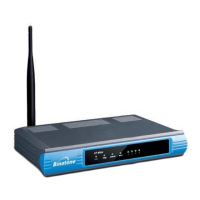
Figure 4-63 The IP & MAC Binding menu
There are two submenus under the IP &MAC Binding menu (shown in Figure 4-63): Binding
Settings and ARP List. Click any of them, and you will be able to scan or configure the
corresponding function. The detailed explanations for each submenu are provided below.
4.14.1 Binding Settings
This page displays the IP & MAC Binding Setting table; you can operate it in accord with your
desire as shown in Figure 4-64.


 To Next Page