WR3000N 300M Wireless N Router
- 84 -
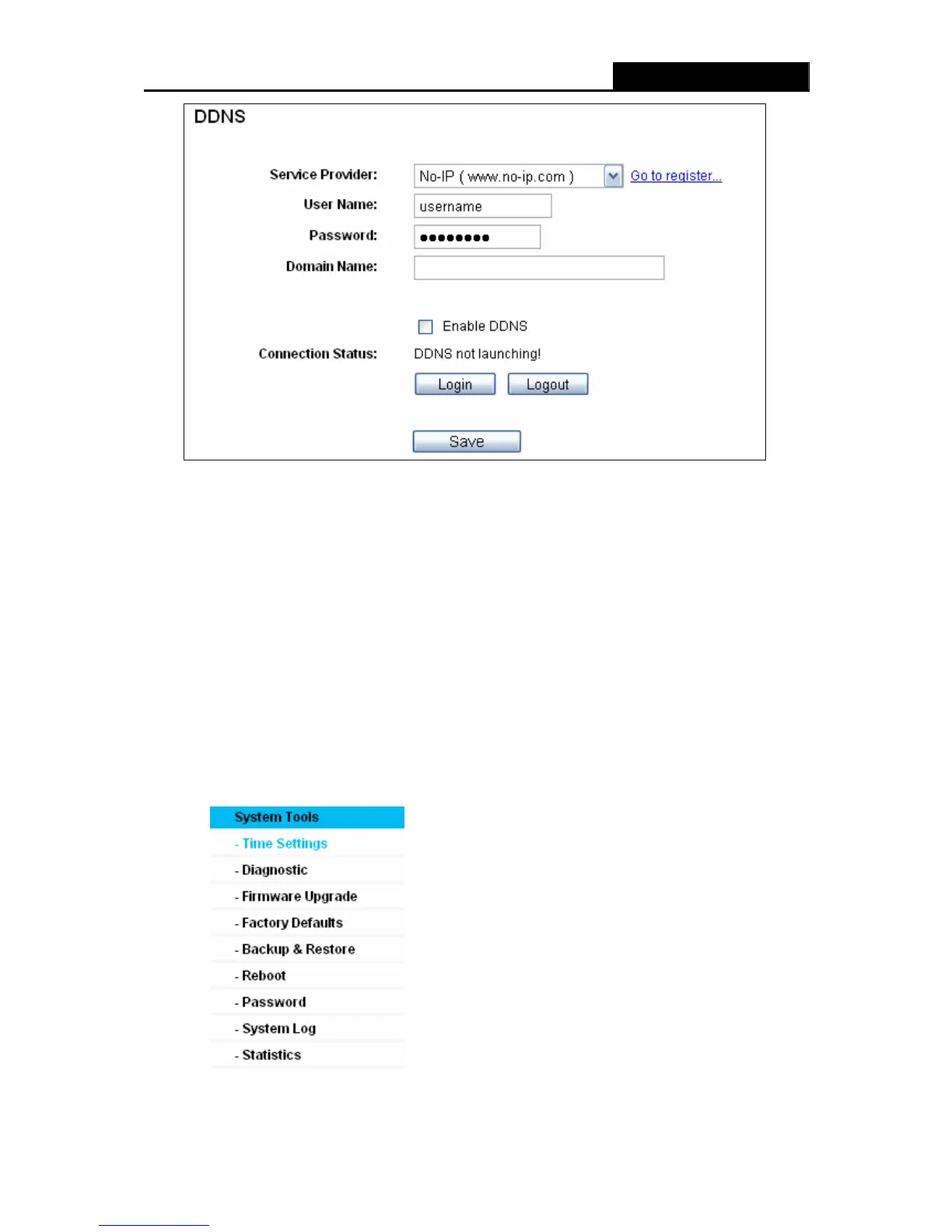
Figure 4-70 No-ip.com DDNS Settings
To set up for DDNS, follow these instructions:
1. Type the User Name for your DDNS account.
2. Type the Password for your DDNS account.
3. Type the Domain Name you received from dynamic DNS service provider.
4. Click the Login button to log in the DDNS service.
Connection Status - The status of the DDNS service connection is displayed here.
Click Logout to log out the DDNS service.
4.16 System Tools
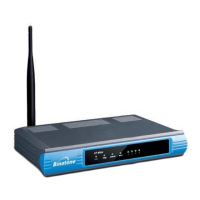
Figure 4-71 The System Tools menu


 To Next Page