Service documentation series KB/KBF
BB / JTU 25.06.2000
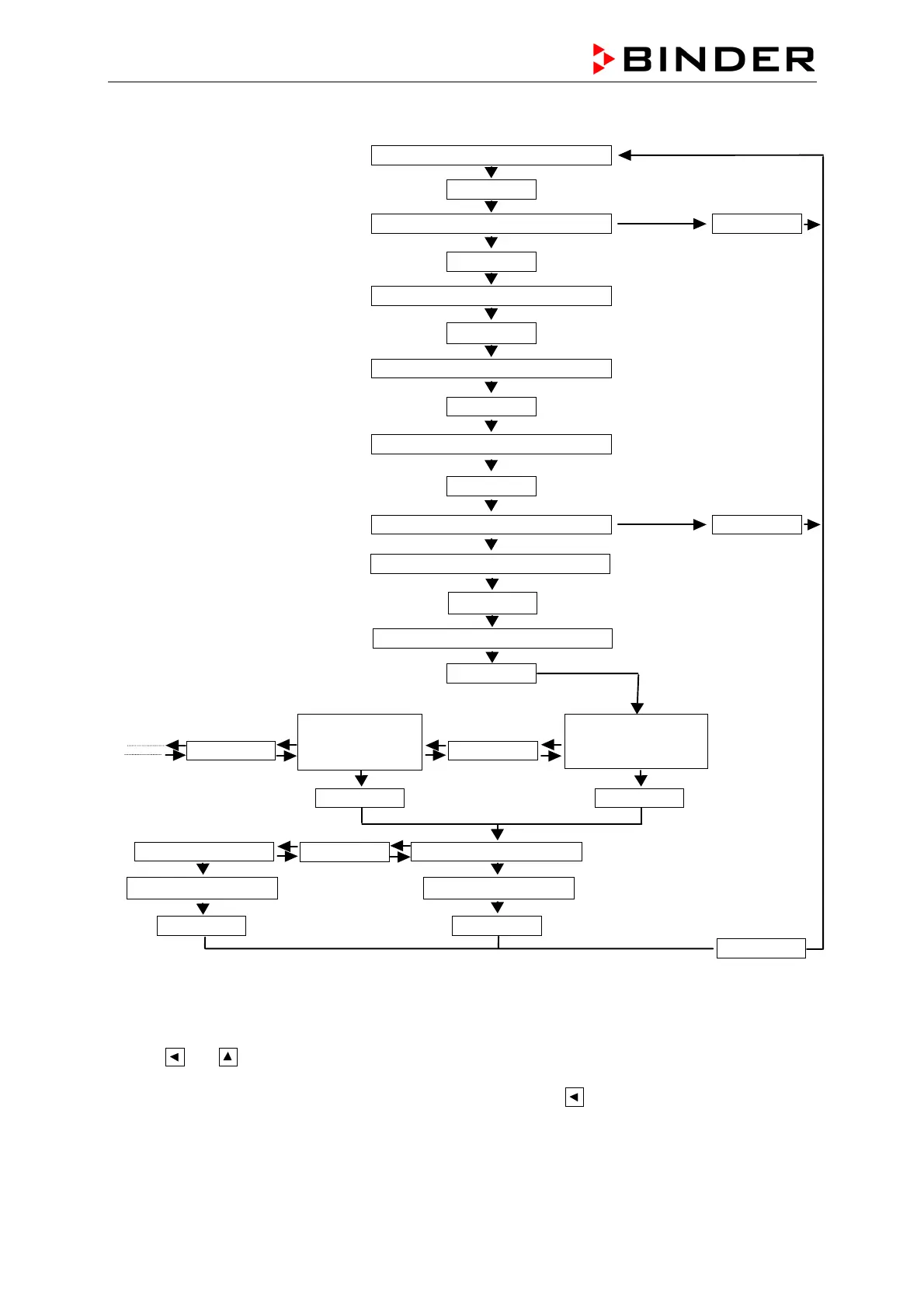
D2 KBF Calibrating instructions
GRUNDSTELLUNG
CONFIGURATION 2
5X Pgm
Enter
CODE-NR. 0000
Code-Nr. 0003
3X
n
Enter
DISPLAY
3X Pgm
RECALIBRATION
CORRECTION
INPUT1
(temperature)
Enter
FULL SCALE 1 START VALUE 0
Enter
Pgm
Set with
m
n
Exit
Exit
Set with
m
n
Enter
Exit
CODE-NR. 0000
Code-Nr. 0004
4X
n
Enter
Pgm Pgm
CORRECTION
INPUT2
(hum idity)
Enter
For reset the calibration please set the start value and the end value to the same value. After reset the
start value is set to 0 and the end value to 1.
As from the firmware version E045.01.100 you come directly into the menu re-calibration with the
buttons
and , which have to be pressed together for about 10 sec.
The firmware inquiry is effected by pressing the buttons PGM and
at the same time.









 To Next Page