Keypad Description | 43
Keypad Description
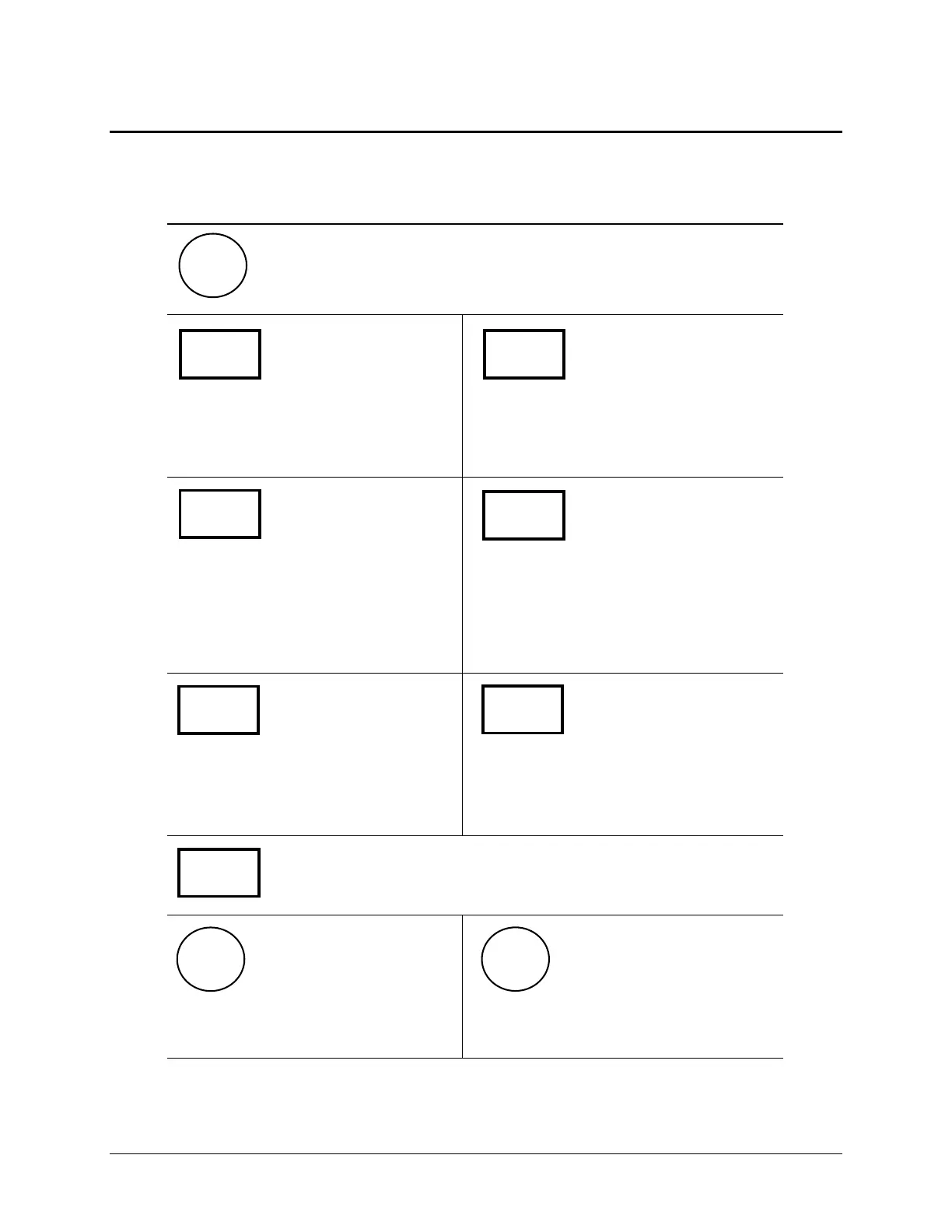
The keypad has four SoftKeys, one below each selectable menu
option. Press a SoftKey to choose a menu selection. For example,
from the Main Menu, press the leftmost SoftKey to select RUN,
the rightmost to select UTIL.
Press CLEAR to delete an entry.
Pressing ENTER generally saves the
current screen settings and advances
to the next screen in a series.
Exit the current screen and return
to the Main Menu. After defining
a washer program, press the
Main Menu key, and then press
YES to save the program.
To move to a previous menu, press
the Previous Screen key.
Press the W (reverse) arrow to
move the cursor to the left in the
LCD display.
Press the X (forward) arrow to move
the cursor to the right in the LCD
display.
To scroll through the different options within a program, press the
Options key or the Shift + Options key combination. Press the
ENTER key to select the current option.
To stop running (abort) a washer
program, press the STOP key.
To start running a washer program,
press the START key.
CLEAR ENTER
Main
Menu
Previous
Screen
p
q
Options
START
STOP
ELx405 Operator's Guide


 To Next Page