(ii) Press the SET” button to enter the rotating speed adjustment panel. Next,
press the “ UP” or “ DOWN” button and press the “ SET” button again to enter the
time adjustment area. The needed minutes can be chosen by pressing the “ UP” or “
DOWN” button.
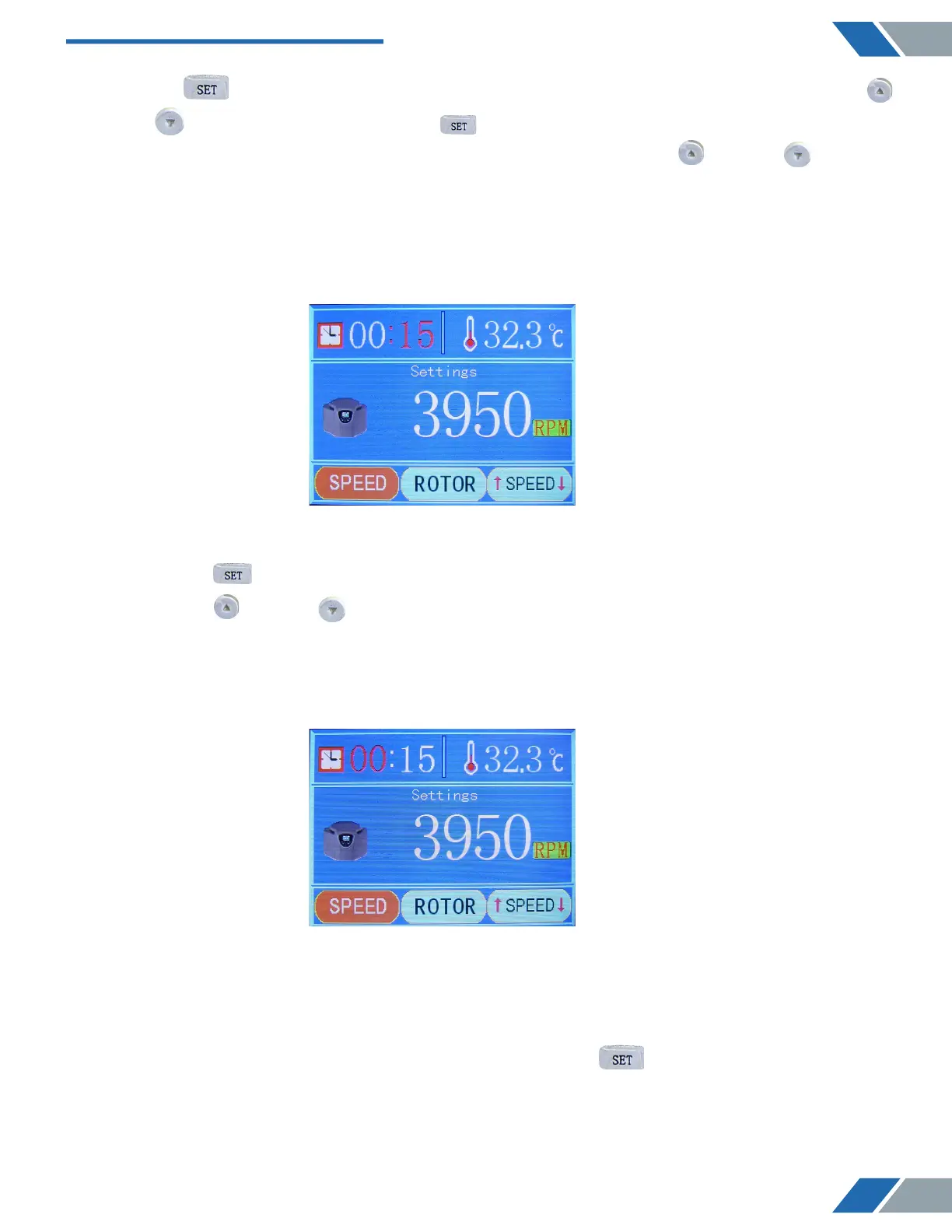
As it is shown below:
(iii) Press the SET” button to enter next step, and the needed hours can be chosen by
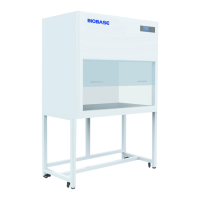
pressing the “ UP” or “ DOWN” button.
As it is shown below:
3) On the bottom of the first adjustment panel, press the “ SET” button to enter the
second adjustment panel ( the adjustment panel of rotor modes ) , or touch the screen and
click the rotor number area to enter the same panel.
9
www.biolabscientific.com
Benchtop Low Speed Centrifuge BCBL-207


 To Next Page