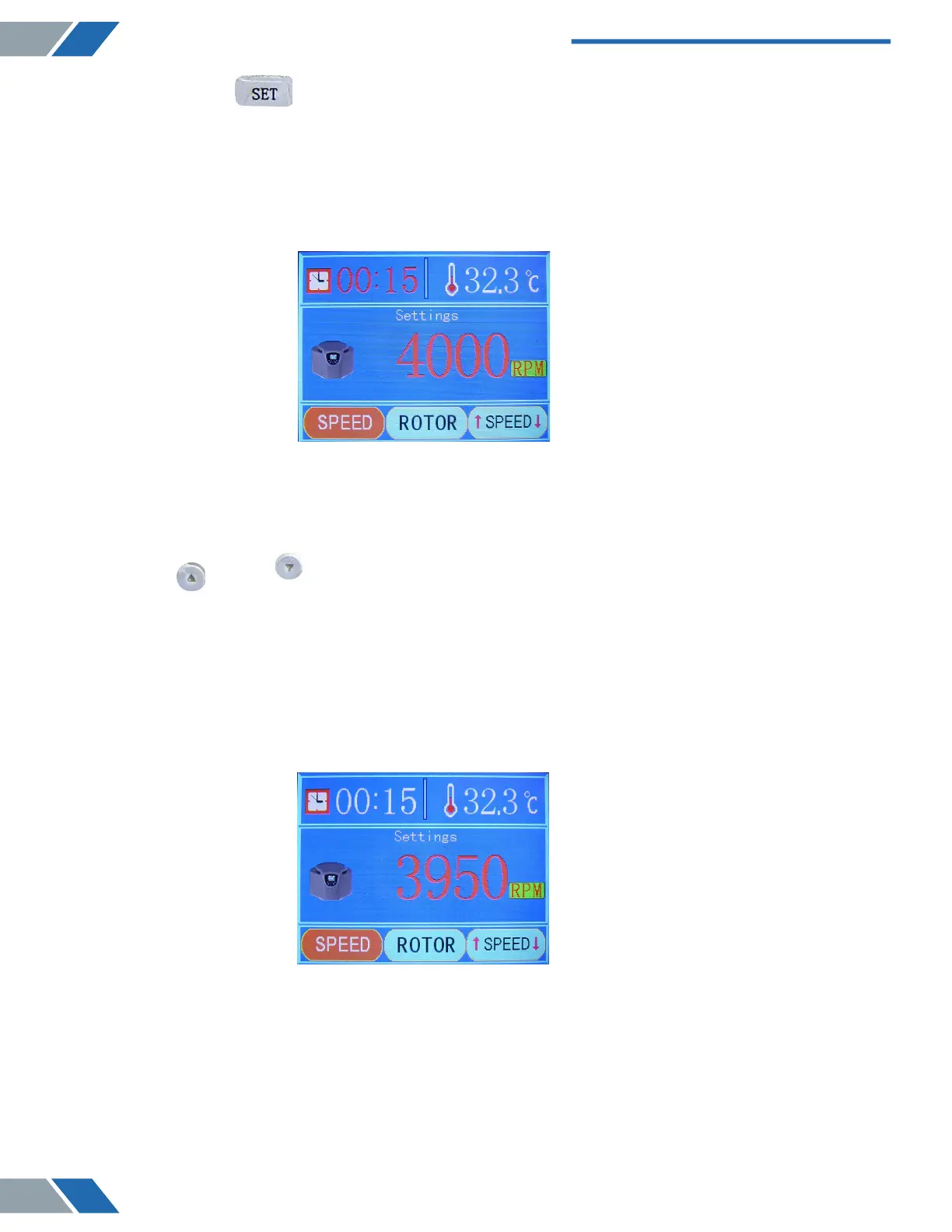
2) Press the “ SET” button to enter the first adjustment panel, or touch the screen
and click the rotating speed area to enter the same panel.
As it is shown below:
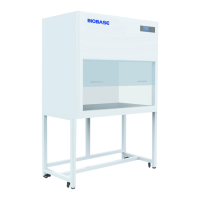
(i) Press the “ UP” or " DOWN” button to adjust the rotating speed value.
Attention: The slowest rotating speed is 100r, and the fastest is the maximum rated speed of
the rotor. 50r rotating speed can be adjusted by each press. Pressing the “UP” or “DOWN”
button fixedly can adjust the speed value continuously.
As it is shown below:
www.biolabscientific.com
Benchtop Low Speed Centrifuge BCBL-207
8


 To Next Page