18 Biodex Medical Systems, Inc. © 2017
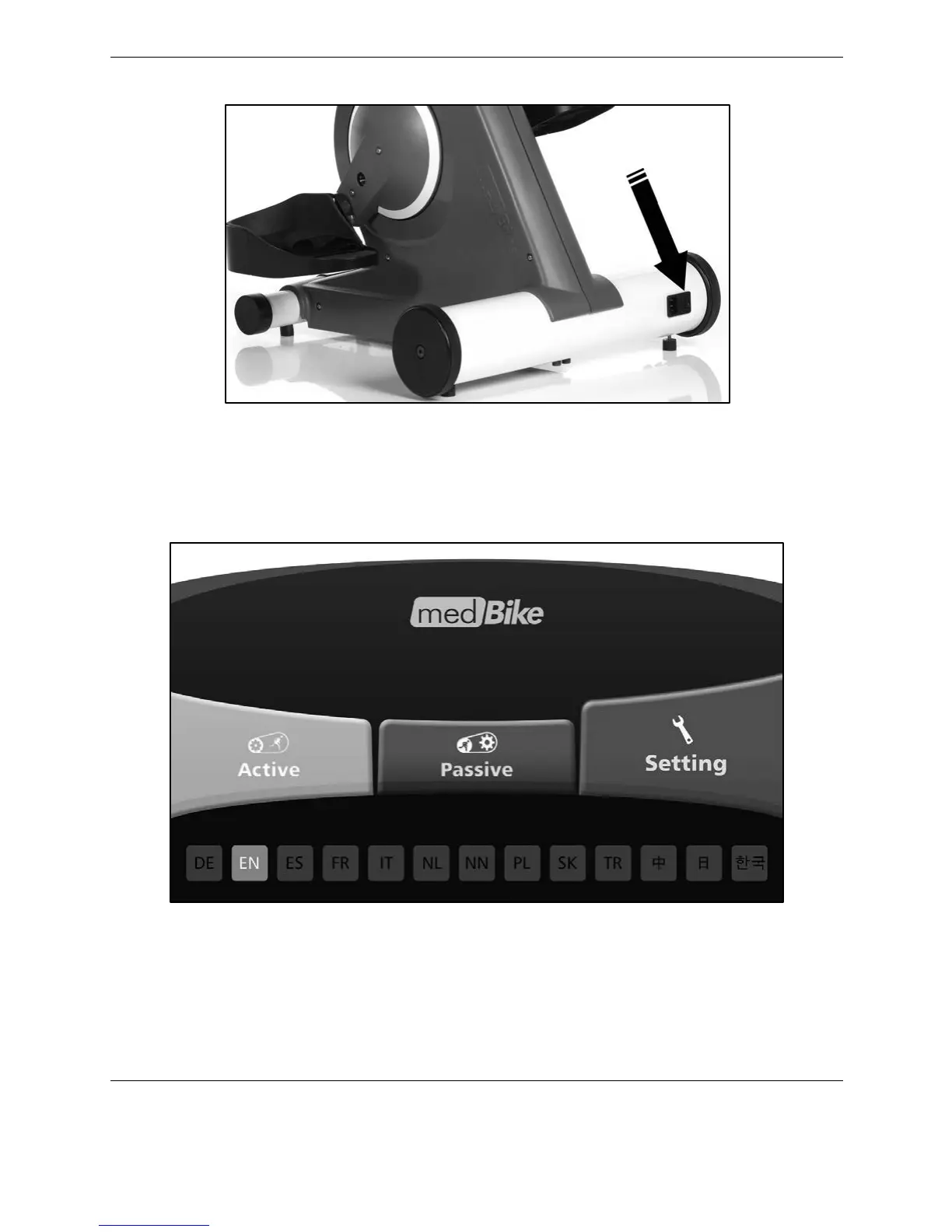
Figure 2.11. The ON / OFF switch.
Settings
If the device is not already set to your preferred language, make your selection on the bottom
of the screen (EN = English) and select <Settings>.
Figure 2.12 Home screen.
Select either the <METRIC> or <IMPERIAL> setting for your preferred units of measure. Select
the maximum number of rotations per minute (rpm) for the Passive Mode. A rotation is the
singular event of moving the pedals all the way around a circular motion.



 To Next Page