34 Biodex Medical Systems, Inc. © 2017
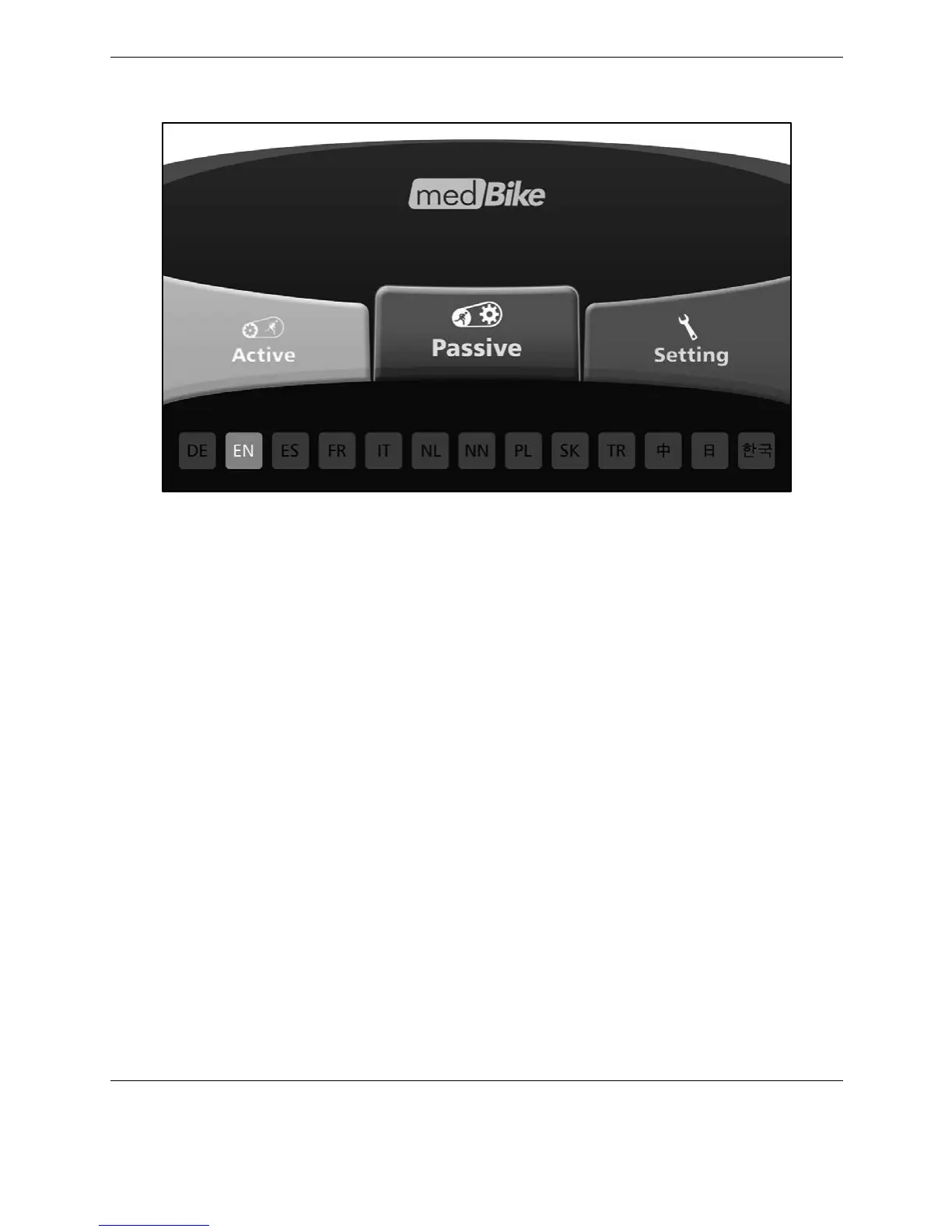
Press the <Home> button to return to the Home screen.
Figure 4.5. Home screen.
Passive User Profile Mode
The Passive User Profile Mode, like the Passive Manual Mode, is used when the user has
moderate to severe lower extremity limitations and, therefore, must rely on the device’s motor
to rotate the pedals.
In the User Profile Mode, the session can be customized into individual segments where the
pedaling direction and rpm levels can be set per segment. The rpm level and pedaling
direction can also be adjusted as needed during the exercising (while a particular segment is
active.)
To start a Passive User Profile session, select <User Profile> from the Passive Modes menu.



 To Next Page