33 Biodex Medical Systems, Inc. © 2017
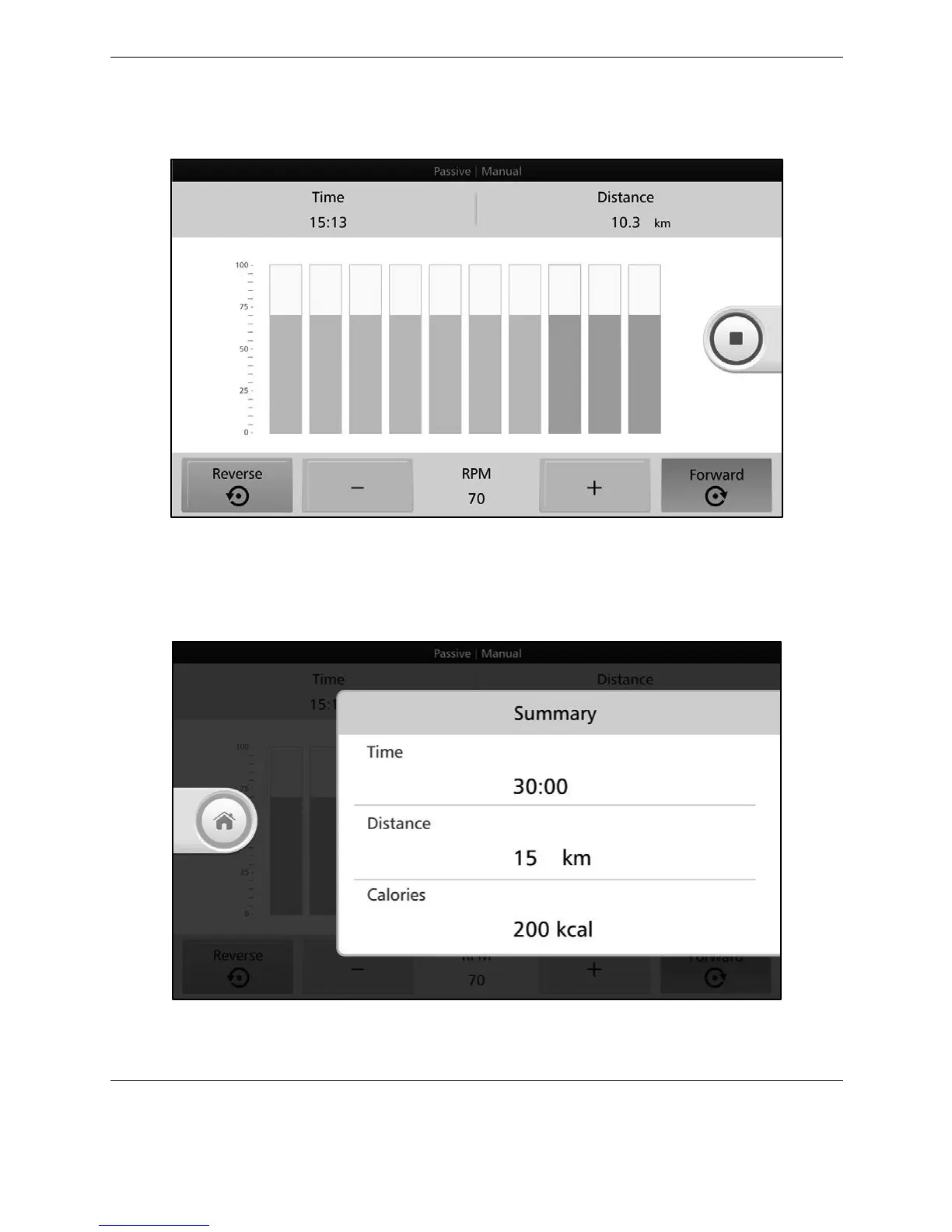
As the user moves through each segment, the completed segments will turn gray. While the
user is exercising, press +/- to adjust rpm level or <Reverse> or <Forward> to change pedaling
direction.
Figure 4.3. Passive Manual Mode—rpm level setting screen (individual segments).
If you press the <RED SQUARE> button to stop the exercise, you will see the results data from
the workout.
Figure 4.4. Passive Manual Mode Results.



 To Next Page