36 Biodex Medical Systems, Inc. © 2017
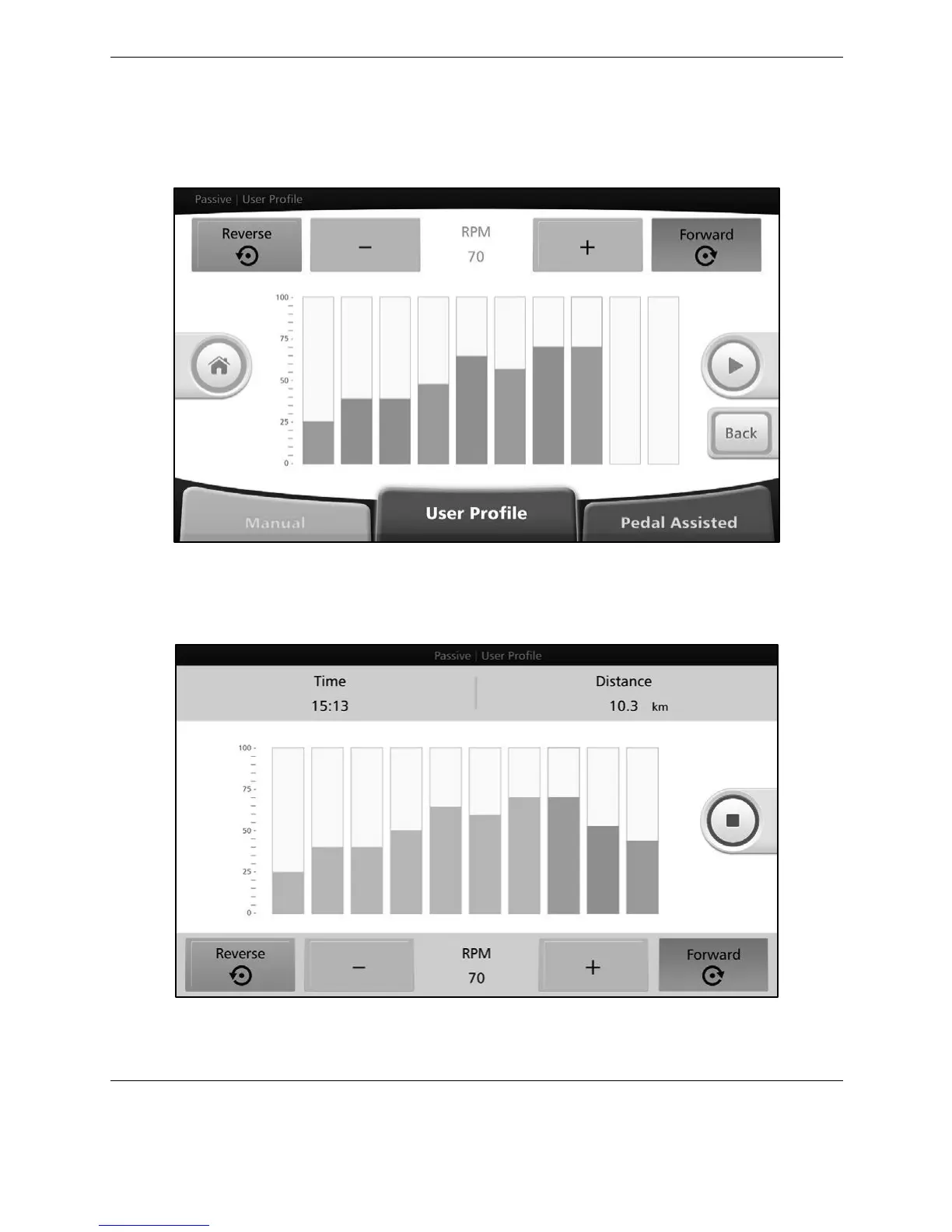
Touch any individual segment (rectangular boxes in the middle of the screen) to set the rpm
and pedaling direction for that particular segment.
Press the <Green Arrow> button to begin exercising.
Figure 4.7. Passive User Profile Mode— rpm levels and pedaling direction settings
screen (individual segments).
As the user moves through each segment, the completed segments will turn gray.
Figure 4.8. Passive User Profile Mode—in-progress exercise screen.



 To Next Page