39 Biodex Medical Systems, Inc. © 2017
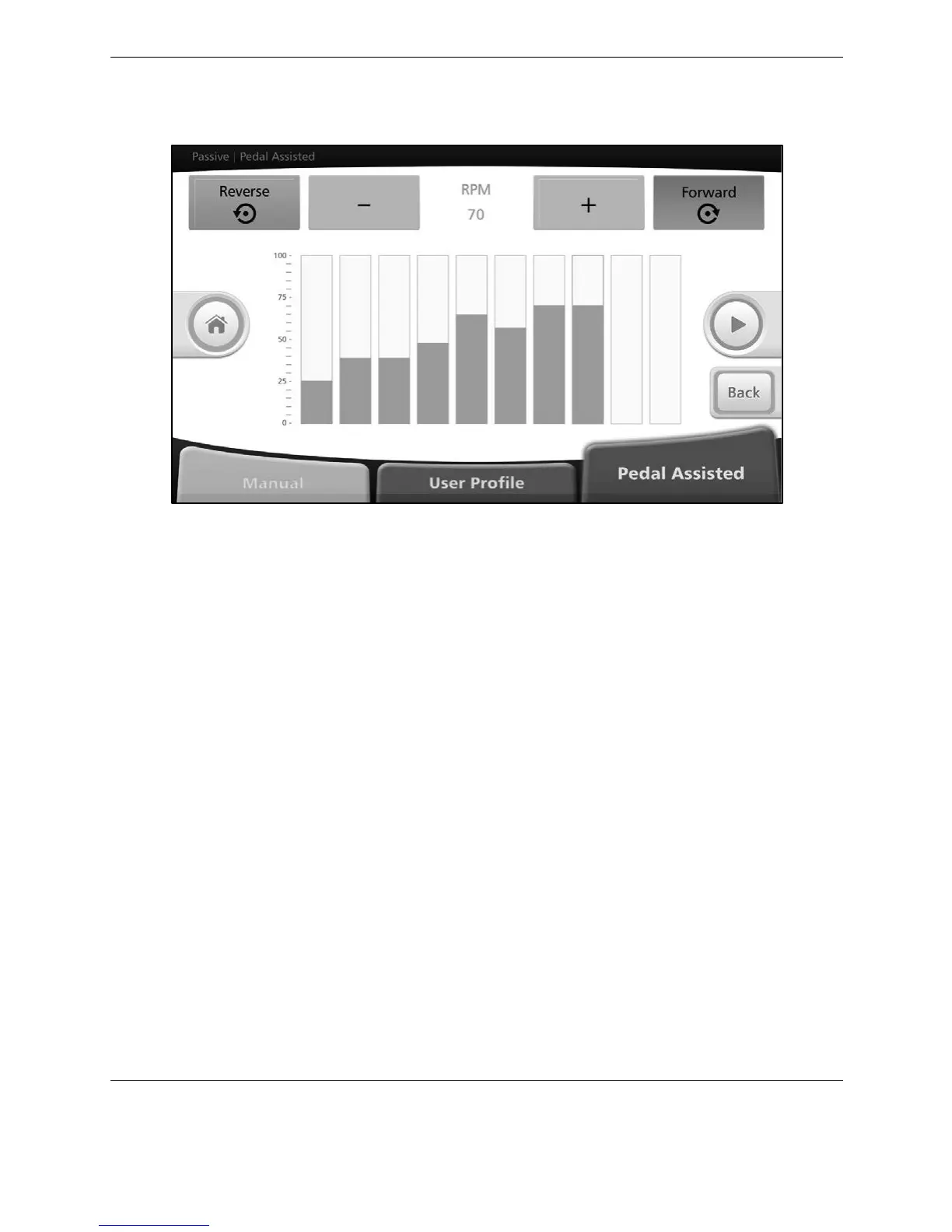
Set desired rpm and pedaling direction for each segment. Press the <Green Arrow> button.
Figure 4.12. Passive Pedal Assisted Mode— rpm settings screen (individual segments).
Start pedaling. After 30 seconds, warm-up medBike will start sensing and compare actual rpm
to set rpm.
In case actual rpm is 15% lower (or more) than set rpm, medBike will assist user to reach the set
rpm. The sensing frequency is modulated in accordance with EXERCISE TIME and SET RPM.
Press +/- to adjust rpm.



 To Next Page