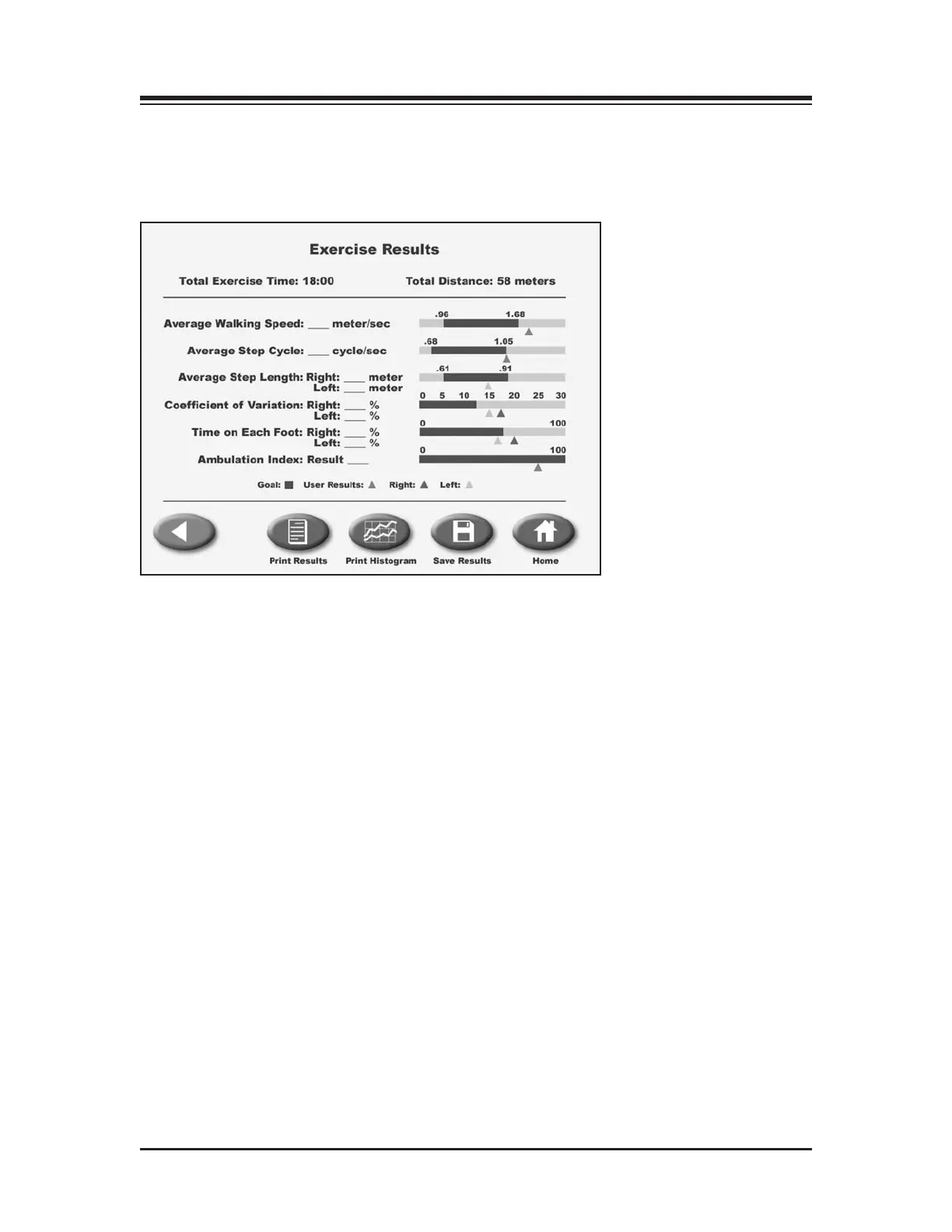
(See Figures 7.1, 7.2 and 7.3.)
E
xercise results can be reviewed from the Exercise Results screen only after touching <End> to
end the exercise session and then touching <Results>.
Figure 7.1. The Exercise Results screen. Note the Exercise Results functions available at the bottom of the
screen.
EXERCISE RESULTS PARAMETERS
Total Exercise Time: This displays the total elapsed time from the start of the exercise until either
the end of the exercise bout or when the <STOP> button is pushed.
Total Distance: This is the total distance traveled by the belt, which is in essence the distance trav-
eled by the patient.
Average Walking Speed: Normative values have been established and are dependent on age and sex.
The norms ar
e expressed next to the real time value.
Average Step Cycle: This is calculated by taking an average for the step cycles during the exercise
bout.
Step Length Target = (leg length *0.69 + (leg length *0.86)/2
Average Step Length: This number is calculated by taking an average for all of the step lengths .
Coefficient of Variance: This is calculated as the amount of variation occurring between footfalls.
7. EXERCISE RESULTS
— 7-1 — EXERCISE RESULTS



 To Next Page