The Biodex Gait Trainer 2 can be used for gait training applications, or as a rehabilitation tread-
mill. The following section describes use in the Gait Training Mode. Rehabilitation treadmill oper-
a
tion is described later in this manual.
THE GAIT TRAINING MODE
The Gait Training Mode is useful for the rehabilitation and retraining of gait for patients with neu-
ralgic and orthopedic gait dysfunctions. It provides both audio and visual feedback for patient
compliance. The rhythmic movement of the treadbelt along with the audio and visual biofeed-
back, provides the necessary stimulus for retraining neural pathways, thus improving the gait pat-
tern of the patient.
NOTE: It is recommended that the Biodex Unweighing System be used in conjunction with the Gait Trainer
2 to provide a safe environment for the patient and clinician, and also to allow for proper patient position-
ing for weight distribution and coordination of balance.
POWER-UP
(See Figure 4.1)
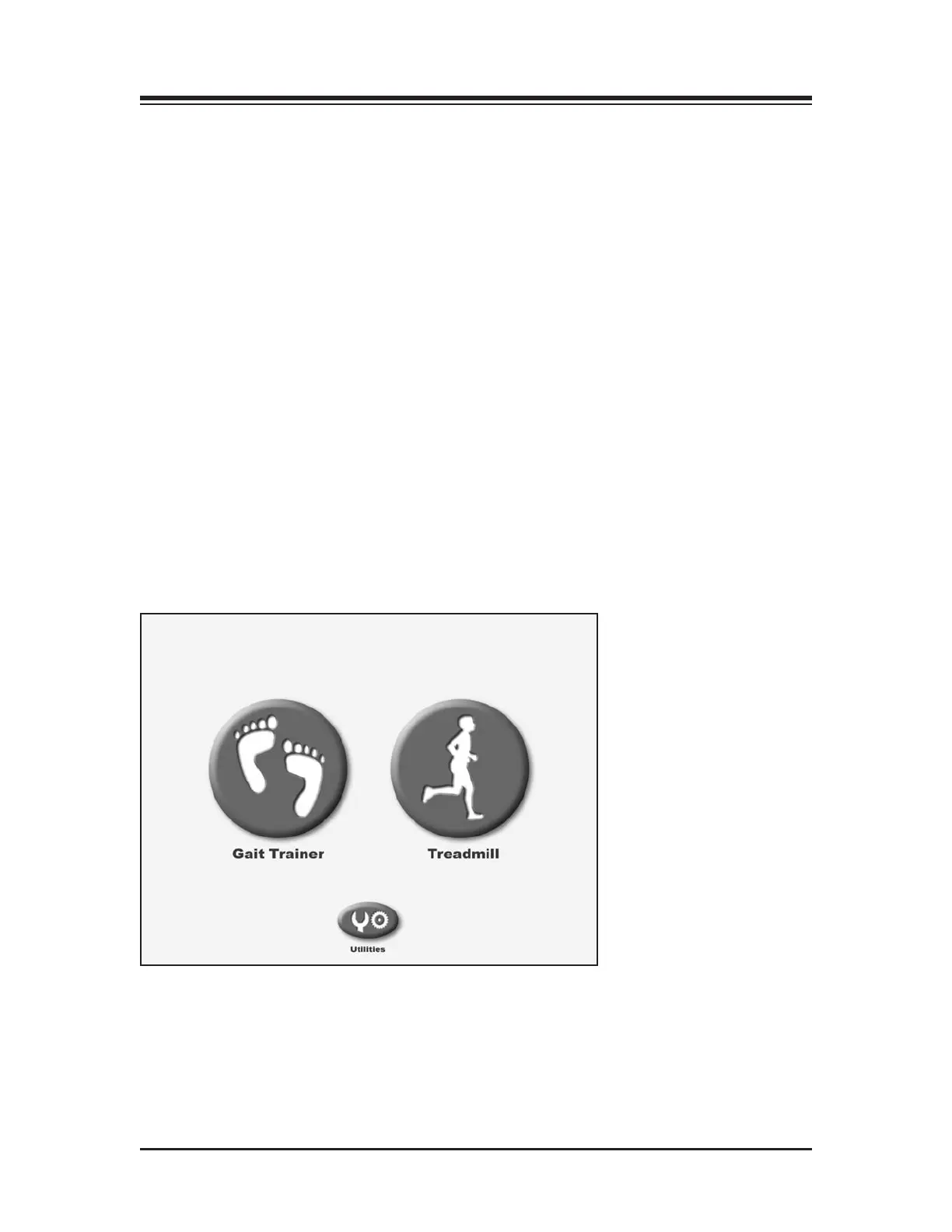
To provide power to the Gait Trainer 2, ensure the power plug is connected to an appropriate sock-
et. Press the ON/OFF switch, located on the base of the Gait Trainer 2 in the left corner at the front
end, to the “l” (ON) position. The orange LED on the <On/Standby> key, located at the bottom
left of the display panel, should illuminate to indicate that power to the Gait Trainer 2 is ON. You
can now press the <ON/Standby> key to activate the display panel and bring up the Opening
Menu touch screen.
Figure 4.1. The Gait Trainer 2 Opening Menu.
4. GAIT TRAINING MODE
— 4-1 — GAIT TRAINING MODE



 To Next Page