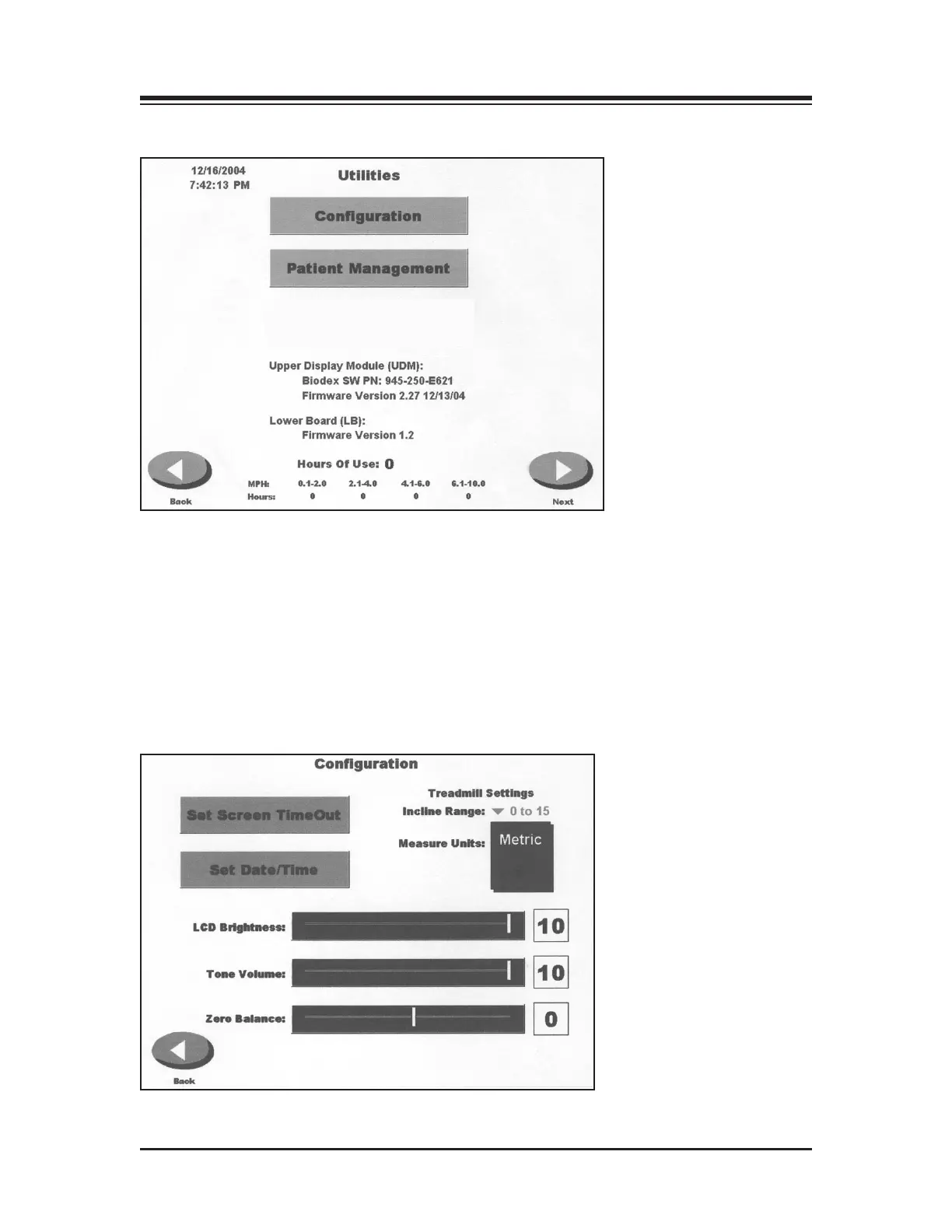
(See Figure 10.1)
Figure 10.1. The Utilities Menu allows access to the Configuration and Patient Management screens. The
System Maintenance screen, not displayed, is also accessed through the Utilities Menu.
The Utilities Menu allows users to access the Configuration, Patient Management and System
Maintenance (not shown) screens. The Utilities Menu also displays technical information about
the Gait Trainer 2, firmware version, and cumulative hours of use.
To access the Utilities Menu, touch <Utilities> on the Main. The Utilities Menu should now be dis-
played.
CONFIGURATION
(See Figures 10.2 and 10.3.)
Figure 10.2. The Configuration screen.
10. GAIT TRAINER 2 UTILITIES
— 10-1 — GAIT TRAINER 2 UTILITIES



 To Next Page